Market Entry Strategy Southeast Asia
10 slides, Boardroom theme
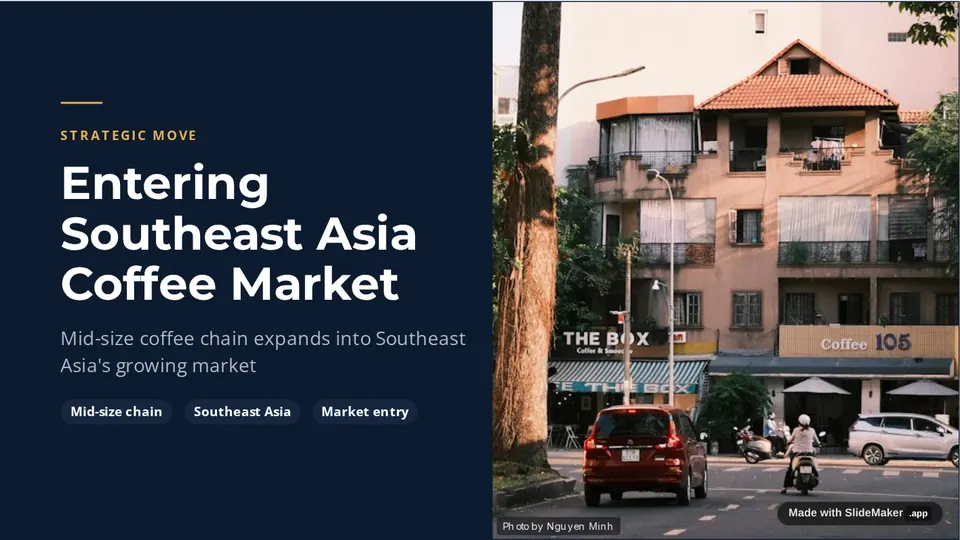
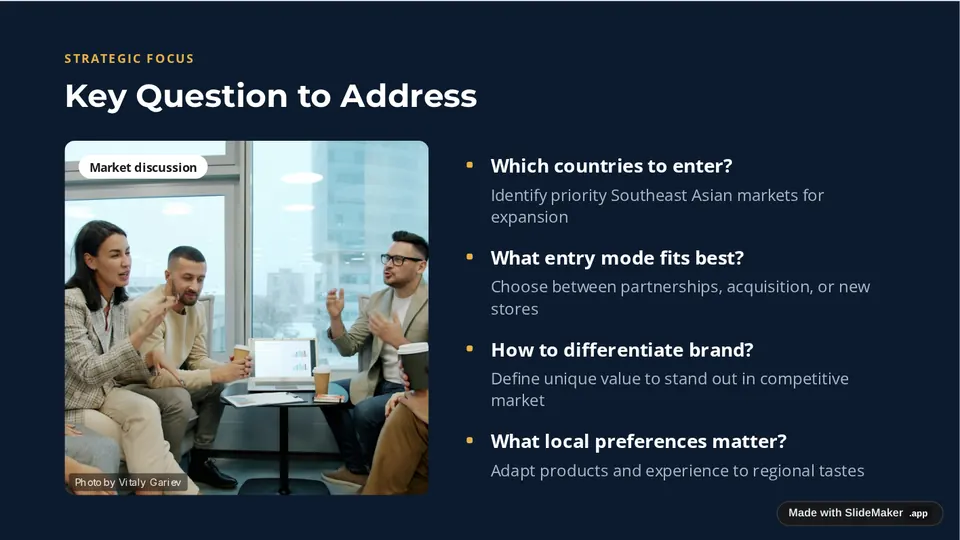
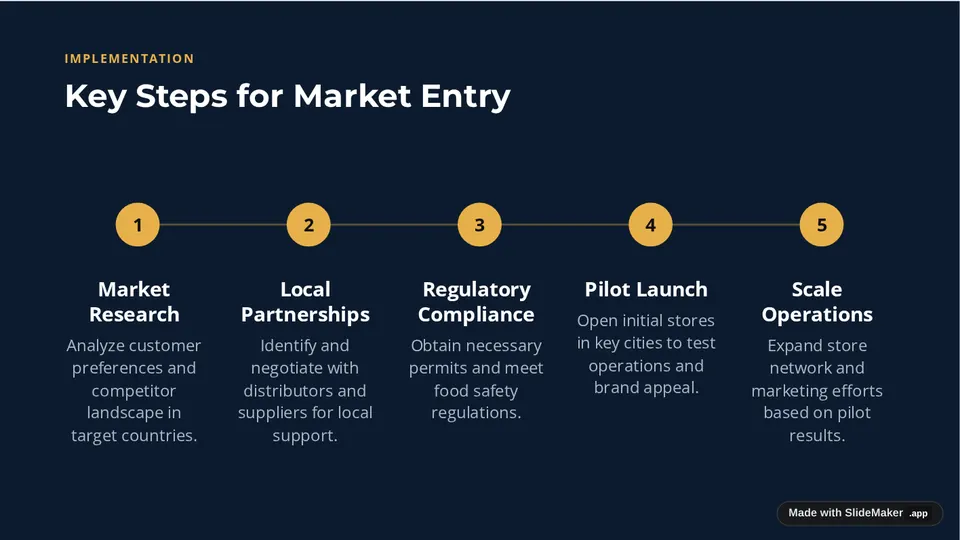
Prompt: Consulting deck: market entry strategy for a mid-size coffee chain entering Southeast Asia, with situation, key question, options, recommendation and 12-month roadmap
 Create Slides
SlideMaker.app is a free, non-commercial personal learning and research project created by Gourav Singla.
SlideMaker works as a consulting presentation AI for the first draft of a client deck: a situation, the key question, the options, a recommendation and a roadmap. You get editable consulting-style slides with clear titles to sharpen, instead of a blank page the night before the steering committee.
These are real decks, generated from the prompt shown under each one and not edited afterwards. Open a sample to see every slide.
Prompt: Consulting deck: market entry strategy for a mid-size coffee chain entering Southeast Asia, with situation, key question, options, recommendation and 12-month roadmap
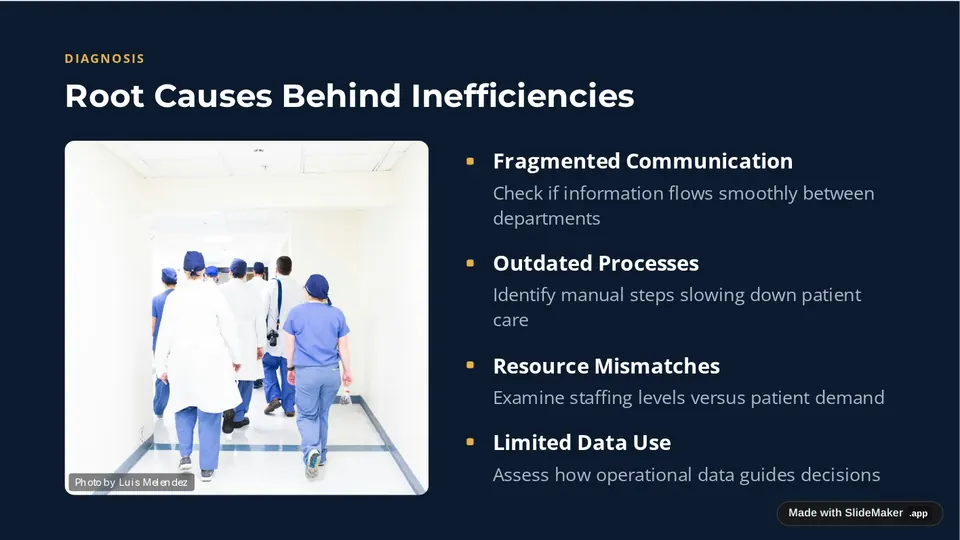
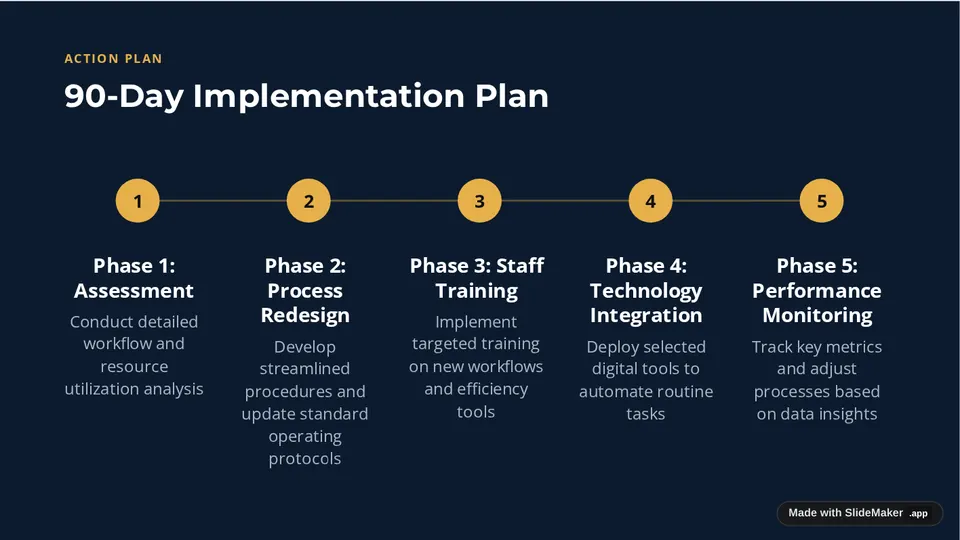
Prompt: Consulting deck: operational efficiency diagnostic for a regional hospital, with findings, root causes, quick wins and a 90-day implementation plan
Decks open with the situation and the question to answer, then build to a recommendation, the way a client reads a consulting deck.
Slide titles state the point of the slide, so the deck reads as an argument. Edit them until each one is the sentence you want the client to remember.
Comparisons of options, phased plans and next steps come out as structured slides you can refine, not as one long paragraph.
Paste interview notes or an outline and the slides follow them. With a free account you can upload a PDF or Word file too.
The answer-first storyline and action titles follow the idea behind Barbara Minto's Pyramid Principle.
It can draft them. SlideMaker builds a storyline with situation, question, options and recommendation slides and titles that state the point. Expect to sharpen the titles and add your own numbers before a client sees it.
Yes. SlideMaker is free to use. You can try it before signing in; uploading a file needs a free account.
Yes. Download as PowerPoint (.pptx) and continue in your firm's template, or as PDF.
Yes. Paste notes, findings or an outline and the slides are built from them rather than from generic text.
SlideMaker.app is a free, non-commercial personal learning and research project created by Gourav Singla.