
Turn a simple prompt, a rough outline, or a PDF into a slide deck in seconds. Stop staring at a blank screen and start with a finished draft you can actually edit.
SlideMaker.app is a personal learning and research project created by Gourav Singla.
SlideMaker is an AI presentation maker built to get you from a rough thought to a polished draft, fast. Whether you have a one-sentence prompt, a messy outline, or a 20-page PDF, AI structures your content into beautiful, editable slides.
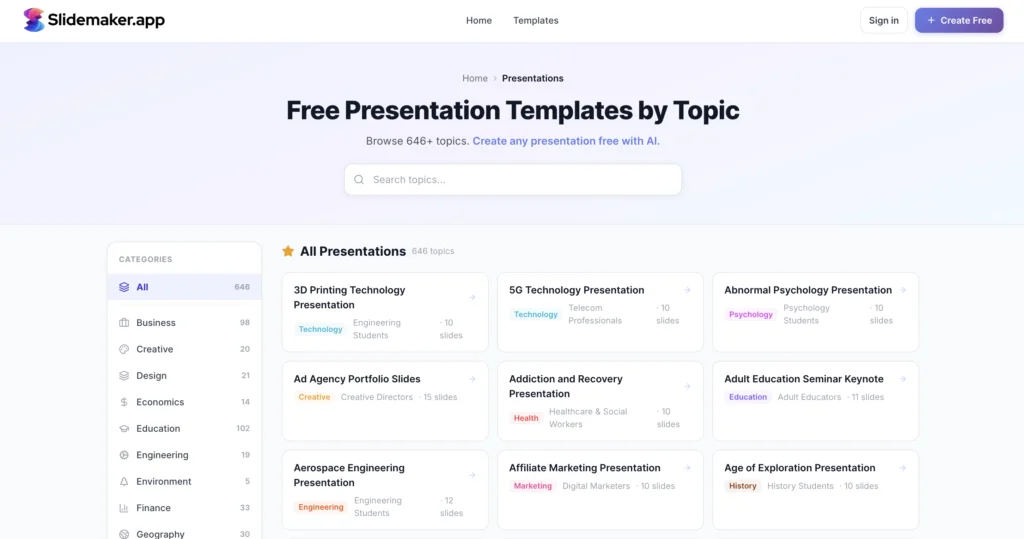
SlideMaker is an AI presentation maker that helps users go from rough input to a presentation draft fast. Users can start with a prompt, outline, meeting notes, class notes, or a PDF, generate the first version, and then edit the slides instead of starting from a blank deck.
Need a fast first draft? Describe your topic and let the AI slide generator handle the research and layout.
Turn an outline into slides with a structure that is easier to refine.
Don’t let your brainstorming go to waste. Convert rough bullet points or meeting notes into a usable deck.
The fastest way to do PDF to PPT. Upload your documents and SlideMaker extracts the key points into a presentation format.
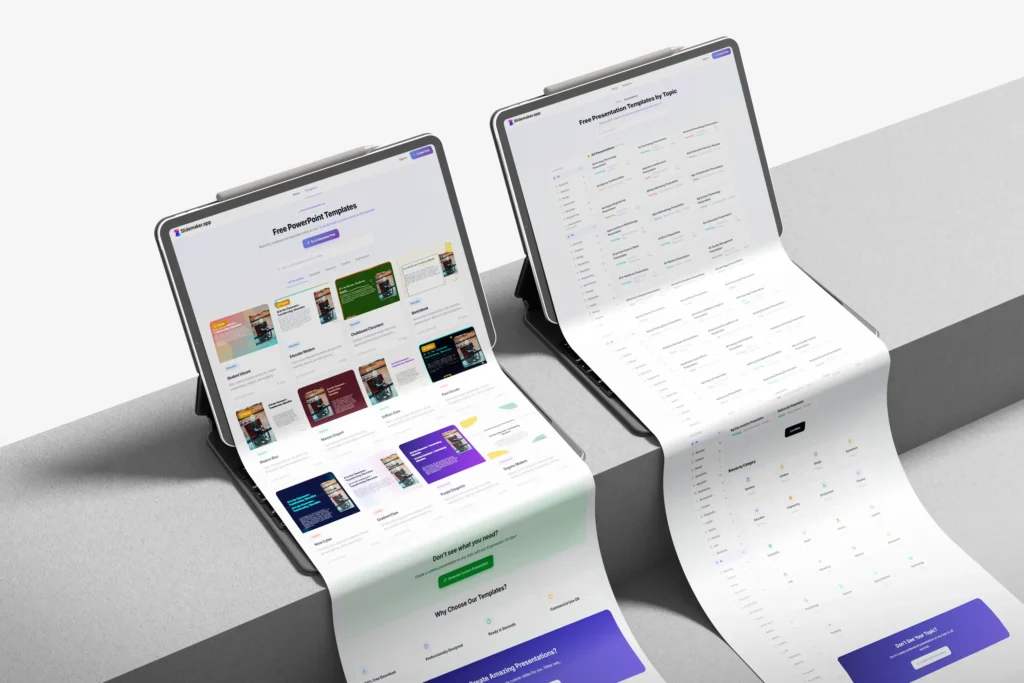
Most people don’t want to design a deck from scratch—they just want to communicate an idea. SlideMaker takes the content you already have and gives you a head start.
Turn class notes into a clean presentation draft.
Turn research notes or a paper into a clear talk.
Combine everyone’s notes into one shared deck.
Make slides for a club meeting, event or society.
Turn teaching material into structured slides quickly.
Turn a chapter or lecture into revision slides.
Add your input: Paste a prompt, outline, notes, or upload a PDF.
Generate the first draft: Create a presentation draft in minutes.
Edit the slides: Refine the content and structure instead of rebuilding from scratch.
An experiment in turning prompts, notes and documents into editable slides with AI.
Why waste time with lengthy sign-ups? With SlideMaker.app, you can jump right in. Upload your existing files or start from a blank canvas — no login needed. Whether it’s a class project, educational deck, or project presentation, creating professional slides has never been this effortless.
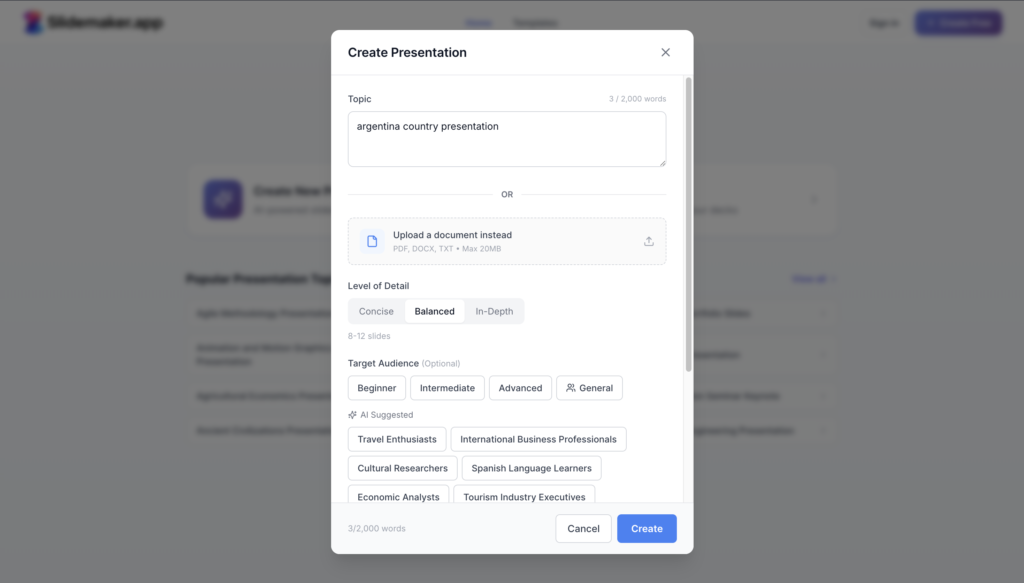
Say goodbye to hours of manual slide creation. SlideMaker instantly turns your ideas into polished, professional presentations with just one click. From layout to design, everything is automated to save you time while ensuring maximum impact.
Love using PowerPoint or Google Slides? No problem! Once your slides are generated, you can export and edit them in any tool you prefer. Customize, fine-tune, and make it uniquely yours — all with complete flexibility.
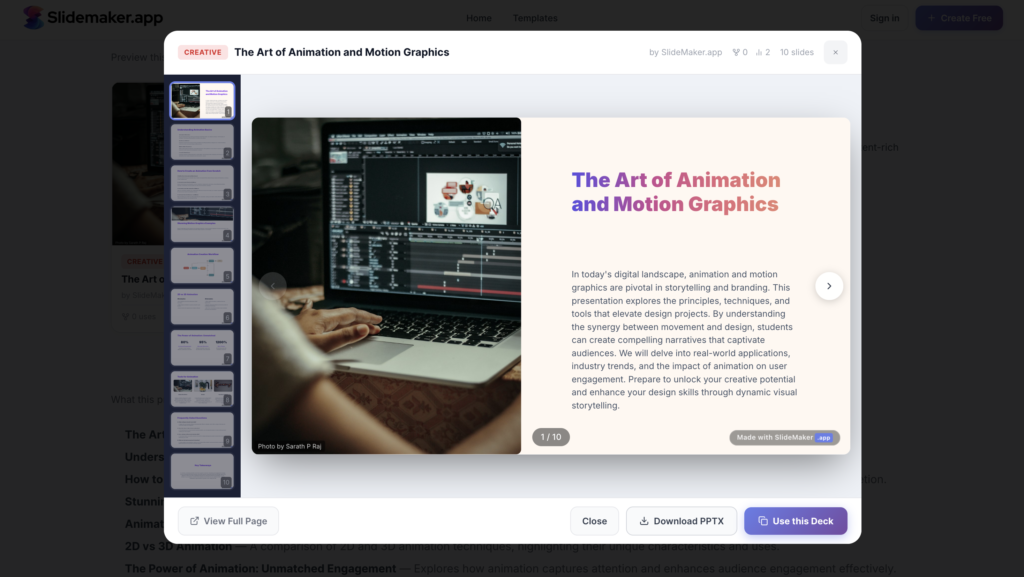
SlideMaker.app turns a topic, notes, or a document into a polished presentation draft in seconds, free and with no account.
It’s simple: you provide the “seeds” and the AI grows the “tree.” Whether you type a short prompt, paste a detailed outline, or upload a PDF, SlideMaker’s AI analyzes the core message, structures it into logical slide titles, and generates supporting text and layouts. You get a professional draft in seconds instead of starting from a blank screen.
Absolutely. Unlike other tools that give you static images or “locked” designs, SlideMaker creates editable slides. You can jump into the built-in editor to tweak the text, change the flow, or refine the visuals. You can also export your deck to work on it in your favorite presentation software.
Just upload your document (PDF, Word, or text file) to the PDF to PPT converter. The AI reads the document, summarizes the key takeaways, and organizes them into a slide deck. It’s the fastest way to transform long reports or study guides into a visual format ready for a meeting or class.
No. You can start your first draft without a login. This allows you to see the quality of the AI-generated slides immediately. If you like what you see and want to save, export, or manage multiple projects, you can create a free account then.
Yes! SlideMaker is a favorite for student presentations and classroom slides because it’s fast and accessible. SlideMaker.app is free to use, so you can generate and download slides without paying anything. That makes it a good fit for school projects and quick lesson plans.