Education
Student Vibrant
12 slides
 Create Slides
Make beautiful presentations for free with AI. Free to use, no watermark. Just enter a topic and get polished slides in seconds.
SlideMaker.app is a free AI presentation maker, a personal learning project, not a commercial product.
Create Presentation FreeFree to use.
Search "free presentation maker" and the results list dozens of tools that claim to be free. The word "free" in most presentation software means "free to try" — not free to use.
A truly free presentation maker has no hidden limits. That means unlimited presentations, unlimited exports, no feature gates, no forced account creation just to preview a deck, and no silent quality downgrades on exported files. Very few tools meet that bar.
SlideMaker.app is one of them. It is a free presentation maker and free AI slide generator built as a personal learning project rather than a commercial product. It is free to use, and there are no ads inside the editor. Every feature — AI generation from topics or documents, 12+ professional themes, PPTX and PDF export, video export with voiceover, social media carousel generation, password-protected sharing, and brand kit customization — is available to every user for free.
The tool targets the same workflow as Canva, Gamma, Beautiful.ai, Pitch, and Google Slides: start with a topic, get a polished deck, edit as needed, export or share. That makes SlideMaker.app particularly useful for students working on class projects, teachers building lecture slides, nonprofits, clubs, and anyone who needs a presentation for a personal or learning project.
Type any topic, paste notes, or upload a document. The AI understands context and structure.
In under 30 seconds, get a complete presentation with structured content, visuals, and professional formatting.
Customize text, images, themes, and layouts. Then export to PowerPoint, PDF, or share a live link.
SlideMaker combines powerful AI with an intuitive editor so anyone can create professional presentations without design skills.
Enter any topic, paste notes, or upload a document and get a complete, professional AI-generated presentation in under 30 seconds. The artificial intelligence handles content writing, slide layout, and visual design automatically — no design skills needed.
Choose from modern, minimal, corporate, creative, dark, gradient, and education themes. Every presentation template is designed for real-world use in business meetings, classrooms, pitch decks, and conferences.
Upload a PDF, Word document (DOCX), or text file and convert it into polished slide decks automatically. SlideMaker.app preserves headings, key points, and document structure — perfect for turning reports, research papers, and lecture notes into presentations.
Apply brand colors, fonts, and logo across every slide to maintain consistent corporate identity. Ideal for marketing teams, agencies, and businesses that need on-brand presentations at scale.
Export presentations as MP4 video with AI voiceover and background music, or generate social media carousels optimized for LinkedIn, Instagram, Twitter/X, and Facebook. Turn any slide deck into shareable content.
Download finished presentations as editable PowerPoint (PPTX) files, PDF documents, or PNG images. Fully compatible with Microsoft PowerPoint, Google Slides, LibreOffice Impress, and Apple Keynote.
Invite teammates with one share link and edit the same deck together live. See who else is editing with named cursors, and per-element locks make sure two people never overwrite each other. No paywalls, no version-file ping-pong — it is free forever.
Browse ready-made presentations or let AI create one from scratch. Every template is fully editable.
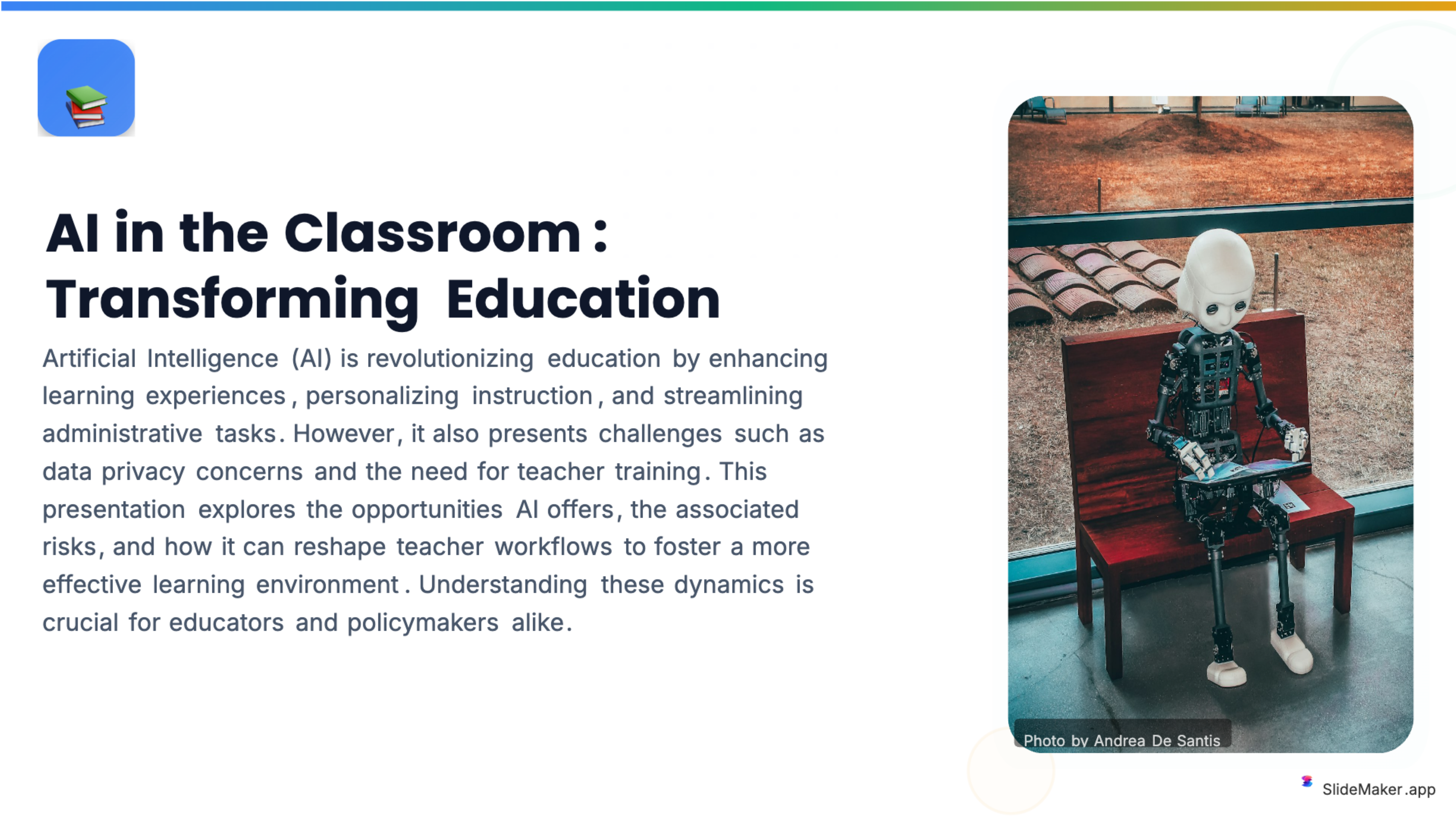
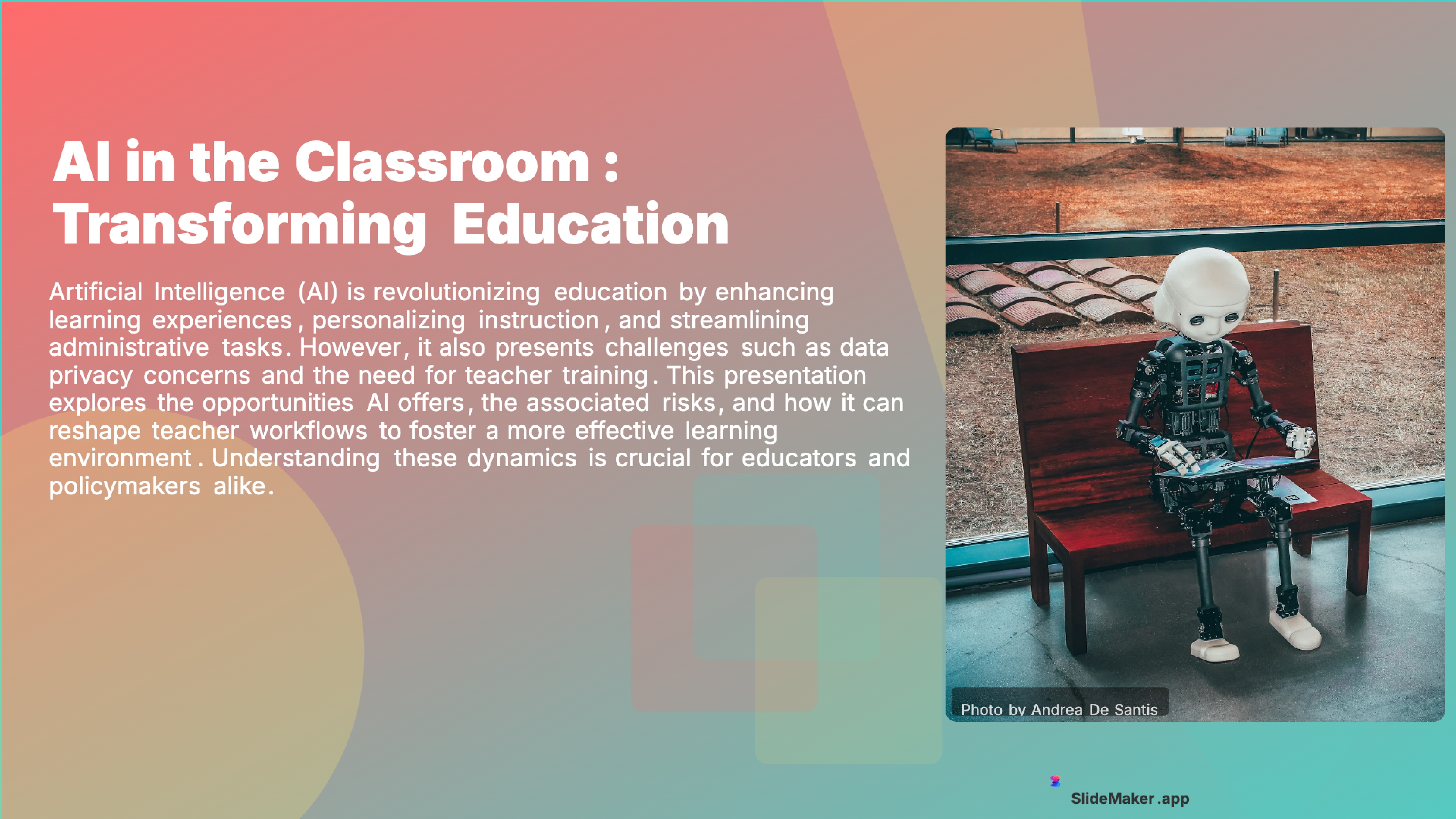
Bold, colorful template perfect for student presentations, projects, and engaging educational content.
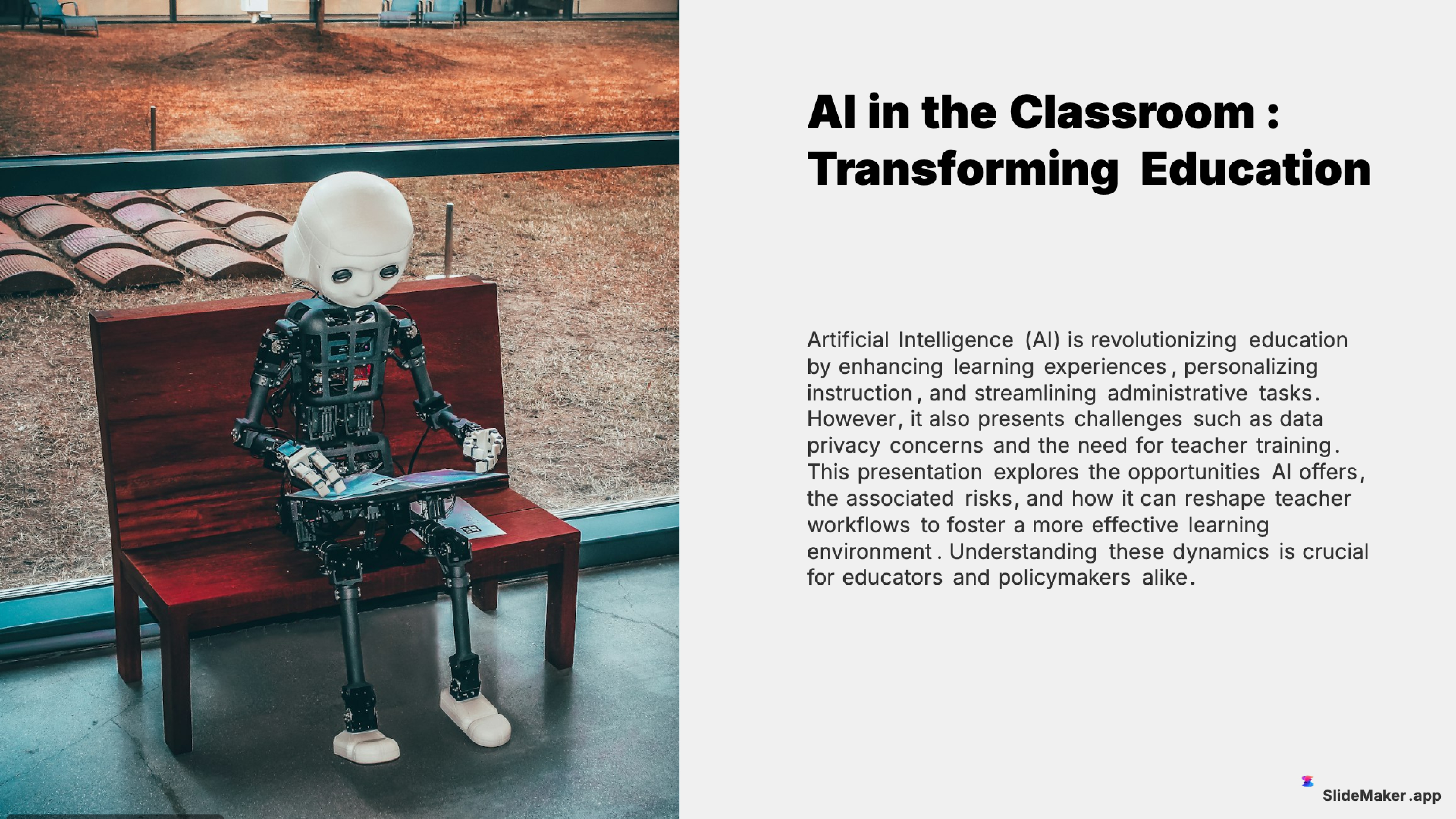
Clean and professional template designed for teachers, trainers, and educational professionals.
Sleek, minimalist design with clean lines. Perfect for corporate and professional presentations.
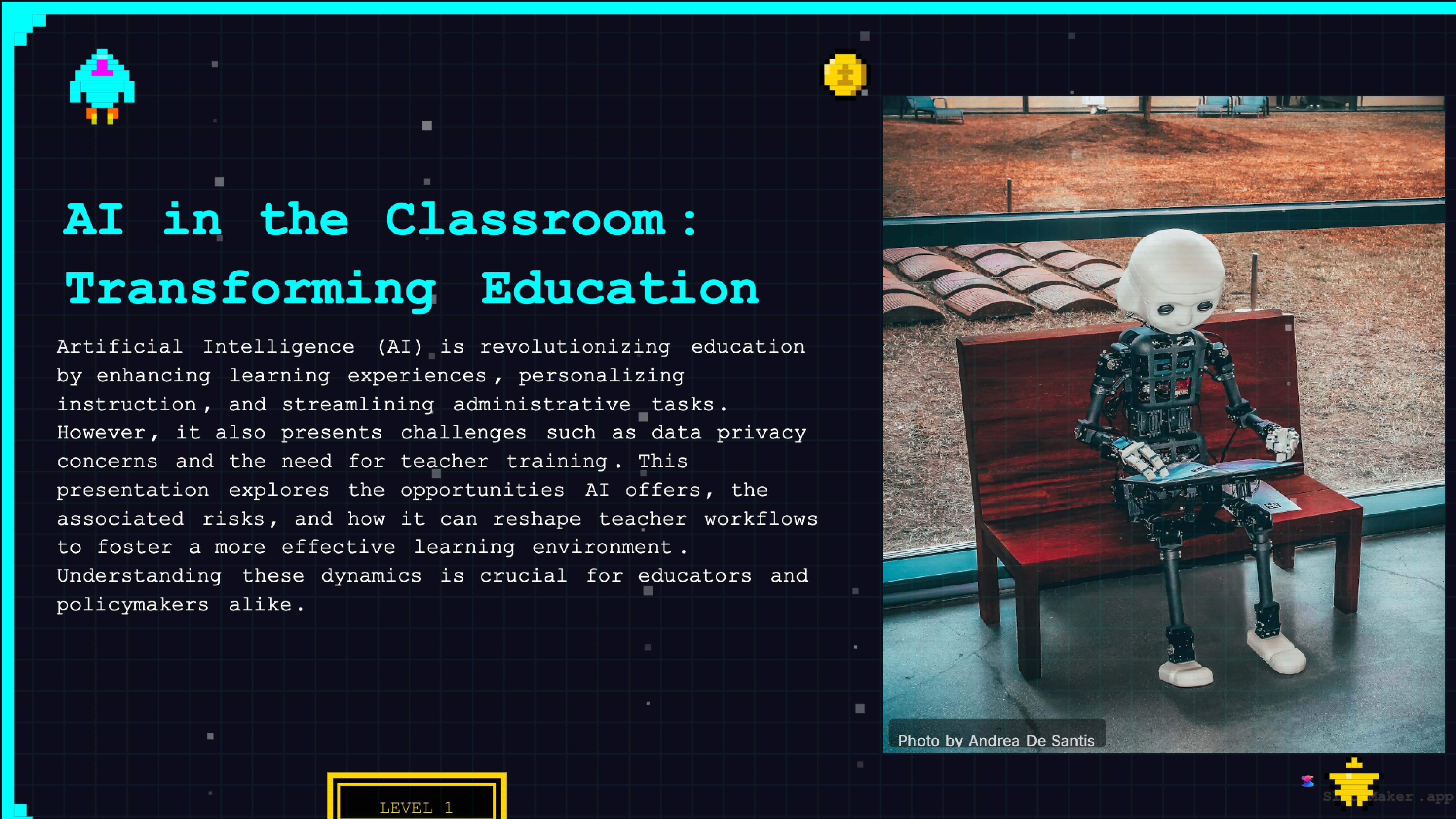
Retro 8-bit arcade gaming style. Fun and engaging for gaming, tech, and entertainment presentations.
Whether a student, teacher, executive, or freelancer, SlideMaker helps create presentations that look professional and save hours of work.
Class presentations, thesis defenses, and group project decks.
Lecture slides, lesson material, and classroom activities.
Conference talks, lab meetings, and paper summaries.
Meeting updates, event plans, and volunteer briefings.
Hobby talks, family events, and anything you want to share.
Canva is often recommended as a free presentation tool, and for basic designs it works. Free users also see a watermark on most premium templates, cannot access brand kit features, are limited on image and element choices, and lose access to the Magic Write AI assistant after a small monthly credit allowance.
Gamma became popular for AI-generated presentations, with a web-first, document-style format.
Beautiful.ai focuses on smart templates that auto-format slides.
Google Slides is genuinely free but lacks any built-in AI generation. Slides have to be built manually like PowerPoint, one layout at a time. So "free" Google Slides is really "free but slow" — no automated generation, no templates beyond the small built-in gallery.
Unlimited AI slide generation from any topic, document, or outline. No daily cap and no monthly credits. Generate as many presentations as needed, whenever needed.
All 12+ professional themes available to every user. This includes modern, minimal, corporate, gradient, dark, education, and creative styles. All themes are free to use on SlideMaker.app.
Full PowerPoint (PPTX) export included free. Files open perfectly in Microsoft PowerPoint, Google Slides, Keynote, and LibreOffice Impress. Every slide is fully editable — not flattened images, not locked layers.
PDF and PNG export, video export with AI voiceover and background music (MP4), and social media carousel generation for LinkedIn, Instagram, Twitter/X, and Facebook. All are included for free here.
Document conversion tools: upload a PDF, Word document (DOCX), or raw text file and get a polished slide deck. No size limits that competitors typically enforce.
Password-protected sharing, brand kit customization with custom colors and logos, the Chrome extension for quick generation from any webpage, and pSEO topic pages covering 600+ common presentation subjects. Everything free for every user.
The honest answer: SlideMaker.app is a personal learning project — a real, working product built to explore how AI can change presentation workflows. The creator pays for the servers, API costs, and infrastructure out of pocket, and keeps the tool free so it actually gets used.
The product is free to use because that is the point of the project.
For users, that means the experience today is the experience tomorrow, with no feature downgrades. It is a personal project built out of interest in the problem, and it stays free for that reason.
Students are the largest user group on SlideMaker.app by a wide margin. A free presentation maker with AI generation, professional themes, and PPTX export covers everything a student needs from high school through graduate school.
Teachers and professors use SlideMaker.app to build lecture slides faster than manual creation in PowerPoint or Google Slides. The ability to paste lesson notes and get a structured deck — with consistent formatting, automatic image selection, and professional themes — saves hours per week.
Clubs, student groups and nonprofits often work without design teams. A free presentation maker lets them build reports, pitch decks, annual reports, and training materials.
Freelancers and consultants benefit from fast, unlimited generation when pitching prospects and delivering reports. The ability to generate a custom presentation for each client — without rationing against a monthly credit allowance — matters when client work is unpredictable.
Job seekers, students running side projects, hobbyists, community organizers, and anyone else who needs a professional presentation for a one-time use case all benefit from a tool that is free to use. That is the core value of a truly free presentation maker: access to professional-grade output for everyone.
Free to use, no watermark. Just enter a topic and get a professional presentation in seconds.
Create Presentation Free