Education
Student Vibrant
12 slides
 Create Slides
Generate professional slides with AI and export directly to Google Slides-compatible format. Free to use. Works on Chromebooks.
SlideMaker.app is a free AI presentation maker, a personal learning project, not a commercial product.
Create Google Slides FreeFree to use.
A Google Slides maker is a tool that creates presentation slides compatible with Google Slides — either by generating them directly as Google Slides files or by producing standard formats (PPTX, PDF) that open seamlessly in Google Slides without formatting issues. For teams that run on Google Workspace instead of Microsoft Office, compatibility with Google Slides is not optional — it is a requirement.
SlideMaker.app is a free AI-powered presentation maker that generates complete presentations from a topic, outline, or uploaded document and exports them in formats that open perfectly in Google Slides. The exported PPTX files import directly into Google Slides with all text, images, charts, and layouts preserved — no broken formatting, no missing fonts, no manual cleanup required.
Google Slides itself has no built-in AI generation. Users start from a blank deck or a limited template gallery and build every slide manually. Google Workspace’s Duet AI assistant can suggest content, but its generation quality is limited compared to purpose-built AI presentation tools.
SlideMaker.app fills that gap: it provides the AI generation that Google Slides lacks, produces output that is fully compatible with the Google Slides ecosystem, and costs nothing. Students, teachers, remote teams, and organizations that standardize on Google Workspace can generate professional presentations with AI and then open, edit, and present them entirely within Google Slides.
Type any topic, paste notes, or upload a document. The AI understands context and structure.
In under 30 seconds, get a complete presentation with structured content, visuals, and professional formatting.
Customize text, images, themes, and layouts. Then export to PowerPoint, PDF, or share a live link.
SlideMaker combines powerful AI with an intuitive editor so anyone can create professional presentations without design skills.
Enter any topic, paste notes, or upload a document and get a complete, professional AI-generated presentation in under 30 seconds. The artificial intelligence handles content writing, slide layout, and visual design automatically — no design skills needed.
Choose from modern, minimal, corporate, creative, dark, gradient, and education themes. Every presentation template is designed for real-world use in business meetings, classrooms, pitch decks, and conferences.
Upload a PDF, Word document (DOCX), or text file and convert it into polished slide decks automatically. SlideMaker.app preserves headings, key points, and document structure — perfect for turning reports, research papers, and lecture notes into presentations.
Apply brand colors, fonts, and logo across every slide to maintain consistent corporate identity. Ideal for marketing teams, agencies, and businesses that need on-brand presentations at scale.
Export presentations as MP4 video with AI voiceover and background music, or generate social media carousels optimized for LinkedIn, Instagram, Twitter/X, and Facebook. Turn any slide deck into shareable content.
Download finished presentations as editable PowerPoint (PPTX) files, PDF documents, or PNG images. Fully compatible with Microsoft PowerPoint, Google Slides, LibreOffice Impress, and Apple Keynote.
Invite teammates with one share link and edit the same deck together live. See who else is editing with named cursors, and per-element locks make sure two people never overwrite each other. No paywalls, no version-file ping-pong — it is free forever.
Browse ready-made presentations or let AI create one from scratch. Every template is fully editable.
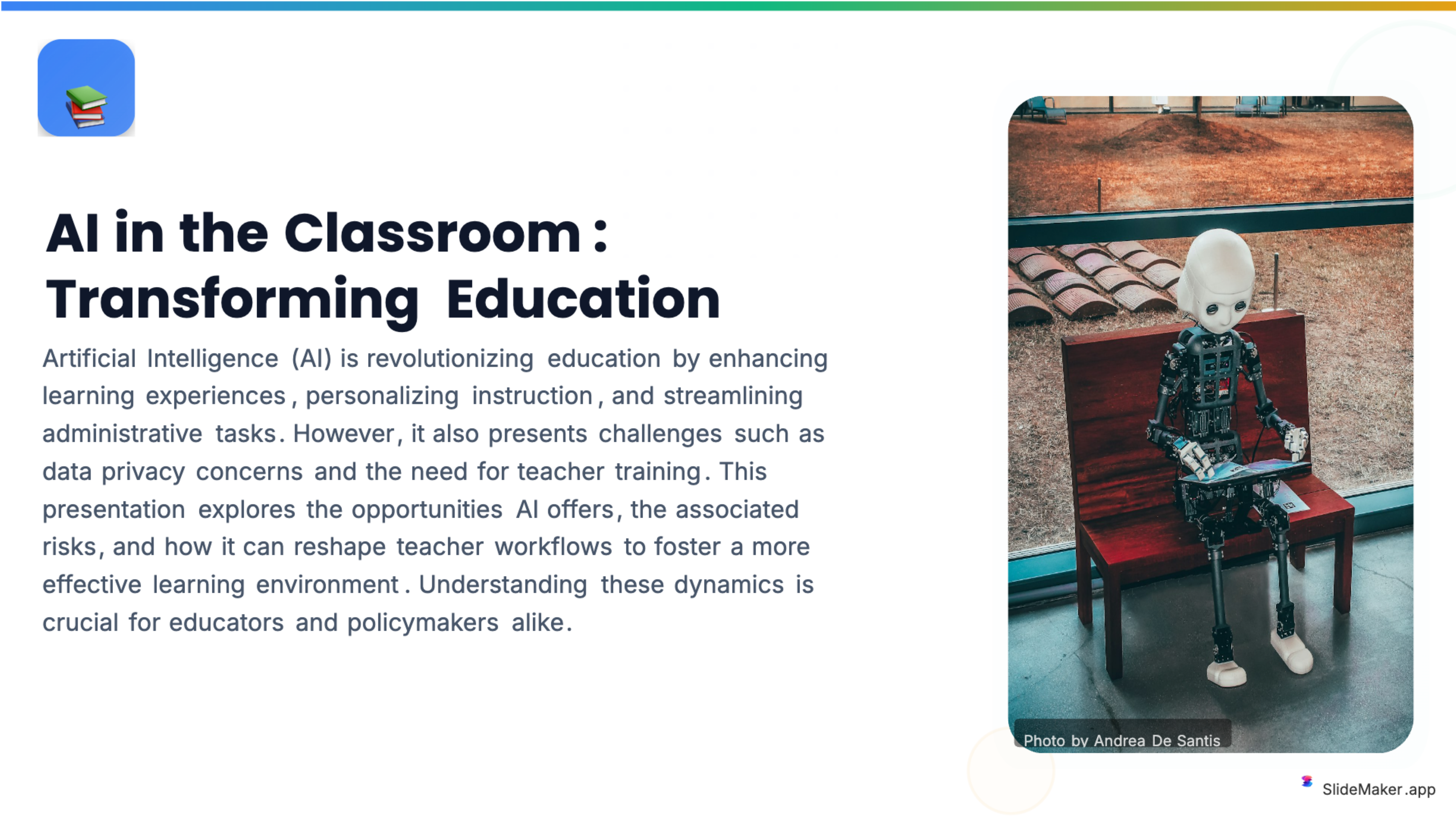
Bold, colorful template perfect for student presentations, projects, and engaging educational content.
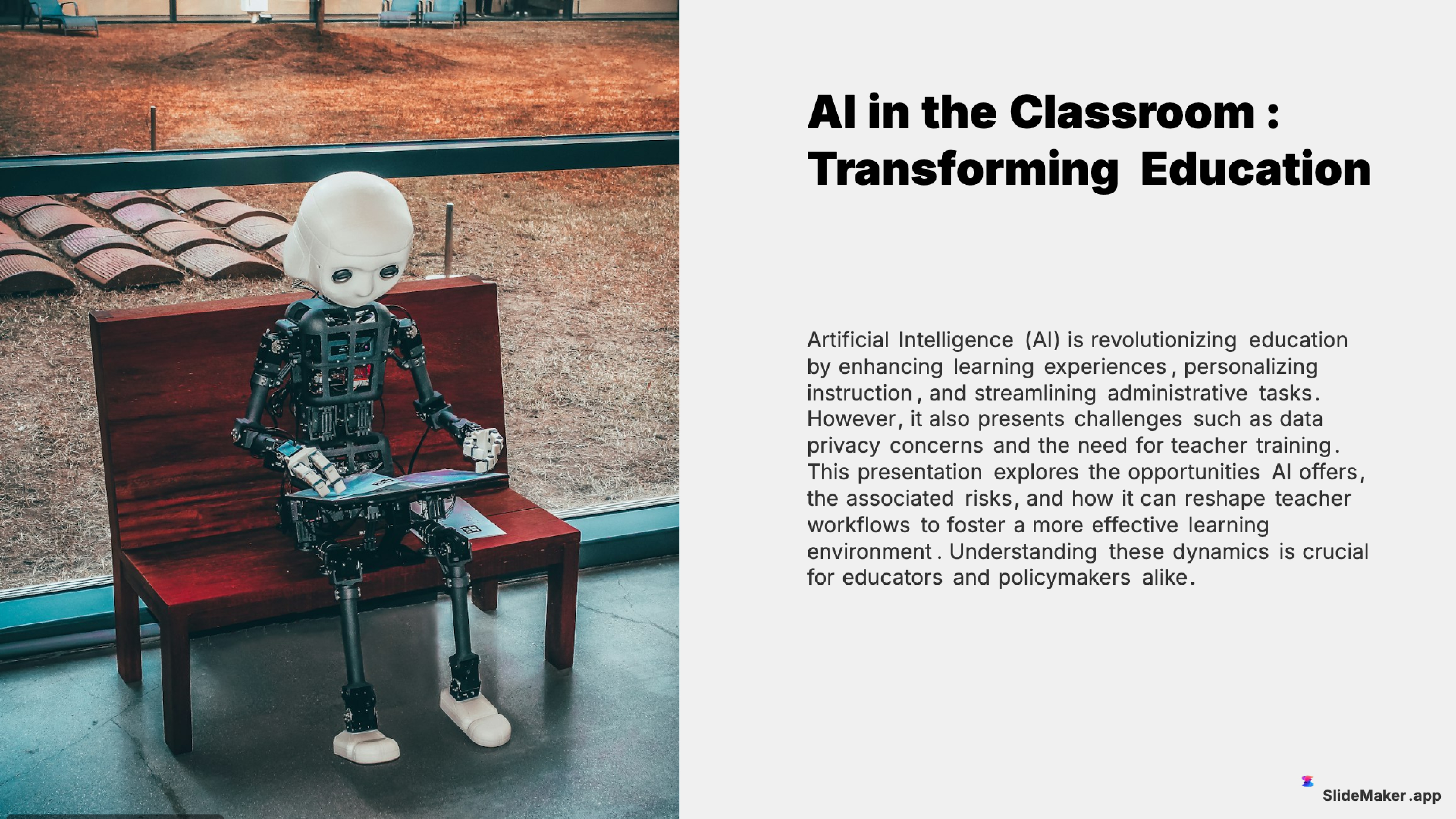
Clean and professional template designed for teachers, trainers, and educational professionals.
Sleek, minimalist design with clean lines. Perfect for corporate and professional presentations.
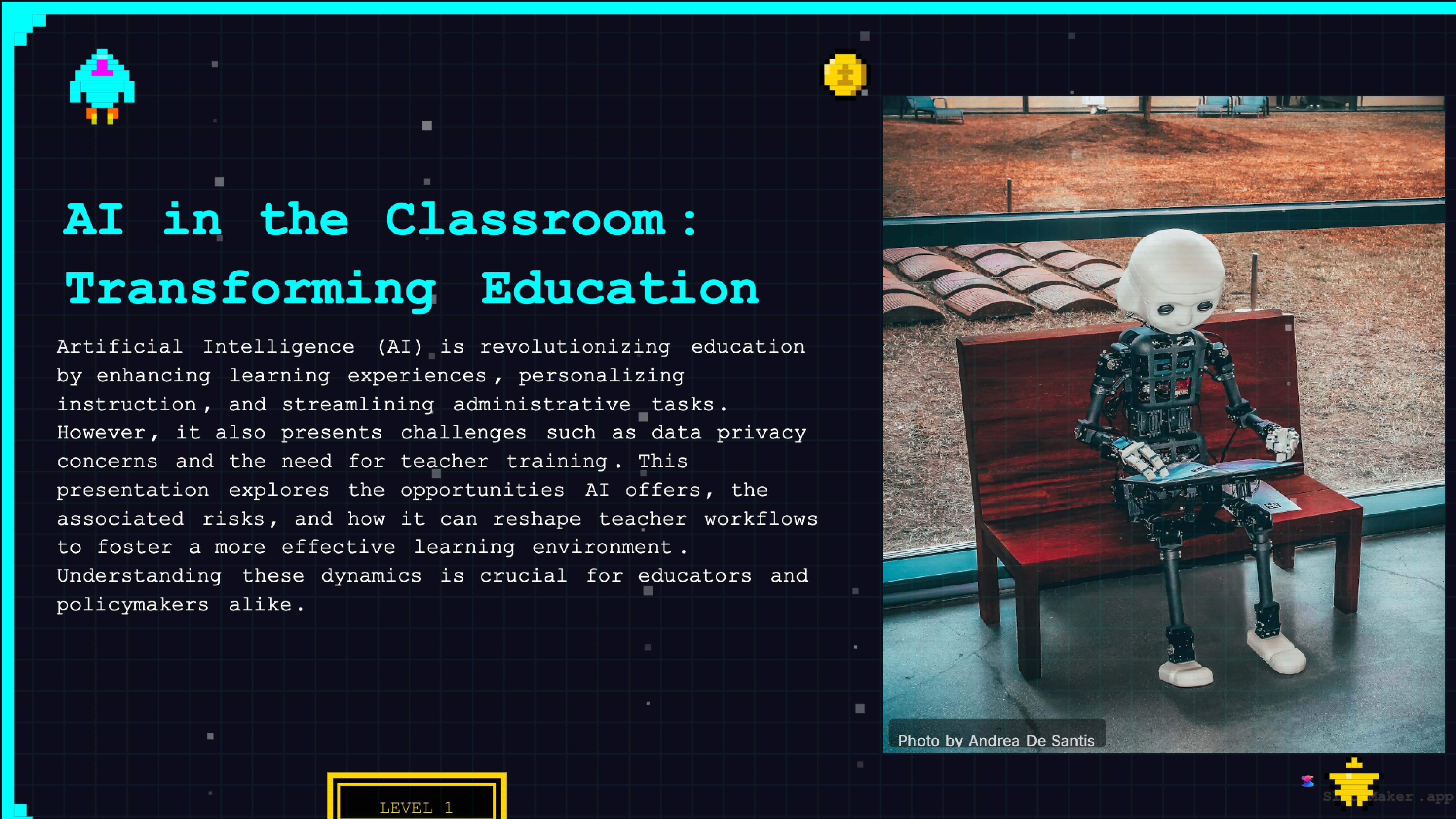
Retro 8-bit arcade gaming style. Fun and engaging for gaming, tech, and entertainment presentations.
Whether a student, teacher, executive, or freelancer, SlideMaker helps create presentations that look professional and save hours of work.
Class presentations, thesis defenses, and group project decks.
Lecture slides, lesson material, and classroom activities.
Conference talks, lab meetings, and paper summaries.
Meeting updates, event plans, and volunteer briefings.
Hobby talks, family events, and anything you want to share.
Step one: enter a topic. Type any subject — a class lecture, a quarterly business review, a marketing plan, a research summary — or paste existing notes, an outline, or a document. The AI analyzes the input and determines the optimal slide structure, content depth, and visual approach.
Step two: AI generates the full deck. In under 30 seconds, SlideMaker.app produces a complete presentation with structured slides, headlines, bullet points, relevant images from Unsplash, charts where data is mentioned, and consistent visual formatting across every slide. Choose from 12+ professional themes that match the tone of the presentation.
Step three: edit in the browser. Every element is fully editable — text, images, layouts, themes, colors. The web-based editor works like a simplified version of Google Slides itself, with drag-and-drop positioning, rich text formatting, and real-time preview.
Step four: export and open in Google Slides. Download the deck as a .pptx file and open it in Google Slides via "File → Import slides" or simply upload the .pptx file to Google Drive — it opens automatically in Google Slides with all formatting intact. Alternatively, share a live link directly from SlideMaker.app for instant viewing without any file transfer.
Google Slides imports PPTX files using the same Open XML standard that Microsoft PowerPoint uses. SlideMaker.app generates PPTX files with strict adherence to this standard — proper text box sizing, embedded fonts, correctly positioned images, and valid chart XML. The result is a file that opens in Google Slides without the common problems: text reflow, image displacement, broken charts, or missing backgrounds.
Specifically, SlideMaker.app avoids the formatting traps that cause import issues in Google Slides: no custom ActiveX controls, no embedded macros, no WMF/EMF vector graphics that Google Slides cannot render, no font substitution dependencies. Every visual element is encoded in formats that Google Slides handles natively — raster images (JPEG/PNG), standard shapes, and Open XML text runs.
For teams that present exclusively in Google Slides, this compatibility removes the last barrier to using an AI presentation maker. Generate the deck in SlideMaker.app, open it in Google Slides, present it from Google Slides — with zero formatting surprises.
Duet AI in Google Slides works slide by slide. Duet AI can suggest slide layouts and help with content, but it does not generate complete presentations from a single prompt — it assists slide-by-slide, which is slower than full-deck AI generation. Users also need to be within the Google Workspace ecosystem to access it.
Canva offers a presentation maker with AI features, with its own design format.
SlideMaker.app generates entire presentations from a single prompt in 30 seconds, exports to Google Slides-compatible PPTX for free (no limits), and includes features neither Google Slides nor Canva offer at any price: AI video export with voiceover, social media carousels, and document-to-slides conversion for PDFs and Word files. For Google Slides users, SlideMaker.app is the fastest path from an idea to a finished, editable deck.
Students at every level — from middle school through graduate school — use Google Slides as their primary presentation tool because it is free with any Google account, works on Chromebooks (the most common school-issued device), and supports real-time collaboration for group projects. An AI Google Slides maker lets students generate a structured starting point and then refine it collaboratively in Google Slides.
Teachers and professors build lecture slides, course materials, and classroom activities in Google Slides because it integrates with Google Classroom, the dominant K-12 learning management system. SlideMaker.app lets educators paste lesson notes or a syllabus section and get a polished lecture deck in under a minute — then open it directly in Google Slides for class.
Remote and hybrid teams that run on Google Workspace use Google Slides for internal presentations, all-hands meetings, project updates, and team deliverables. An AI maker that produces Google Slides-compatible output lets these teams generate first drafts without leaving the Google ecosystem.
Nonprofits, small businesses, and freelancers who use Google Workspace’s free or low-cost plans (instead of Microsoft 365) need presentation tools that work within that stack. SlideMaker.app fills the AI generation gap that Google Slides itself does not address, at a price point (free) that matches the budget.
Free to use, no watermark. Just enter a topic and get a professional presentation in seconds.
Create Presentation Free