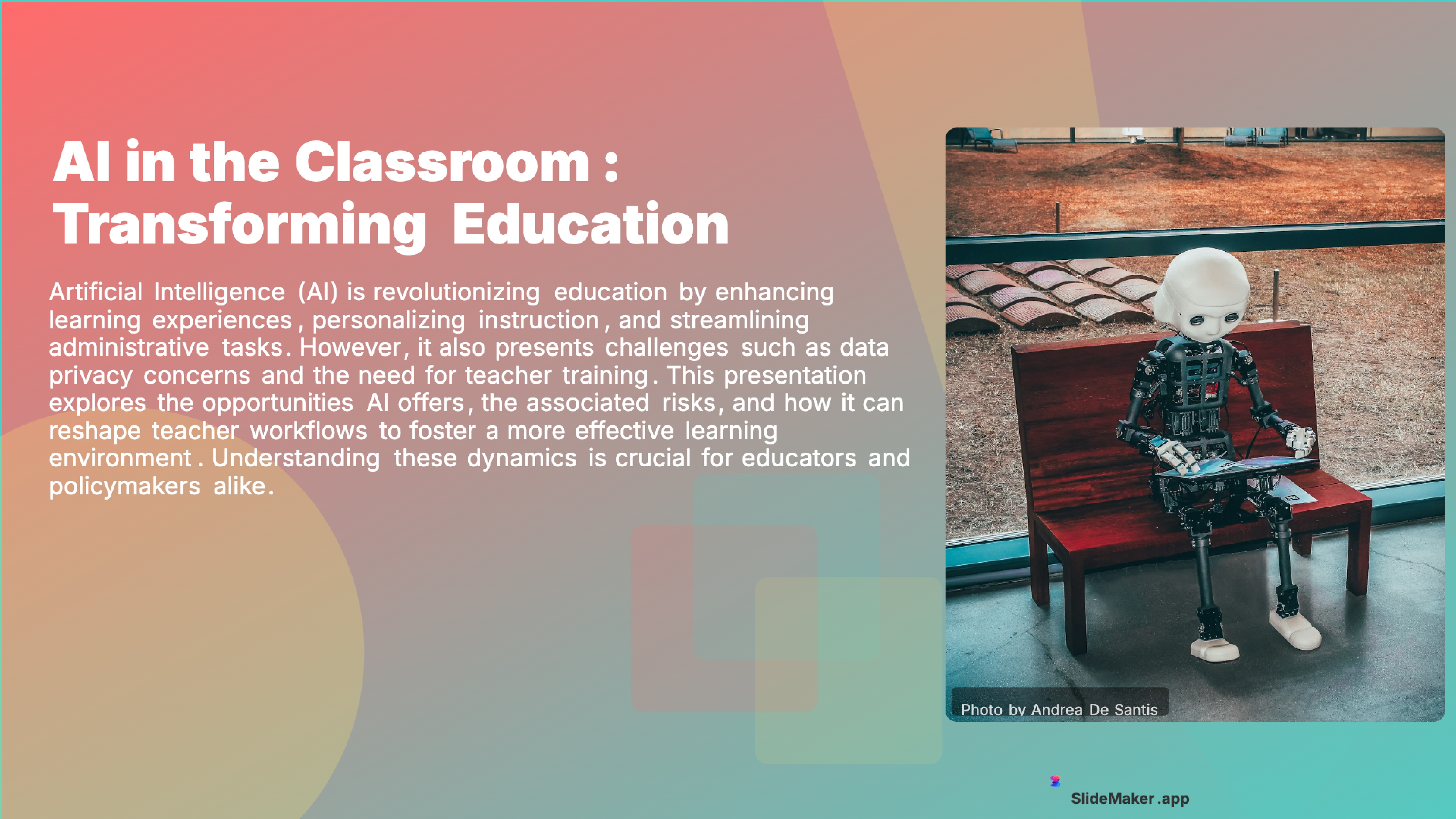
Education
Student Vibrant
12 slides
 Create Slides
Make professional PPT presentations online with AI. No download, no installation — enter a topic and get a finished PowerPoint file in 30 seconds. Free, works on any device.
SlideMaker.app is a free AI presentation maker, a personal learning project, not a commercial product.
Make PPT Online FreeFree to use.
An online PPT maker is a browser-based tool that creates PowerPoint presentations without requiring any software installation. No installs, no updates, no storage space consumed on the hard drive.
SlideMaker.app is a free online PPT maker that combines AI-powered PPT generation with a browser-based slide editor. Enter any topic — a business report, a class lecture, a marketing strategy, a project proposal — and the AI generates a complete PPT presentation with structured slides, professional formatting, relevant images, and consistent design in under 30 seconds. Everything runs in the browser on any device with an internet connection.
Traditional PPT creation requires three separate skills: writing slide content, designing layouts, and selecting visuals. An AI-powered online PPT maker handles all three simultaneously. The content is generated from the input topic, the layout follows professional presentation standards, and images are sourced automatically from Unsplash or generated with AI. Users can also convert text to slides or convert PDFs to PPT for existing content.
SlideMaker.app is free to use, with no feature gates. Create unlimited PPT presentations, use all 12+ professional themes, and export to PowerPoint (.pptx), PDF, PNG, or MP4 video with AI voiceover. It is a personal learning project, which means there are no limits.
Type any topic, paste notes, or upload a document. The AI understands context and structure.
In under 30 seconds, get a complete presentation with structured content, visuals, and professional formatting.
Customize text, images, themes, and layouts. Then export to PowerPoint, PDF, or share a live link.
SlideMaker combines powerful AI with an intuitive editor so anyone can create professional presentations without design skills.
Enter any topic, paste notes, or upload a document and get a complete, professional AI-generated presentation in under 30 seconds. The artificial intelligence handles content writing, slide layout, and visual design automatically — no design skills needed.
Choose from modern, minimal, corporate, creative, dark, gradient, and education themes. Every presentation template is designed for real-world use in business meetings, classrooms, pitch decks, and conferences.
Upload a PDF, Word document (DOCX), or text file and convert it into polished slide decks automatically. SlideMaker.app preserves headings, key points, and document structure — perfect for turning reports, research papers, and lecture notes into presentations.
Apply brand colors, fonts, and logo across every slide to maintain consistent corporate identity. Ideal for marketing teams, agencies, and businesses that need on-brand presentations at scale.
Export presentations as MP4 video with AI voiceover and background music, or generate social media carousels optimized for LinkedIn, Instagram, Twitter/X, and Facebook. Turn any slide deck into shareable content.
Download finished presentations as editable PowerPoint (PPTX) files, PDF documents, or PNG images. Fully compatible with Microsoft PowerPoint, Google Slides, LibreOffice Impress, and Apple Keynote.
Invite teammates with one share link and edit the same deck together live. See who else is editing with named cursors, and per-element locks make sure two people never overwrite each other. No paywalls, no version-file ping-pong — it is free forever.
Browse ready-made presentations or let AI create one from scratch. Every template is fully editable.
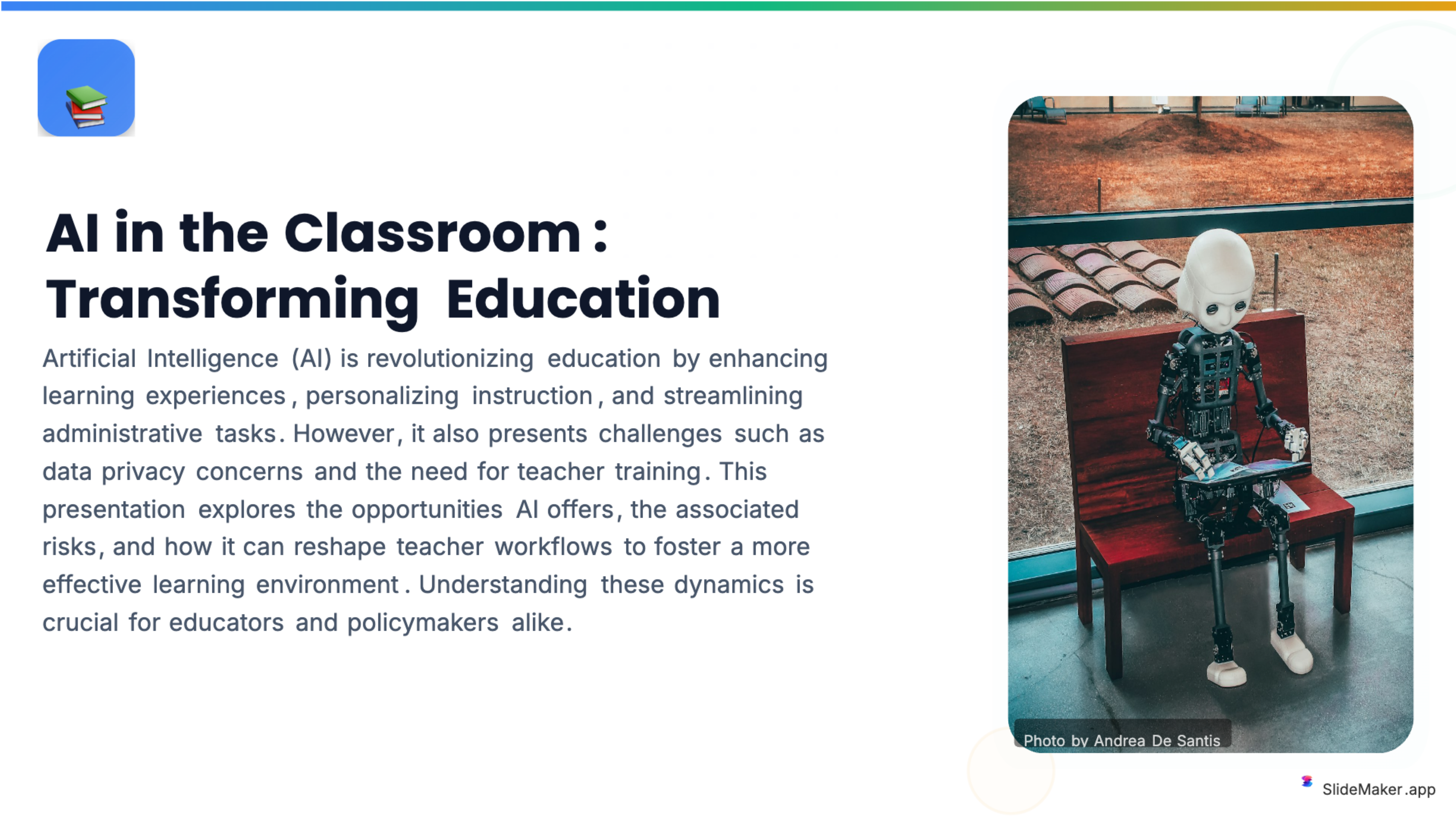
Bold, colorful template perfect for student presentations, projects, and engaging educational content.
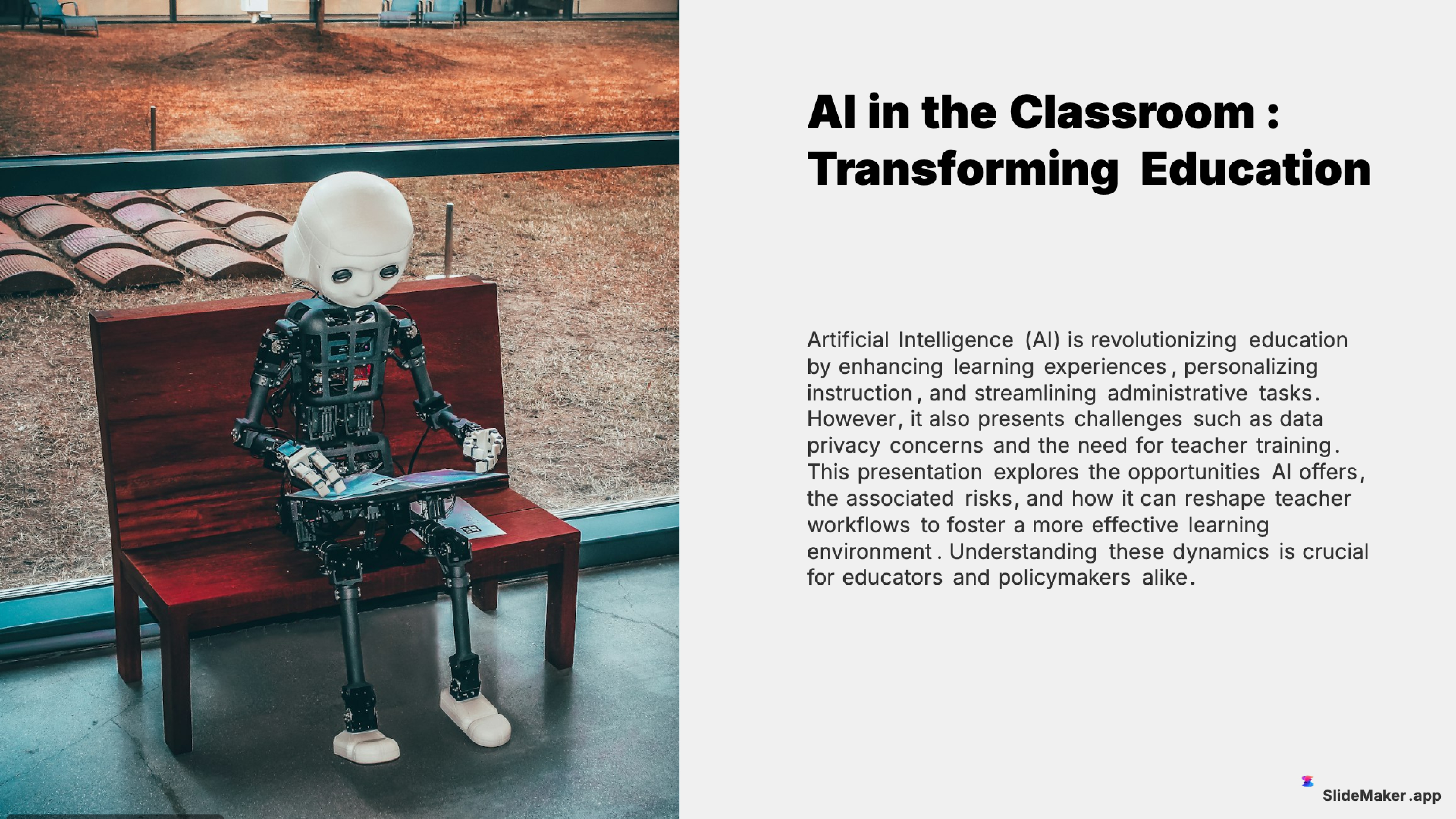
Clean and professional template designed for teachers, trainers, and educational professionals.
Sleek, minimalist design with clean lines. Perfect for corporate and professional presentations.
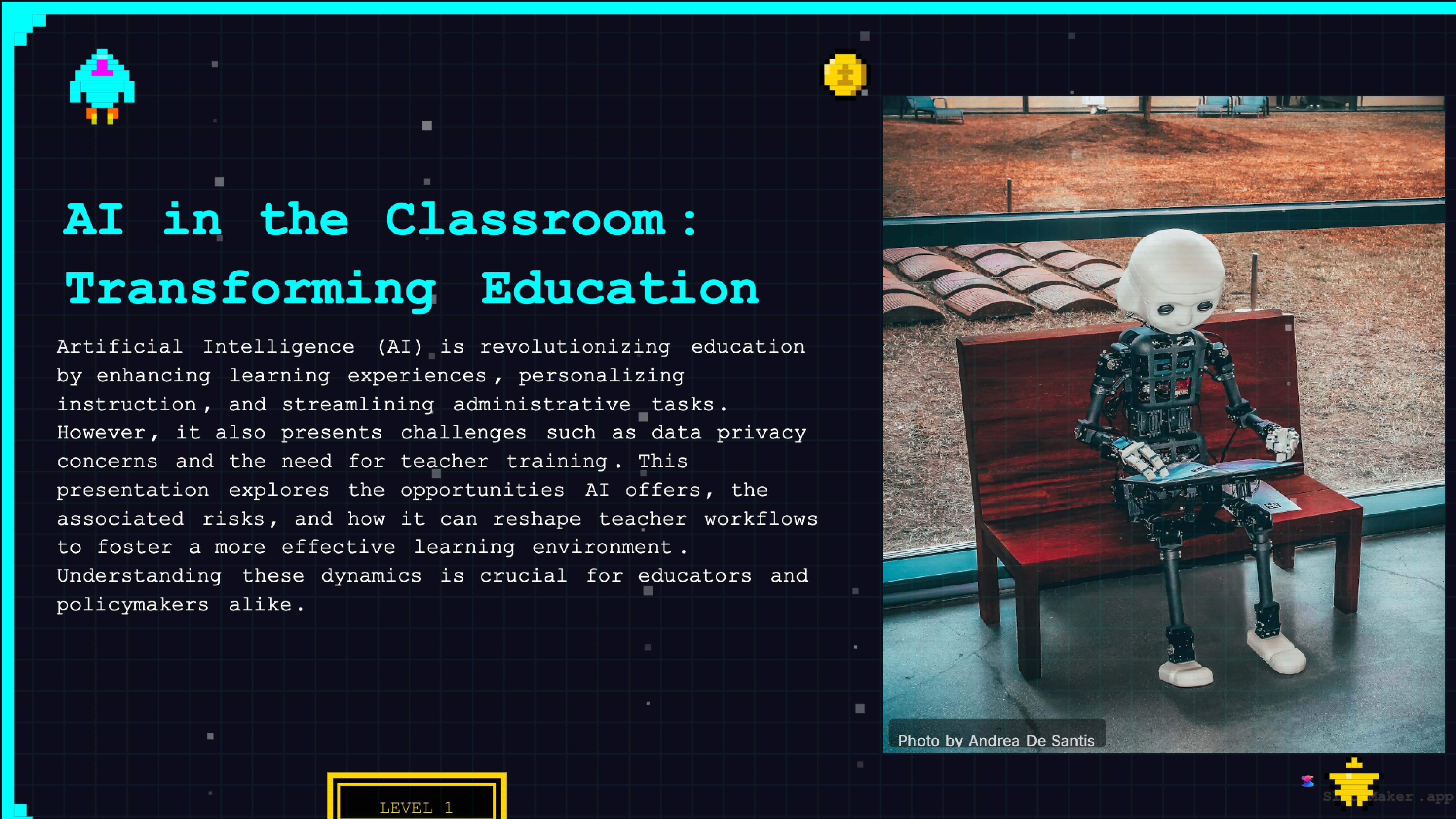
Retro 8-bit arcade gaming style. Fun and engaging for gaming, tech, and entertainment presentations.
Whether a student, teacher, executive, or freelancer, SlideMaker helps create presentations that look professional and save hours of work.
Class presentations, thesis defenses, and group project decks.
Lecture slides, lesson material, and classroom activities.
Conference talks, lab meetings, and paper summaries.
Meeting updates, event plans, and volunteer briefings.
Hobby talks, family events, and anything you want to share.
Step one: open the browser and navigate to SlideMaker.app. No download, no installation, no account creation needed. The tool loads instantly on Chrome, Firefox, Safari, and Edge on any operating system — Windows, macOS, Linux, or ChromeOS.
Step two: enter a topic. Type a presentation subject like "quarterly sales review for Q1 2026" or "introduction to machine learning for beginners" or paste existing notes, a Word document, or a PDF. The AI reads the input and generates a structured PPT with appropriate slides, headings, bullet points, and supporting visuals.
Step three: customize in the online editor. Every slide is fully editable directly in the browser. Change text, swap images, switch between 12+ professional themes, add charts or diagrams, reorder slides, or adjust the color palette. The editor works like a lightweight version of PowerPoint — drag-and-drop positioning, rich text formatting, and real-time preview.
Step four: download as PPT. Export the finished presentation as a .pptx file that opens perfectly in Microsoft PowerPoint, Google Slides, LibreOffice Impress, or Apple Keynote. Alternatively, export as PDF for email attachments, PNG for individual slide images, or MP4 video with AI voiceover for async presentations.
Microsoft PowerPoint is installed software tied to a Microsoft account. The desktop application requires installation, consumes 4+ GB of storage, and runs only on Windows and macOS. Updates are automatic but can interrupt work. Templates are limited unless purchasing third-party packs.
An online PPT maker like SlideMaker.app eliminates all of these friction points. Free to use. No installation. No storage consumed. Works on any device with a browser — including Chromebooks, tablets, and shared computers where installing software is not possible. The AI generates content that would take hours to write manually, and the theme engine ensures visual consistency without design skills.
For users who already own PowerPoint, an online PPT maker complements it rather than replacing it. Generate a first draft with AI in 30 seconds, download the .pptx file, and refine it in PowerPoint if advanced features like animations, embedded videos, or macro-driven charts are needed. The online maker handles the 80% of work that is content creation and layout — PowerPoint handles the remaining 20% of polish.
Google Slides is a free, browser-based presentation tool — but it does not generate content. Users start from a blank slide or a limited template gallery and build every slide manually. There is no AI that creates a complete presentation from a topic prompt.
SlideMaker.app fills the content gap. Generate a structured presentation with AI, export it as a .pptx file, and open it directly in Google Slides if preferred. The exported files are fully compatible with Google Slides — text, images, charts, and layouts import without formatting issues.
For teams that standardize on Google Slides for collaboration, SlideMaker.app serves as the AI content engine: generate the deck, import it into Google Slides, then collaborate and present from Google Slides as usual. The online PPT maker and Google Slides work together rather than competing.
Students at every level use online PPT makers because school-issued Chromebooks cannot run desktop PowerPoint. A browser-based tool that generates presentations for students from a topic prompt and exports to .pptx gives students the same output quality as expensive software — for free, on any device.
Business professionals in companies that restrict software installation use online tools by necessity. Whether preparing a pitch deck or a quarterly report, an online PPT maker provides a zero-friction alternative that produces compatible .pptx files.
Freelancers and consultants who work across multiple devices — a laptop, an office desktop, a personal tablet — benefit from a tool that requires no installation and stores nothing locally. Open a browser, generate or edit a presentation, download the file, done.
International users in regions where Microsoft 365 pricing is prohibitive relative to local purchasing power use free online PPT makers as their primary presentation tool. SlideMaker.app is free worldwide with no regional restrictions.
Anyone in a time-sensitive situation — a last-minute meeting, a presentation due tomorrow, a pitch that needs to happen today — uses an online PPT maker because it eliminates setup time. No installation, no registration (for creation), no learning curve. Enter a topic and present within minutes.
Free to use, no watermark. Just enter a topic and get a professional presentation in seconds.
Create Presentation Free