Education
Student Vibrant
12 slides
 Create Slides
A complete guide to AI presentation makers — how they work, how they compare, and which one fits the job. SlideMaker is the free option featured throughout, with no credit limit and no watermark.
SlideMaker.app is a free AI presentation maker, a personal learning project, not a commercial product.
Try the AI Presentation MakerFree to use.
An AI presentation maker is a tool that generates complete, professional slide presentations from a text prompt, outline, or uploaded document using artificial intelligence. Instead of building slides manually — writing content, choosing layouts, sourcing images, formatting text — the AI handles every step in seconds. The result is a polished presentation ready to edit, present, or export.
SlideMaker.app is a free AI presentation maker and AI slideshow maker that generates presentations from any topic in under 30 seconds. Type a subject like "quarterly marketing review" or "introduction to renewable energy", and the AI produces structured slides with headlines, bullet points, relevant images, charts, and professional formatting. Choose from 12+ themes — minimal, corporate, creative, dark, gradient, education — and the AI applies consistent design across every slide.
Unlike traditional presentation tools that require manual creation, an AI presentation maker automates the three hardest parts: writing the content, designing the layout, and selecting visuals. SlideMaker.app also works as an AI PPT generator — every presentation exports to PowerPoint (.pptx), PDF, PNG, or MP4 video with AI voiceover. The exported files open perfectly in Microsoft PowerPoint, Google Slides, Apple Keynote, and LibreOffice Impress.
SlideMaker.app is free to use, with no monthly credit limits. It is a personal learning project, not a commercial product. Every feature is available to every user at no cost.
Type any topic, paste notes, or upload a document. The AI understands context and structure.
In under 30 seconds, get a complete presentation with structured content, visuals, and professional formatting.
Customize text, images, themes, and layouts. Then export to PowerPoint, PDF, or share a live link.
SlideMaker combines powerful AI with an intuitive editor so anyone can create professional presentations without design skills.
Enter any topic, paste notes, or upload a document and get a complete, professional AI-generated presentation in under 30 seconds. The artificial intelligence handles content writing, slide layout, and visual design automatically — no design skills needed.
Choose from modern, minimal, corporate, creative, dark, gradient, and education themes. Every presentation template is designed for real-world use in business meetings, classrooms, pitch decks, and conferences.
Upload a PDF, Word document (DOCX), or text file and convert it into polished slide decks automatically. SlideMaker.app preserves headings, key points, and document structure — perfect for turning reports, research papers, and lecture notes into presentations.
Apply brand colors, fonts, and logo across every slide to maintain consistent corporate identity. Ideal for marketing teams, agencies, and businesses that need on-brand presentations at scale.
Export presentations as MP4 video with AI voiceover and background music, or generate social media carousels optimized for LinkedIn, Instagram, Twitter/X, and Facebook. Turn any slide deck into shareable content.
Download finished presentations as editable PowerPoint (PPTX) files, PDF documents, or PNG images. Fully compatible with Microsoft PowerPoint, Google Slides, LibreOffice Impress, and Apple Keynote.
Invite teammates with one share link and edit the same deck together live. See who else is editing with named cursors, and per-element locks make sure two people never overwrite each other. No paywalls, no version-file ping-pong — it is free forever.
Browse ready-made presentations or let AI create one from scratch. Every template is fully editable.
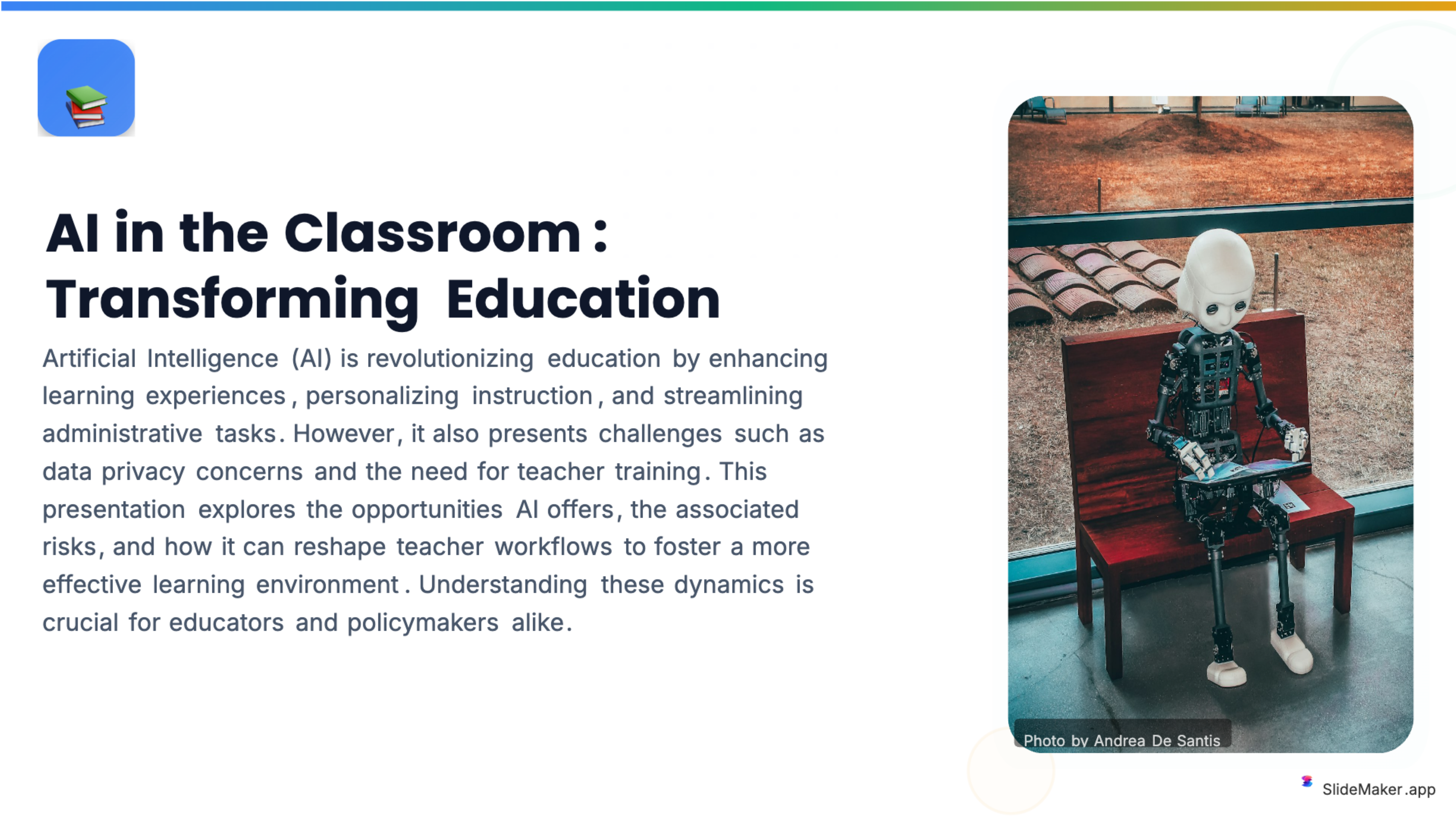
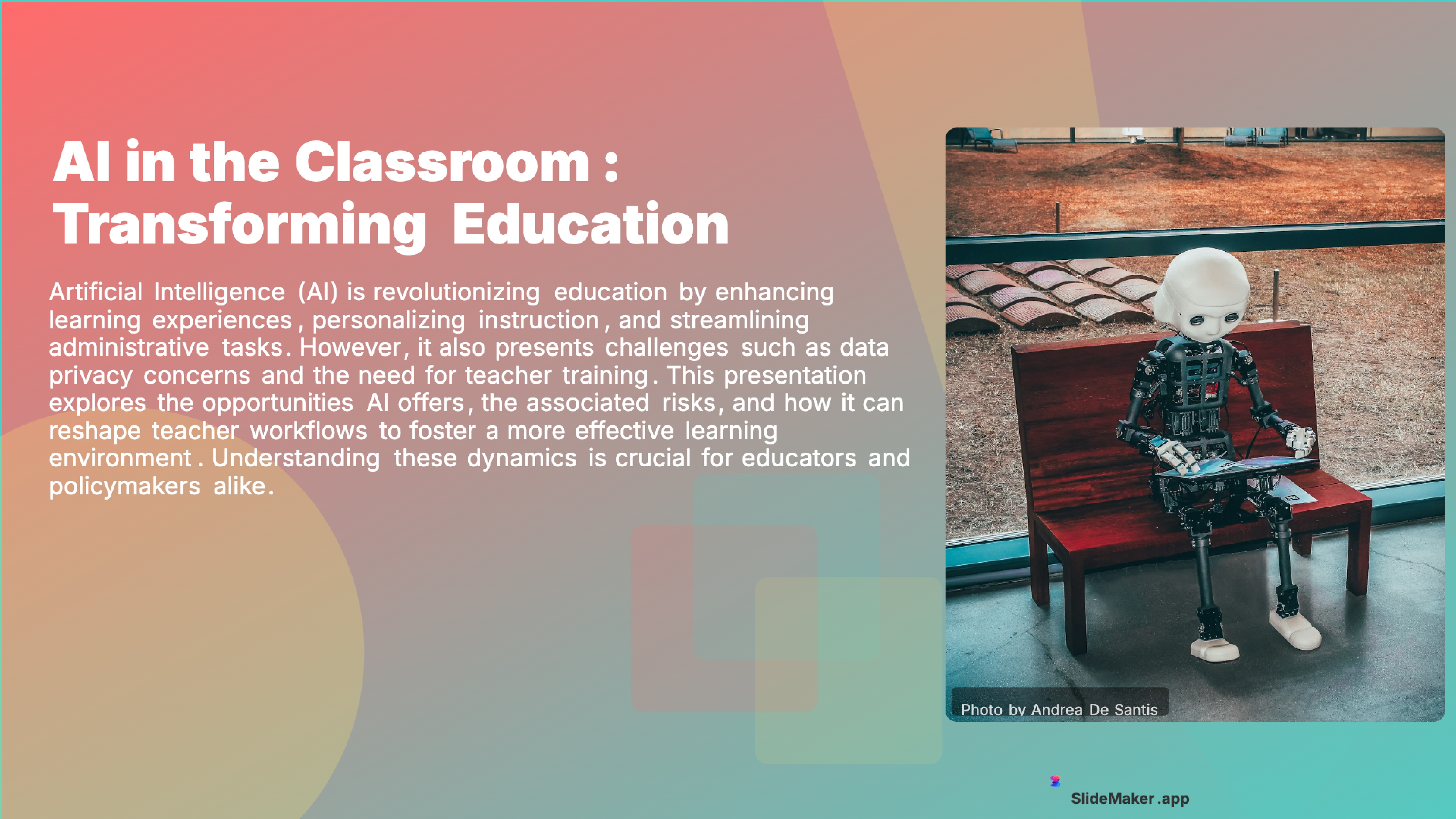
Bold, colorful template perfect for student presentations, projects, and engaging educational content.
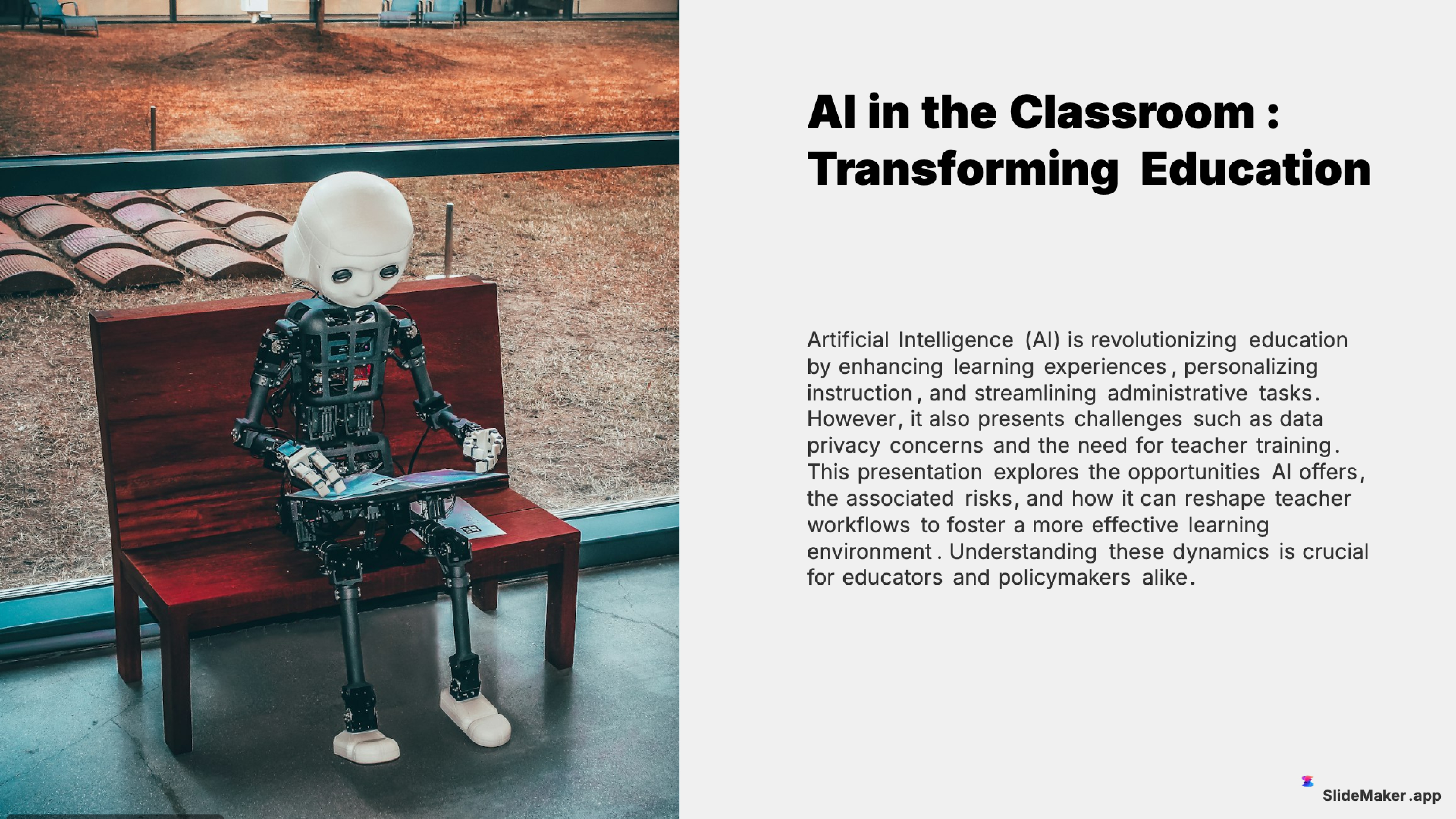
Clean and professional template designed for teachers, trainers, and educational professionals.
Sleek, minimalist design with clean lines. Perfect for corporate and professional presentations.
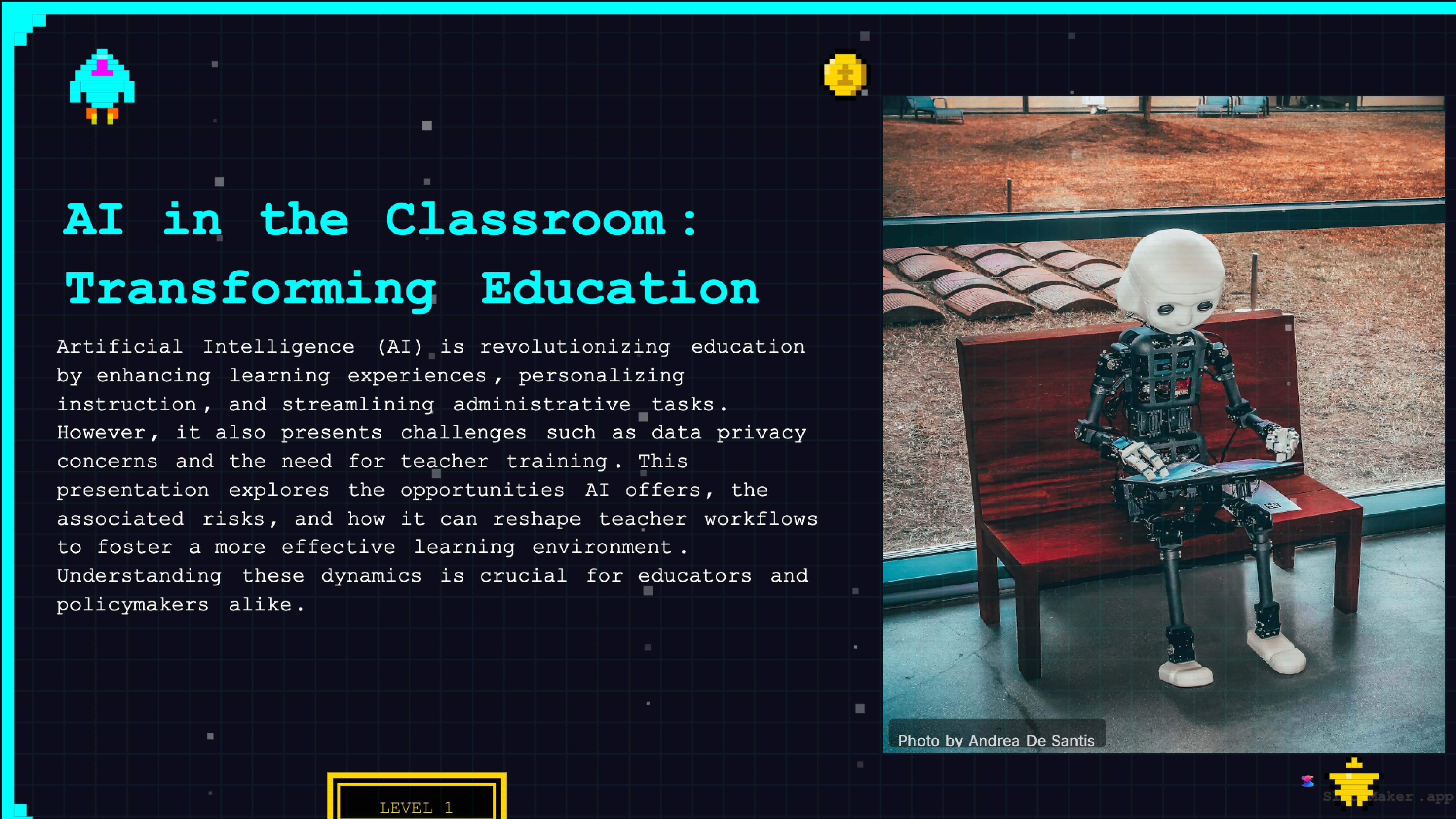
Retro 8-bit arcade gaming style. Fun and engaging for gaming, tech, and entertainment presentations.
Whether a student, teacher, executive, or freelancer, SlideMaker helps create presentations that look professional and save hours of work.
Class presentations, thesis defenses, and group project decks.
Lecture slides, lesson material, and classroom activities.
Conference talks, lab meetings, and paper summaries.
Meeting updates, event plans, and volunteer briefings.
Hobby talks, family events, and anything you want to share.
The AI presentation generator accepts three types of input: a free-form topic prompt, raw text or notes pasted directly, or an uploaded document (PDF, DOCX, or TXT). From any of these inputs, the AI extracts the core concepts, determines the optimal number of slides, and builds a complete presentation with a logical narrative flow.
Content generation happens in stages. First, the AI creates an outline — deciding how many slides the topic needs and what each slide should cover. Then it writes the content for each slide: a clear headline, supporting points in bullet or paragraph format, and speaker notes. Finally, it selects a layout for each slide (title, two-column, image-left, chart, quote) and applies the chosen theme with consistent colors, typography, and spacing.
The entire process takes under 30 seconds. Users can also convert text to slides, turn notes into presentations, or convert PDFs to slides — all using the same AI engine. Every generated presentation is fully editable in the browser-based editor before exporting.
Canva is a popular design tool with presentation features. Its strength is general design work beyond slides.
Gamma offers AI presentation generation with a web-first, document-style format.
Google Slides is genuinely free but has no built-in AI generation. Every slide must be built manually from a blank template. Google Slides is a free editor, not a free AI presentation generator.
SlideMaker.app offers unlimited AI presentation generation, free PPTX export, video export with AI voiceover, social media carousel generation, and professional templates — all at no cost. No credit limits.
Students use AI presentation makers for class projects, thesis defenses, science fair presentations, and group reports. The AI generates structured slides from a topic prompt, saving hours of manual slide creation. Free access matters because students rarely have budgets for presentation software.
Teachers and professors generate lecture slides, course material, and training content by entering lesson topics or pasting curriculum notes. The AI creates visually consistent decks that can be customized per class, saving hours of weekly slide preparation.
Researchers prepare conference talks and lab meeting slides. Student teams build pitch decks for class projects and competitions. Clubs and nonprofits produce meeting updates and event plans.
Researchers convert paper abstracts and findings into conference talk slides and thesis defense presentations. Consultants generate project decks from project briefs. Nonprofits build fundraising presentations and grant proposals — all for free.
SlideMaker.app is a free AI slide generator that creates presentations from any topic for free, without credit limits or export restrictions. Generate unlimited presentations, use all 12+ professional themes, and download as PowerPoint (PPTX) online, PDF, or MP4 video with AI voiceover.
The AI handles presentation types that other tools struggle with: data-heavy business reports, structured academic presentations, narrative-driven pitch decks, visual marketing presentations, and technical topic explainers. The content adapts to the chosen detail level — Beginner, Intermediate, Advanced, or Balanced — so the same topic produces different presentations for different audiences.
Every presentation is fully editable after generation. Change text, swap images, add or remove slides, switch themes, insert charts and diagrams, adjust colors, and reorder the slide sequence. The browser-based editor requires no software installation and works on any device — desktop, laptop, Chromebook, or tablet.
Free to use, no watermark. Just enter a topic and get a professional presentation in seconds.
Create Presentation Free