Popular
Education
Student Vibrant
4.3k downloads
12 slides
 Create Slides
Enter a business idea and get a complete, structured pitch deck in 30 seconds. Free, no credit card needed. Export to PowerPoint, PDF, or a shareable investor link.
SlideMaker.app is a free AI presentation maker, a personal learning project, not a commercial product.
Create Pitch Deck FreeNo credit card required. No credit card. 100% free.
A pitch deck maker is a tool that helps startup founders, entrepreneurs, and business professionals create investor-ready presentation decks without hiring a designer or spending days in PowerPoint. A strong pitch deck follows a specific narrative arc — problem, solution, market size, traction, business model, team, and the ask — and a purpose-built pitch deck maker understands that structure automatically.
SlideMaker.app is a free AI presentation maker that generates a complete investor-ready deck from a single topic or business description. Enter a company name and a one-line pitch, and the AI produces 10-12 structured slides covering every section investors expect to see: the problem statement, the product solution, market opportunity, competitive landscape, traction metrics, revenue model, team overview, and funding ask. Every slide is fully editable and exports to PowerPoint, PDF, or a shareable link.
Pitch deck tools commonly put export behind a paid plan, lock templates behind paywalls, or cap how many decks can be created. SlideMaker.app is completely free — no trial period, no credit card, no limit on how many pitch decks can be created. It is a personal learning project, not a commercial product, so there are no plans or paid options of any kind.
The tool is used by pre-revenue startup founders preparing for their first angel round, accelerator applicants building demo-day decks, MBA students working on capstone projects, consultants creating proposals, nonprofit leaders pitching to grant committees, and teams building project decks. Any situation that requires a structured, professional-looking presentation with a persuasive narrative benefits from an AI pitch deck maker.
Type any topic, paste notes, or upload a document. The AI understands context and structure.
In under 30 seconds, get a complete presentation with structured content, visuals, and professional formatting.
Customize text, images, themes, and layouts. Then export to PowerPoint, PDF, or share a live link.
SlideMaker combines powerful AI with an intuitive editor so anyone can create professional presentations without design skills.
Enter any topic, paste notes, or upload a document and get a complete, professional AI-generated presentation in under 30 seconds. The artificial intelligence handles content writing, slide layout, and visual design automatically — no design skills needed.
Choose from modern, minimal, corporate, creative, dark, gradient, and education themes. Every presentation template is designed for real-world use in business meetings, classrooms, pitch decks, and conferences.
Upload a PDF, Word document (DOCX), or text file and convert it into polished slide decks automatically. SlideMaker.app preserves headings, key points, and document structure — perfect for turning reports, research papers, and lecture notes into presentations.
Apply brand colors, fonts, and logo across every slide to maintain consistent corporate identity. Ideal for marketing teams, agencies, and businesses that need on-brand presentations at scale.
Export presentations as MP4 video with AI voiceover and background music, or generate social media carousels optimized for LinkedIn, Instagram, Twitter/X, and Facebook. Turn any slide deck into shareable content.
Download finished presentations as editable PowerPoint (PPTX) files, PDF documents, or PNG images. Fully compatible with Microsoft PowerPoint, Google Slides, LibreOffice Impress, and Apple Keynote.
Invite teammates with one share link and edit the same deck together live. See who else is editing with named cursors, and per-element locks make sure two people never overwrite each other. No paywalls, no version-file ping-pong — it is free forever.
Browse ready-made presentations or let AI create one from scratch. Every template is fully editable.
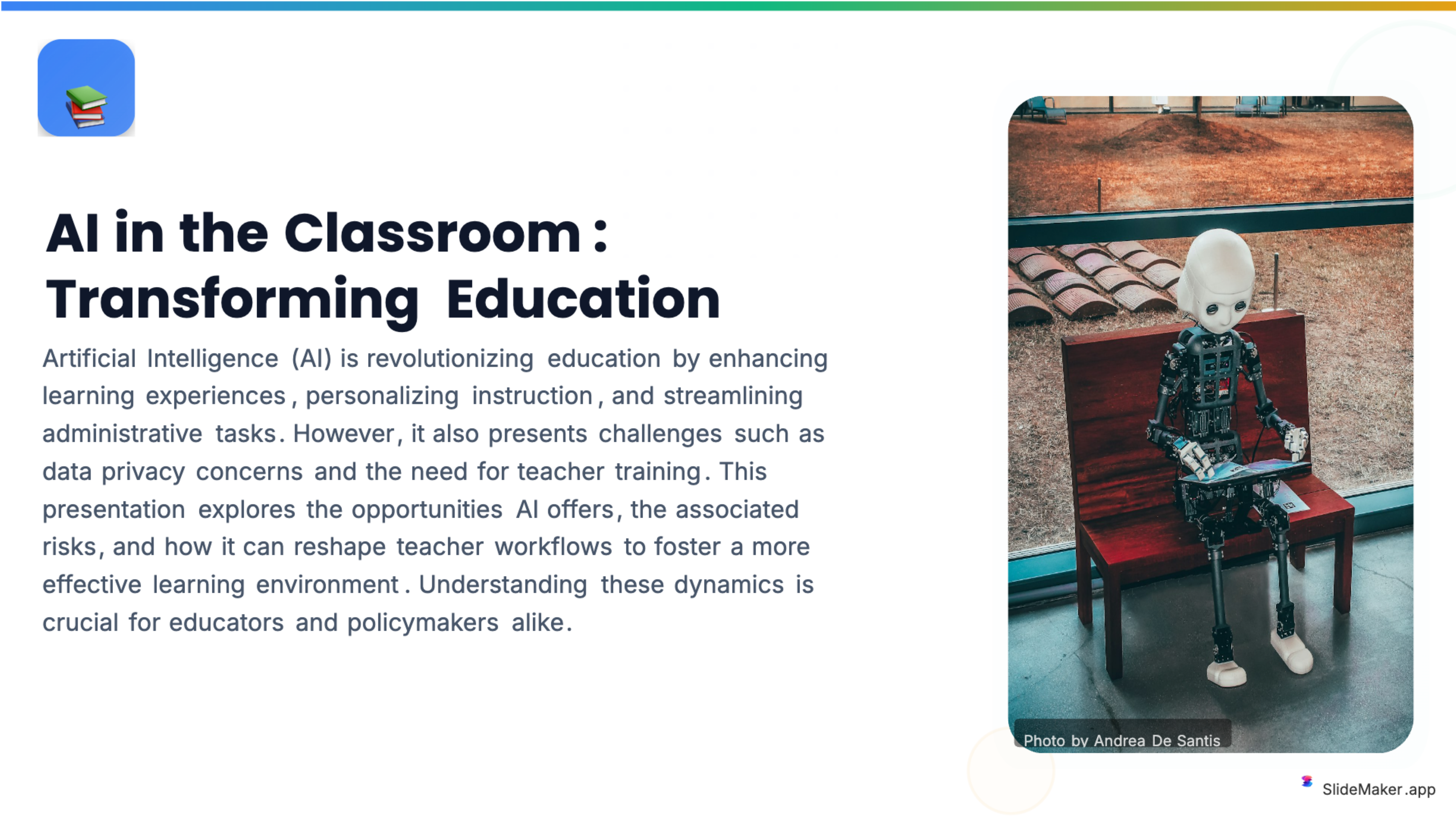
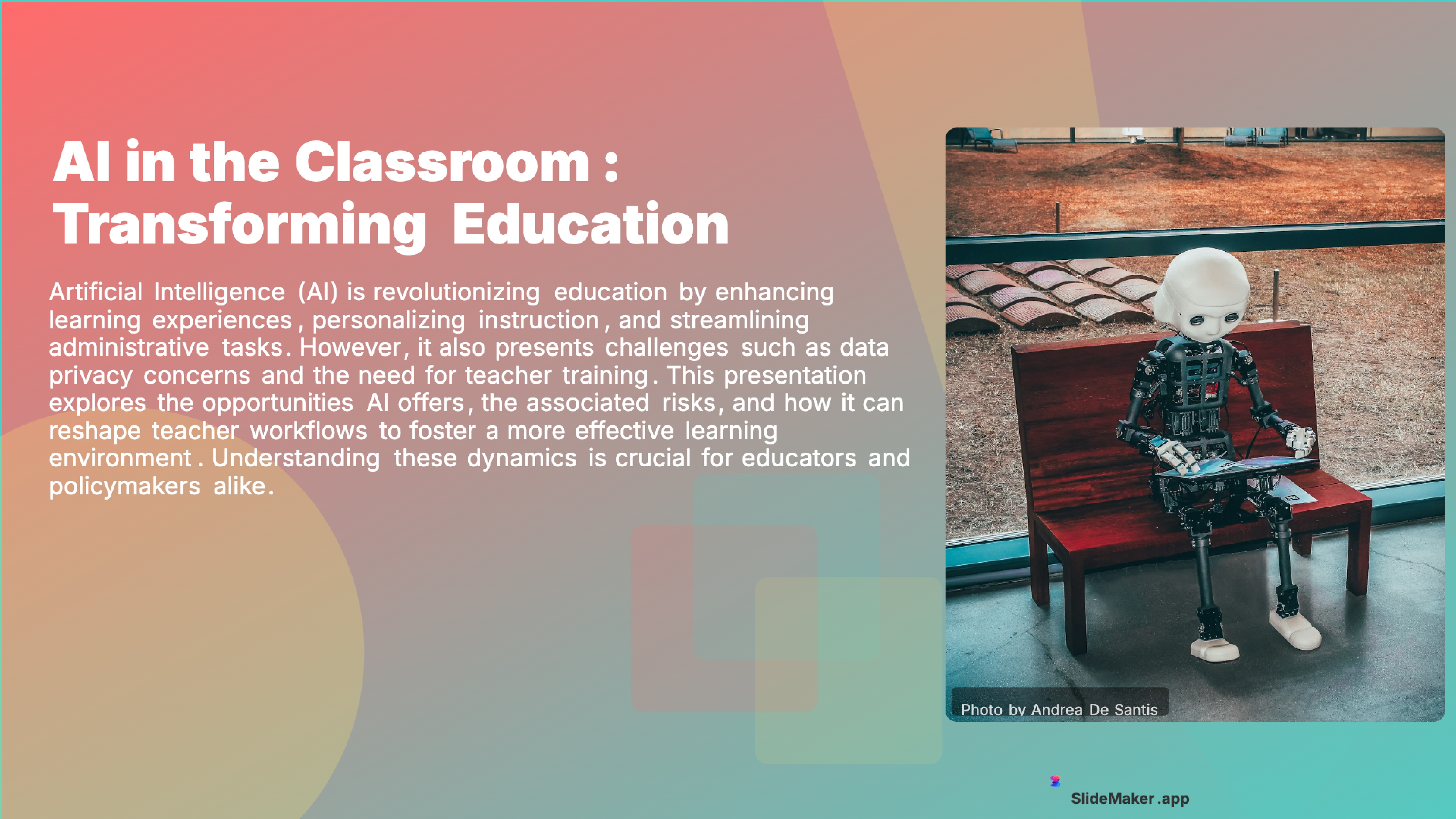
Bold, colorful template perfect for student presentations, projects, and engaging educational content.
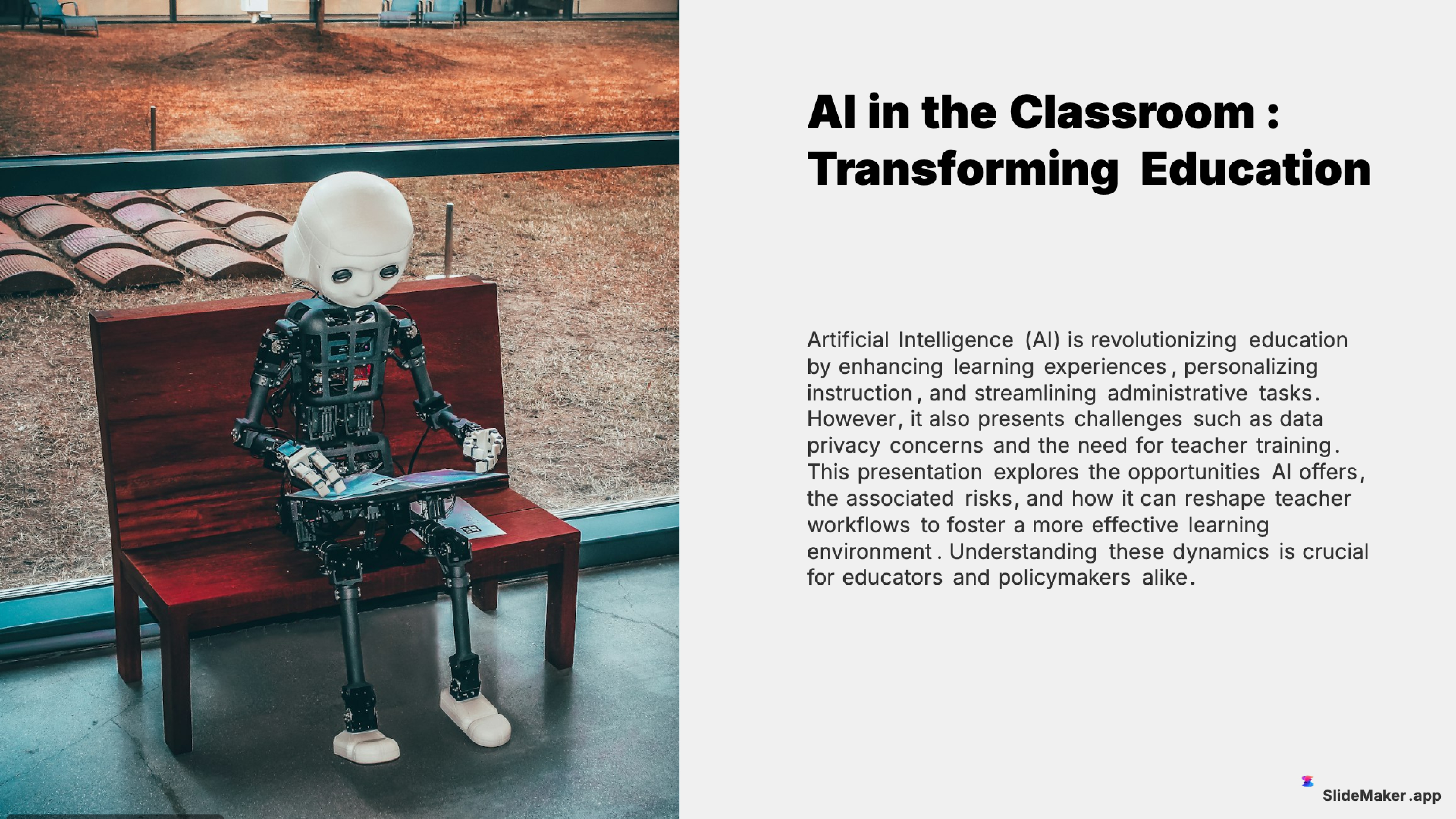
Clean and professional template designed for teachers, trainers, and educational professionals.
Sleek, minimalist design with clean lines. Perfect for corporate and professional presentations.
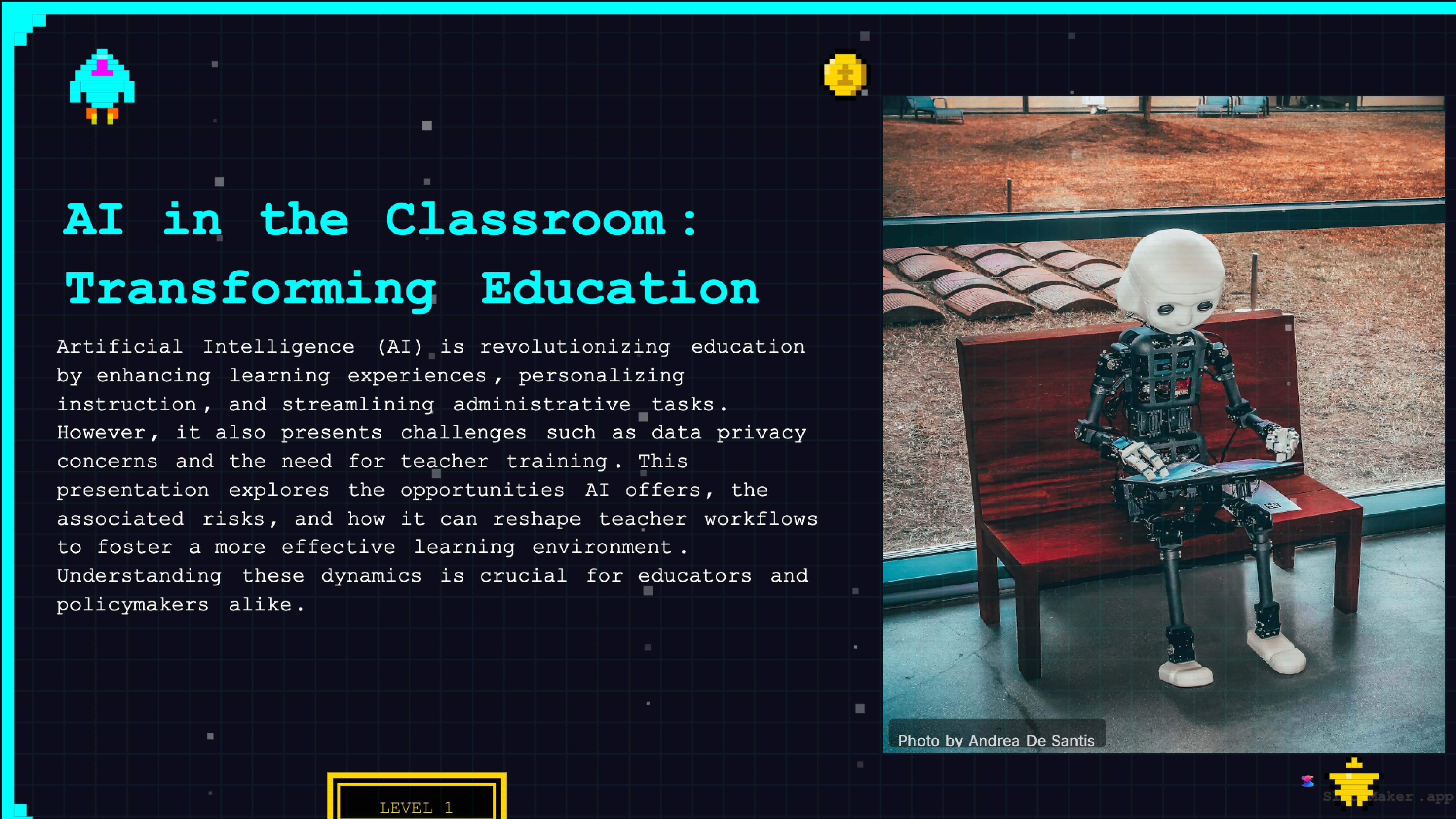
Retro 8-bit arcade gaming style. Fun and engaging for gaming, tech, and entertainment presentations.
Whether a student, teacher, executive, or freelancer, SlideMaker helps create presentations that look professional and save hours of work.
Create class presentations, thesis defenses, and group project decks in minutes instead of hours.
Build lecture slides, course material, and training content with AI-generated structure and visuals.
Prepare meetings, reviews, and project updates with polished, on-brand slides.
Design product overviews, demos, and team updates without hiring a designer.
Generate campaign presentations, content decks, and performance reports instantly.
Step one: enter a topic. Type something like "Series A pitch deck for a fintech startup that automates expense reporting for SMBs" or paste an executive summary, a business plan excerpt, or notes from a brainstorming session. The AI parses the input and identifies the key narrative elements: what problem is being solved, what the product does, who the customers are, and what the business model looks like.
Step two: the AI generates a structured deck. Unlike generic presentation makers that produce random bullet slides, SlideMaker.app follows the standard pitch deck framework. The output typically includes a title/cover slide, problem statement, solution overview, product demo or feature highlights, market size (TAM/SAM/SOM framing), competitive positioning, traction or milestones, business model and revenue streams, team slide, and a closing ask with funding details.
Step three: customize in the editor. Every slide is fully editable — change text, swap images, adjust layouts, pick from 12+ professional themes, add charts or diagrams, reorder slides, or delete sections that do not apply. The editor runs entirely in the browser with no installation required.
Step four: export and share. Download the finished pitch deck as a PowerPoint (.pptx) file to present from a laptop, export as a PDF for email attachments, generate a shareable link with optional password protection for investor distribution, or export as an MP4 video with AI voiceover for async pitching.
Investors review hundreds of pitch decks per month. The decks that get meetings share specific structural qualities, well-documented in references like the Sequoia Capital pitch template and Y Combinator's pitch deck guide: they are 10-15 slides (never 30+), they lead with the problem (not the product), they quantify the market opportunity with credible data sources, they show traction with real metrics (users, revenue, growth rate) rather than projections alone, and they close with a specific ask (amount, use of funds, timeline).
Design matters more than most founders realize. A pitch deck with inconsistent fonts, misaligned elements, low-resolution images, or walls of text signals that the founder lacks attention to detail — which investors interpret as a red flag for execution ability. Professional themes, consistent typography, and clean layouts are not cosmetic — they are credibility signals.
SlideMaker.app handles both the structural and design dimensions automatically. The AI produces content that follows the standard pitch narrative, and the theme engine ensures visual consistency across every slide. Founders can focus on refining the substance — the specific metrics, the competitive insight, the team story — rather than fighting with PowerPoint formatting.
Slidebean charges $29/month for pitch deck templates and AI content suggestions. Beautiful.ai costs $12/month with limited exports on the free tier. Pitch.com offers a free plan but restricts collaboration features and custom branding. Canva locks its best presentation templates and PPTX export behind a $14.99/month Canva Pro subscription. Gamma gives 10 free AI credits per month, then requires a $10/month plan.
SlideMaker.app is free for everything: unlimited pitch deck generation, unlimited PPTX and PDF exports, all 12+ themes, video export with AI voiceover, social media carousels, document conversion, brand kit customization, and password-protected sharing. There is no paid tier because SlideMaker.app is a personal learning project, not a venture-backed SaaS product.
For pre-revenue startups, student entrepreneurs, nonprofit founders, and anyone building a pitch deck on a zero budget, the difference between free and $29/month is not trivial — it is the difference between having a professional deck and not having one at all. That is the core value proposition of a genuinely free pitch deck maker.
Pre-seed and seed-stage startup founders are the primary users. At the earliest stage of a company, hiring a designer or subscribing to a $30/month tool is a cost that competes directly with product development, hosting, and incorporation fees. A free pitch deck maker removes that trade-off entirely — founders can create a polished investor deck in minutes and iterate on it as the business evolves, without rationing against a monthly credit limit.
Accelerator and incubator applicants use pitch deck makers to prepare demo-day presentations. Y Combinator, Techstars, 500 Global, and similar programs require a structured deck as part of the application or final presentation. The standard format is well-defined, and an AI that knows the structure produces a strong starting point faster than building from a blank PowerPoint file.
MBA students and business school teams build pitch decks for capstone projects, startup competitions, and case study presentations. University entrepreneurship courses often require multiple pitch iterations over a semester — a free tool with unlimited generation means students can experiment without worrying about export limits or trial expirations.
Consultants and agency professionals create project pitch decks and proposal presentations. The ability to generate a first draft from a project brief and then refine it in a professional editor saves hours per engagement. Exporting to PowerPoint ensures compatibility with corporate environments that standardize on Microsoft Office.
No credit card, no trial limits, no watermark. Just enter a topic and get a professional presentation in seconds.
Create Presentation Free