Popular
Education
Student Vibrant
4.3k downloads
12 slides
 Create Slides
AI se banao professional presentation Hindi mein. Enter a topic in Hindi or English and get a complete, polished slide deck in 30 seconds. Free, no credit card needed.
SlideMaker.app is a free AI presentation maker, a personal learning project, not a commercial product.
Create Hindi PPT FreeNo credit card required. No credit card. 100% free.
SlideMaker.app is a free Hindi PPT maker that generates complete, professional slide decks in Hindi using AI. Type a topic in Hindi, paste notes written in Devanagari script, or enter a prompt in English about a Hindi-language topic, and the AI builds a full presentation, structured slides, relevant content, professional design, and consistent formatting, in seconds.
India is the largest user country for SlideMaker.app. Students, teachers, business professionals, and researchers across India use the tool to create presentations for college projects, company meetings, government submissions, and academic work. The AI presentation generator works for Hindi-language content the same way it works for English, enter a topic, get a complete deck, edit and export for free.
The AI handles Hindi text in Devanagari script correctly, including proper character rendering, line spacing, and text layout on slides. Exported PowerPoint (.pptx) files open in Microsoft PowerPoint with Hindi text fully preserved and editable. PDFs and video exports maintain the same quality for Hindi content as for any other language.
SlideMaker.app is a personal learning project, not a commercial product. Every feature, Hindi presentation generation, all 12+ professional themes, PPTX and PDF export, video export with voiceover, and sharing, is free for all users with no subscription, no credit limits, and no account required to start.
Type any topic, paste notes, or upload a document. The AI understands context and structure.
In under 30 seconds, get a complete presentation with structured content, visuals, and professional formatting.
Customize text, images, themes, and layouts. Then export to PowerPoint, PDF, or share a live link.
SlideMaker combines powerful AI with an intuitive editor so anyone can create professional presentations without design skills.
Enter any topic, paste notes, or upload a document and get a complete, professional AI-generated presentation in under 30 seconds. The artificial intelligence handles content writing, slide layout, and visual design automatically — no design skills needed.
Choose from modern, minimal, corporate, creative, dark, gradient, and education themes. Every presentation template is designed for real-world use in business meetings, classrooms, pitch decks, and conferences.
Upload a PDF, Word document (DOCX), or text file and convert it into polished slide decks automatically. SlideMaker.app preserves headings, key points, and document structure — perfect for turning reports, research papers, and lecture notes into presentations.
Apply brand colors, fonts, and logo across every slide to maintain consistent corporate identity. Ideal for marketing teams, agencies, and businesses that need on-brand presentations at scale.
Export presentations as MP4 video with AI voiceover and background music, or generate social media carousels optimized for LinkedIn, Instagram, Twitter/X, and Facebook. Turn any slide deck into shareable content.
Download finished presentations as editable PowerPoint (PPTX) files, PDF documents, or PNG images. Fully compatible with Microsoft PowerPoint, Google Slides, LibreOffice Impress, and Apple Keynote.
Invite teammates with one share link and edit the same deck together live. See who else is editing with named cursors, and per-element locks make sure two people never overwrite each other. No paywalls, no version-file ping-pong — it is free forever.
Browse ready-made presentations or let AI create one from scratch. Every template is fully editable.
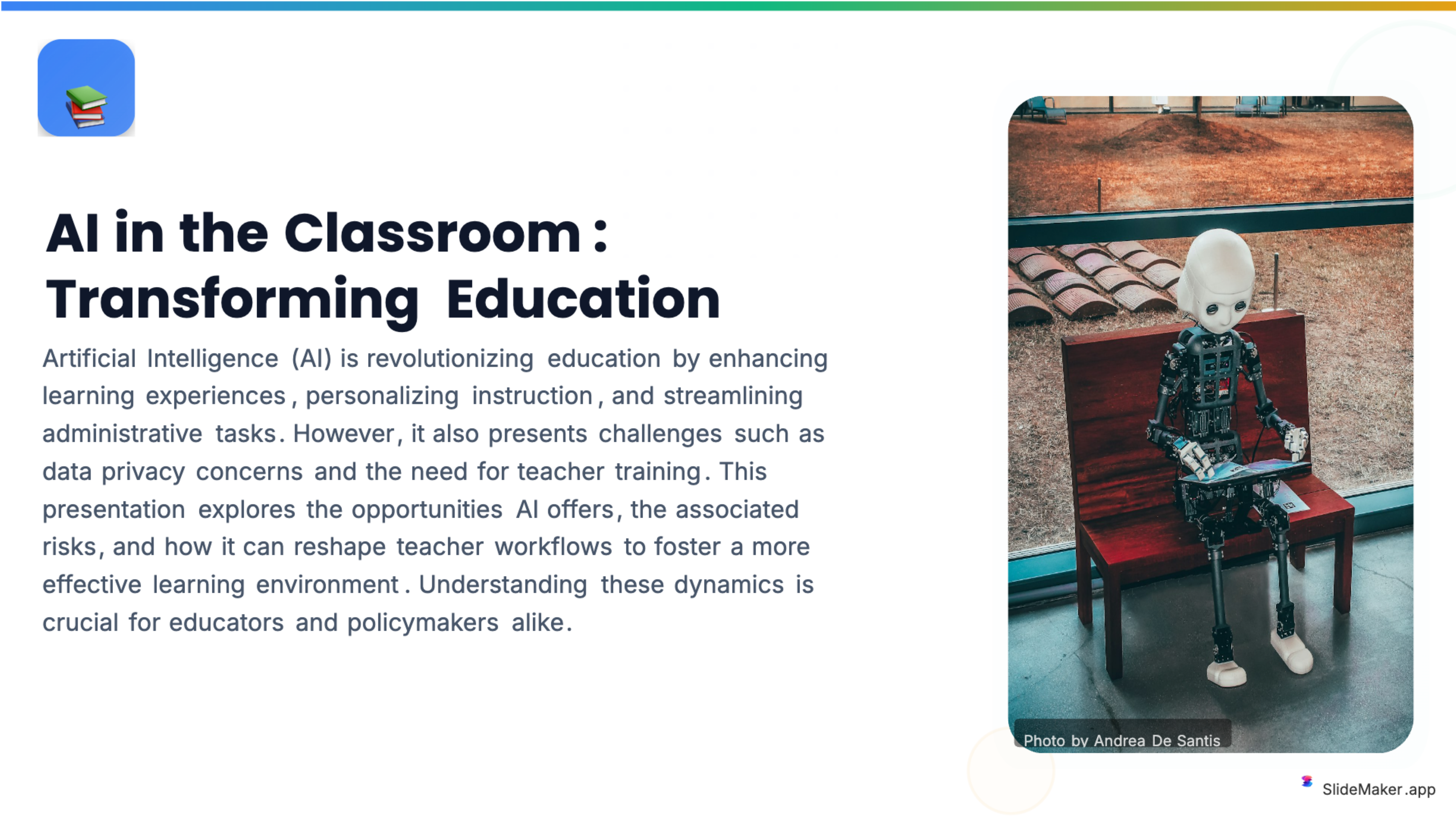
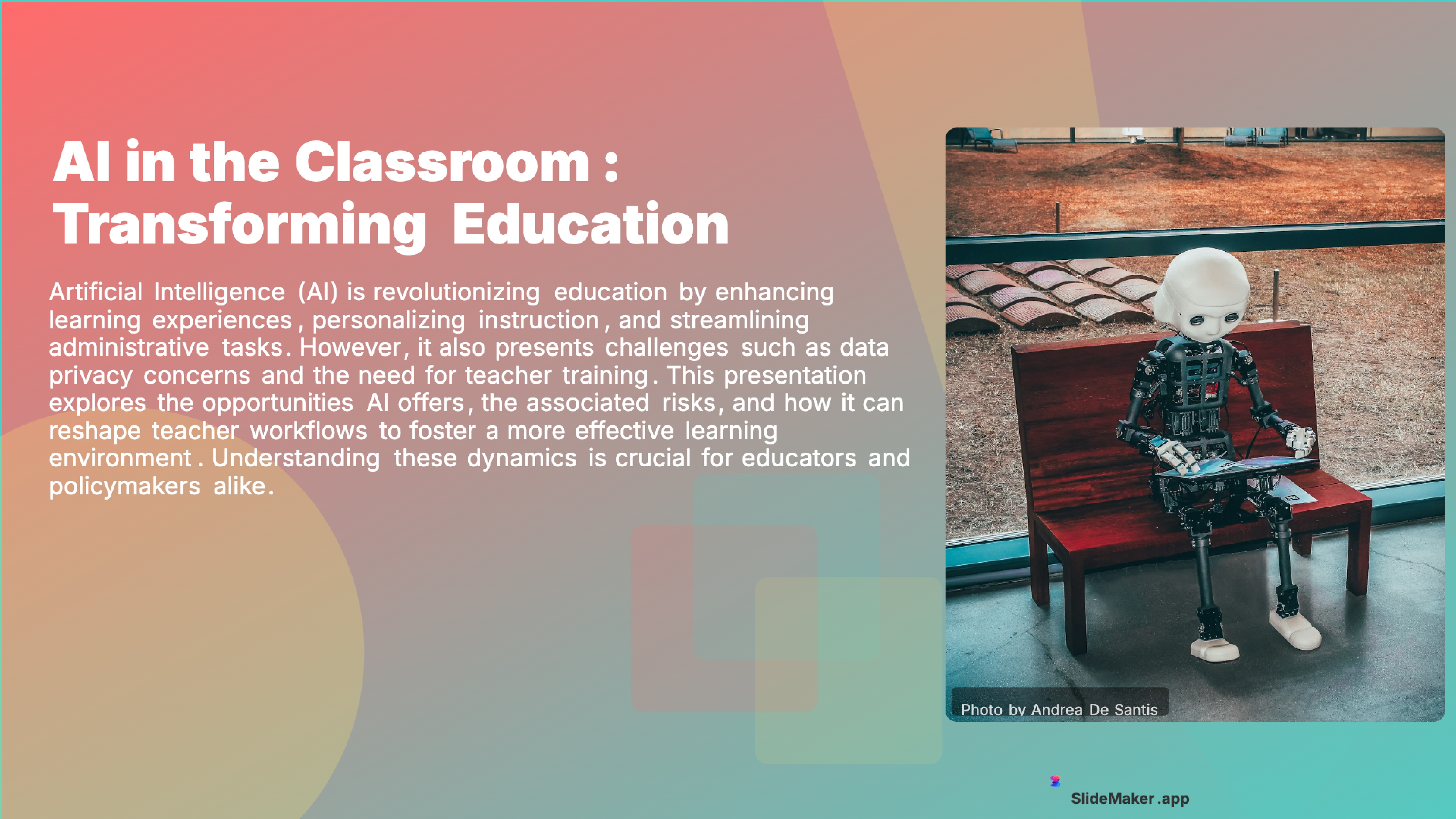
Bold, colorful template perfect for student presentations, projects, and engaging educational content.
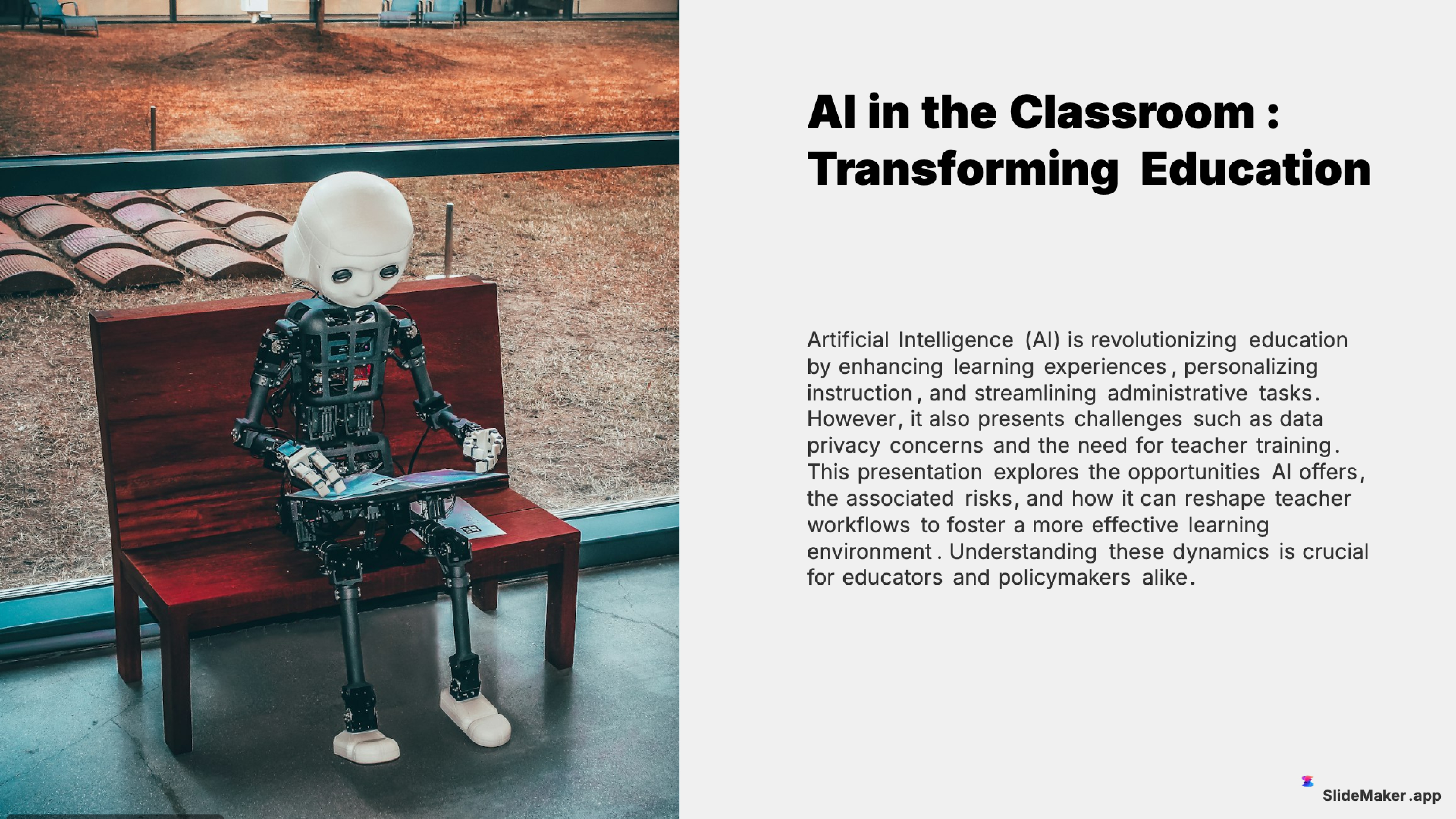
Clean and professional template designed for teachers, trainers, and educational professionals.
Sleek, minimalist design with clean lines. Perfect for corporate and professional presentations.
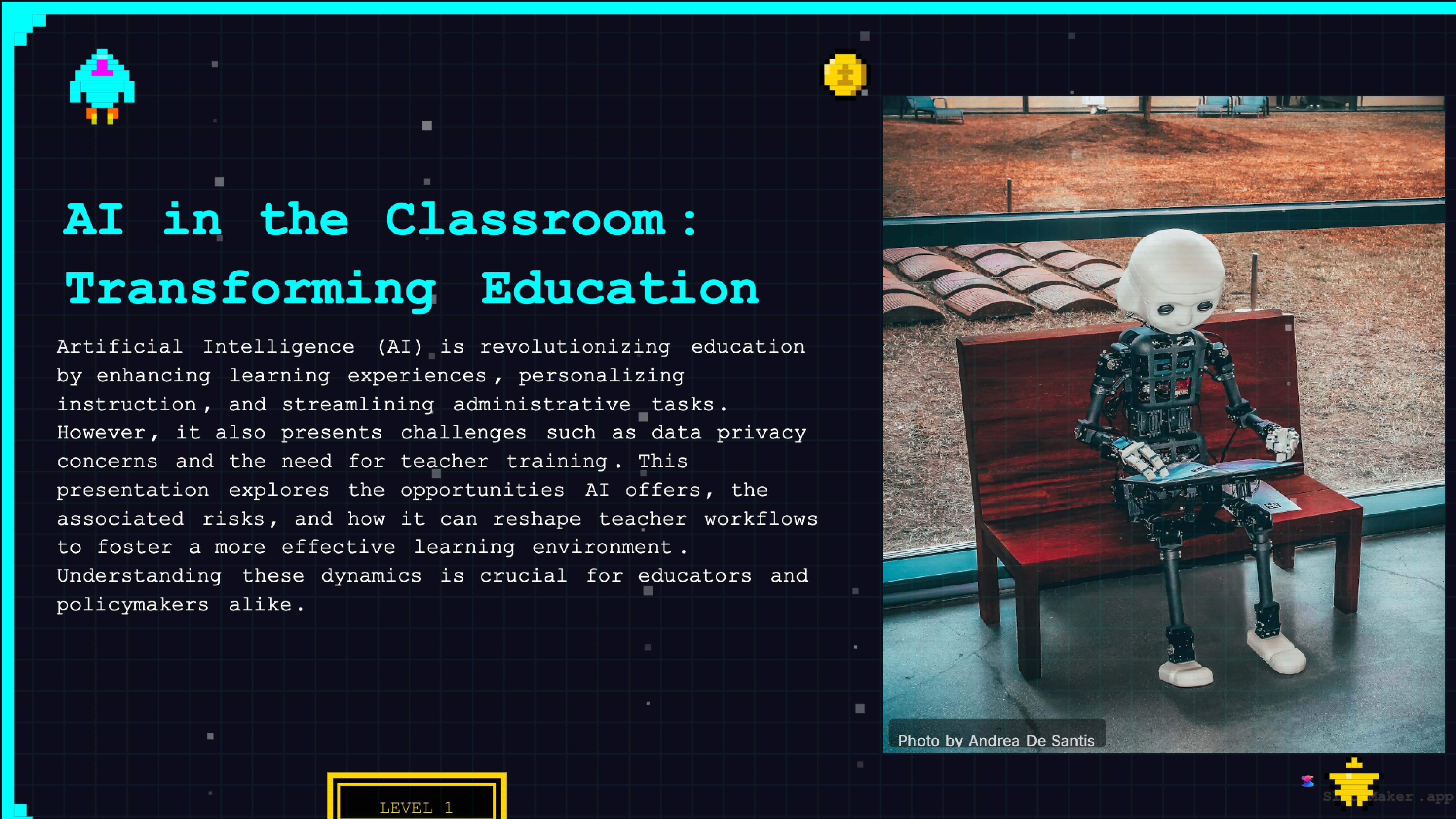
Retro 8-bit arcade gaming style. Fun and engaging for gaming, tech, and entertainment presentations.
Whether a student, teacher, executive, or freelancer, SlideMaker helps create presentations that look professional and save hours of work.
Create class presentations, thesis defenses, and group project decks in minutes instead of hours.
Build lecture slides, course material, and training content with AI-generated structure and visuals.
Prepare meetings, reviews, and project updates with polished, on-brand slides.
Design product overviews, demos, and team updates without hiring a designer.
Generate campaign presentations, content decks, and performance reports instantly.
Creating a Hindi presentation on SlideMaker.app is straightforward. Open the tool in any browser, type a topic in Hindi (for example: "bharat mein digital kranti" or "paryavaran pradushan aur samadhan"), select the number of slides and detail level, and click Generate. The AI builds a complete presentation in under 30 seconds.
For more detailed output, paste Hindi notes or an outline directly into the prompt field. The AI reads the context and adapts the presentation structure accordingly, more context produces a more comprehensive deck with richer content per slide. The detail level setting (Beginner, Intermediate, Advanced, Balanced) controls how much information appears on each slide.
Hindi-language documents can also be uploaded and converted into slide decks. Upload a PDF of a Hindi report, a Word document in Devanagari script, or a text file with Hindi content, and the PDF to slides converter extracts the structure and creates a properly formatted Hindi presentation. This is particularly useful for converting school notes, government documents, or research papers into presentation format.
After generation, every slide is editable in the browser. Change text, add or remove slides, swap images, adjust layouts, and choose from 12+ professional themes. The editor correctly handles Devanagari script, so Hindi text can be typed, edited, and formatted without issues.
Hindi-medium students across India use SlideMaker.app to create school and college presentations. Class projects, seminar presentations, internship reports, science fair slides, and group assignments all benefit from AI generation, instead of spending hours building slides manually in PowerPoint, students enter a topic and get a complete presentation in minutes.
The free access is especially important for students on tight budgets. Canva, Gamma, and other popular AI presentation tools either limit free users to a small number of presentations per month or lock the best features behind paid plans. SlideMaker.app has no such restrictions, students can create unlimited presentations and download them as PPTX or PDF files at no cost.
For students at colleges and universities where presentations are required in Hindi, the tool eliminates the language barrier that some AI tools have. Research scholars and PhD students can convert thesis chapters written in Hindi into presentation slides for their seminars and defense presentations. The AI understands academic content structure, introduction, literature review, methodology, findings, conclusion, and produces appropriate slide organization.
Business professionals in India frequently need presentations in Hindi for meetings with government bodies, regional teams, rural outreach programs, and internal communications with Hindi-speaking teams. Business users can enter meeting topics, quarterly review data, or project summaries in Hindi and get a polished slide deck ready for the boardroom or team meeting.
Startup founders pitching to Indian investors sometimes prefer Hindi-language decks for regional presentations or vernacular investor events. SlideMaker.app can generate pitch deck slides in Hindi covering the standard investor pitch structure, problem statement, solution, market size, business model, traction, and funding ask, all in Hindi.
Government officials, NGO workers, and social sector organizations communicating with Hindi-speaking communities can create Hindi presentations for public outreach, training sessions, and awareness campaigns. The tool handles the full range of professional content types, from simple informational slides to complex data-heavy presentations with charts and diagrams.
Hindi presentations created on SlideMaker.app export to PowerPoint (.pptx), PDF, PNG, and MP4 video. The PPTX export produces a standard PowerPoint file where all Hindi text is in editable text boxes, not flattened images. Open the file in Microsoft PowerPoint on Windows or Mac, and every slide can be edited, the Hindi text can be modified, and charts can be updated.
The video export feature turns Hindi presentations into MP4 files with transitions and configurable slide durations. The AI voiceover option in video exports currently uses English text-to-speech narration regardless of slide language, so for pure Hindi video narration, recording a separate voiceover after export is recommended.
Exported Hindi presentations can be shared as live links, embedded on websites and blogs using the embed feature, or downloaded for offline use. All sharing features work for Hindi presentations exactly as they do for English ones, password-protected sharing, link expiration, and QR code generation are all available.
SlideMaker.app is free for every user in India and worldwide. There is no special "India plan", no language-specific paywall, and no credit system that runs out after a few presentations. Every Hindi PPT, every export, every professional theme, all free, no subscription required.
For students who need a Hindi presentation for class tomorrow, for teachers preparing Hindi-medium lecture slides, for business professionals creating Hindi reports, and for researchers converting Hindi research papers into slides, SlideMaker.app provides a fast, capable, and free AI tool. No installation, no account setup required, no hidden costs. Just enter a topic in Hindi and get a complete presentation.
SlideMaker.app supports the same workflows for Hindi that it supports for English: PDF to slides, topic-based generation, document upload, and full editing before export. India is the largest user country for the tool, and Hindi-language support is a core part of what makes SlideMaker.app genuinely useful for Indian users across all education levels and professional contexts.
No credit card, no trial limits, no watermark. Just enter a topic and get a professional presentation in seconds.
Create Presentation Free