Popular
Education
Student Vibrant
4.3k downloads
12 slides
 Create Slides
Create professional presentations in Spanish with AI. Enter a topic in Spanish and get a complete, polished slide deck in under 30 seconds. Free, no credit card required.
SlideMaker.app is a free AI presentation maker, a personal learning project, not a commercial product.
Create Spanish Presentation FreeNo credit card required. No credit card. 100% free.
SlideMaker.app generates complete, professional presentations in Spanish. Type a topic in Spanish, paste notes from a Spanish document, or upload a PDF written in Spanish, and the AI produces a full slide deck in the same language, structured headings, supporting content, relevant images, and consistent professional design. No translation step, no manual formatting.
Spanish-speaking users in Latin America, Spain, and the United States Hispanic market can use the same tool that generates presentations in English, French, Portuguese, and dozens of other languages. SlideMaker.app is a free AI presentation maker and AI PowerPoint generator with no credit limits, no watermarks, and no language restrictions. Every theme, every export format, every feature, available in Spanish at no cost.
The generation process is identical whether the input is in Spanish, English, or any other language. Enter a topic like "estrategias de marketing digital para pymes" or "cambio climatico y energias renovables", and the AI generates a structured slide deck with appropriate content, organized sections, and professional visual formatting, in Spanish, start to finish.
SlideMaker.app is a personal learning project, not a commercial product. That means there is no subscription required, no credit card, and no premium tier that unlocks multilingual support. Spanish-language presentation generation is part of the free product for every user.
Type any topic, paste notes, or upload a document. The AI understands context and structure.
In under 30 seconds, get a complete presentation with structured content, visuals, and professional formatting.
Customize text, images, themes, and layouts. Then export to PowerPoint, PDF, or share a live link.
SlideMaker combines powerful AI with an intuitive editor so anyone can create professional presentations without design skills.
Enter any topic, paste notes, or upload a document and get a complete, professional AI-generated presentation in under 30 seconds. The artificial intelligence handles content writing, slide layout, and visual design automatically — no design skills needed.
Choose from modern, minimal, corporate, creative, dark, gradient, and education themes. Every presentation template is designed for real-world use in business meetings, classrooms, pitch decks, and conferences.
Upload a PDF, Word document (DOCX), or text file and convert it into polished slide decks automatically. SlideMaker.app preserves headings, key points, and document structure — perfect for turning reports, research papers, and lecture notes into presentations.
Apply brand colors, fonts, and logo across every slide to maintain consistent corporate identity. Ideal for marketing teams, agencies, and businesses that need on-brand presentations at scale.
Export presentations as MP4 video with AI voiceover and background music, or generate social media carousels optimized for LinkedIn, Instagram, Twitter/X, and Facebook. Turn any slide deck into shareable content.
Download finished presentations as editable PowerPoint (PPTX) files, PDF documents, or PNG images. Fully compatible with Microsoft PowerPoint, Google Slides, LibreOffice Impress, and Apple Keynote.
Invite teammates with one share link and edit the same deck together live. See who else is editing with named cursors, and per-element locks make sure two people never overwrite each other. No paywalls, no version-file ping-pong — it is free forever.
Browse ready-made presentations or let AI create one from scratch. Every template is fully editable.
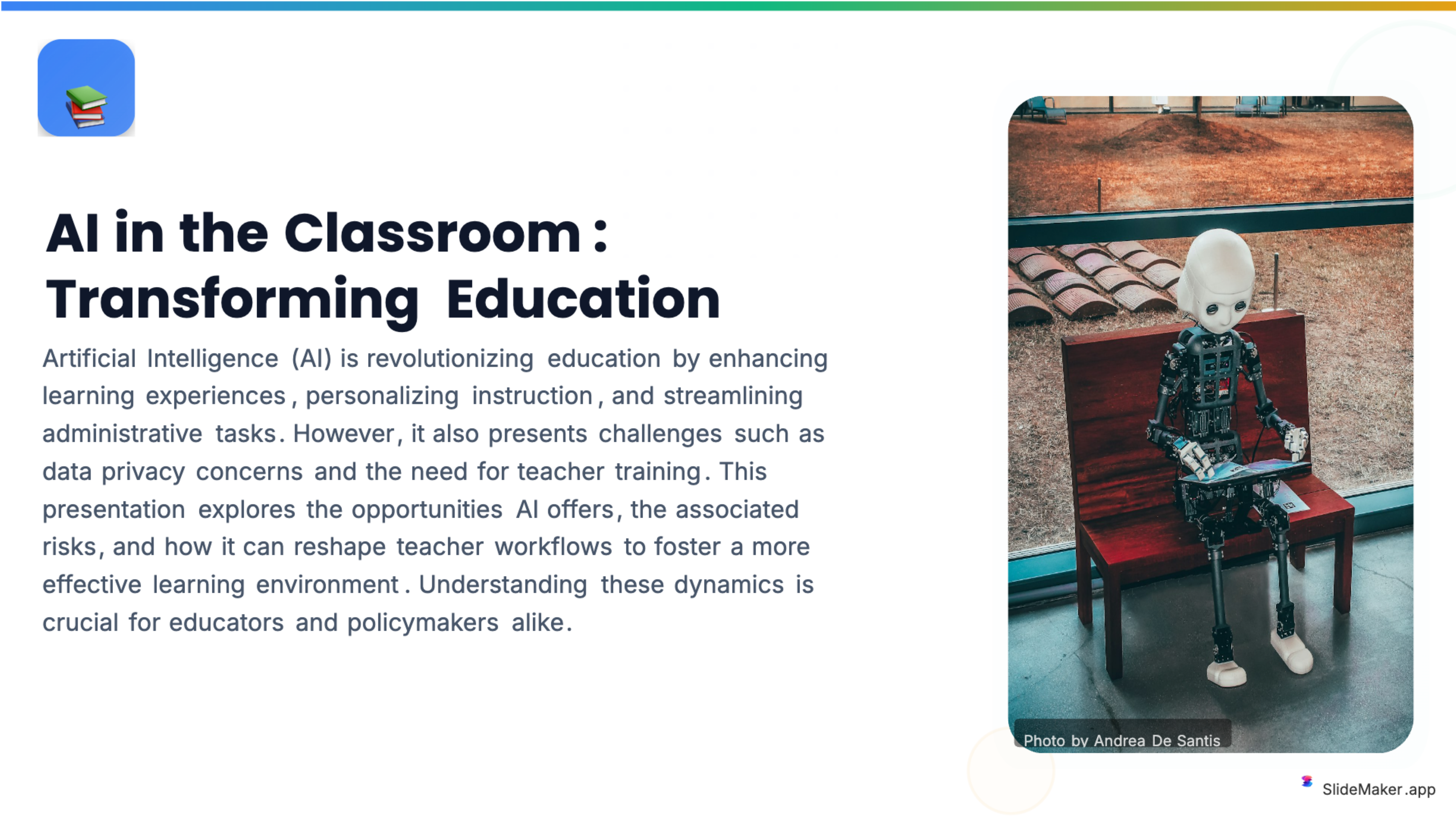
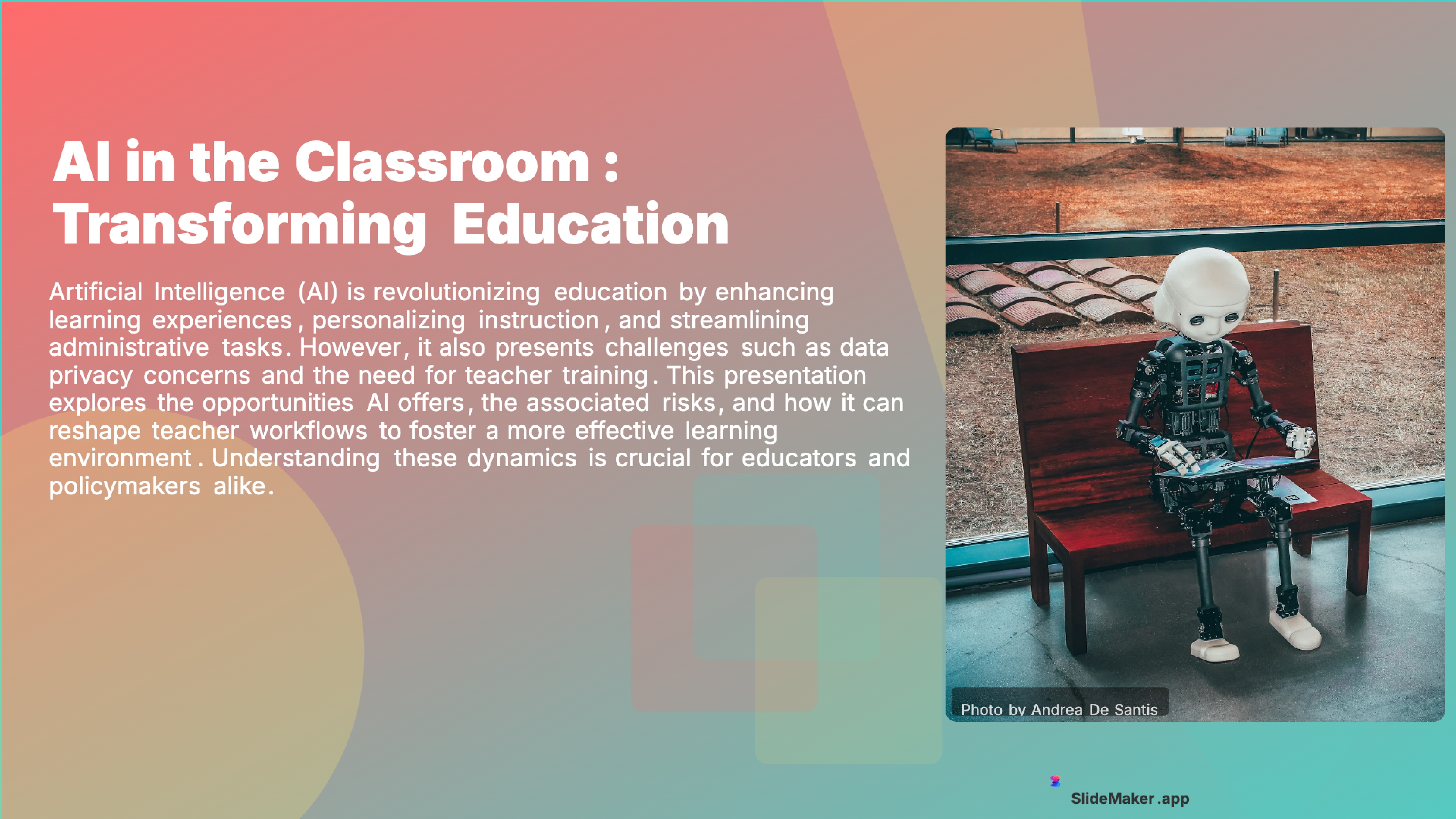
Bold, colorful template perfect for student presentations, projects, and engaging educational content.
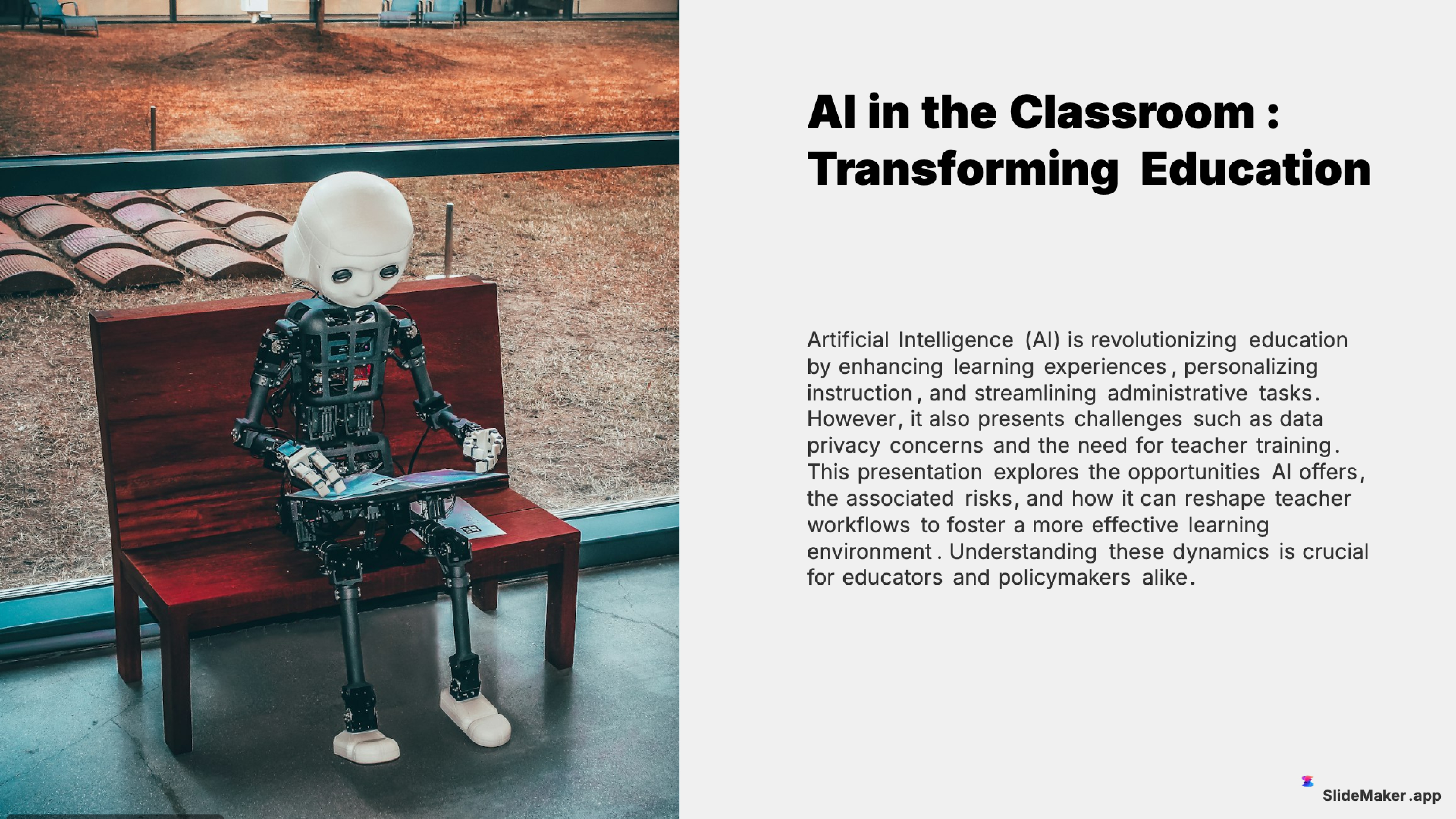
Clean and professional template designed for teachers, trainers, and educational professionals.
Sleek, minimalist design with clean lines. Perfect for corporate and professional presentations.
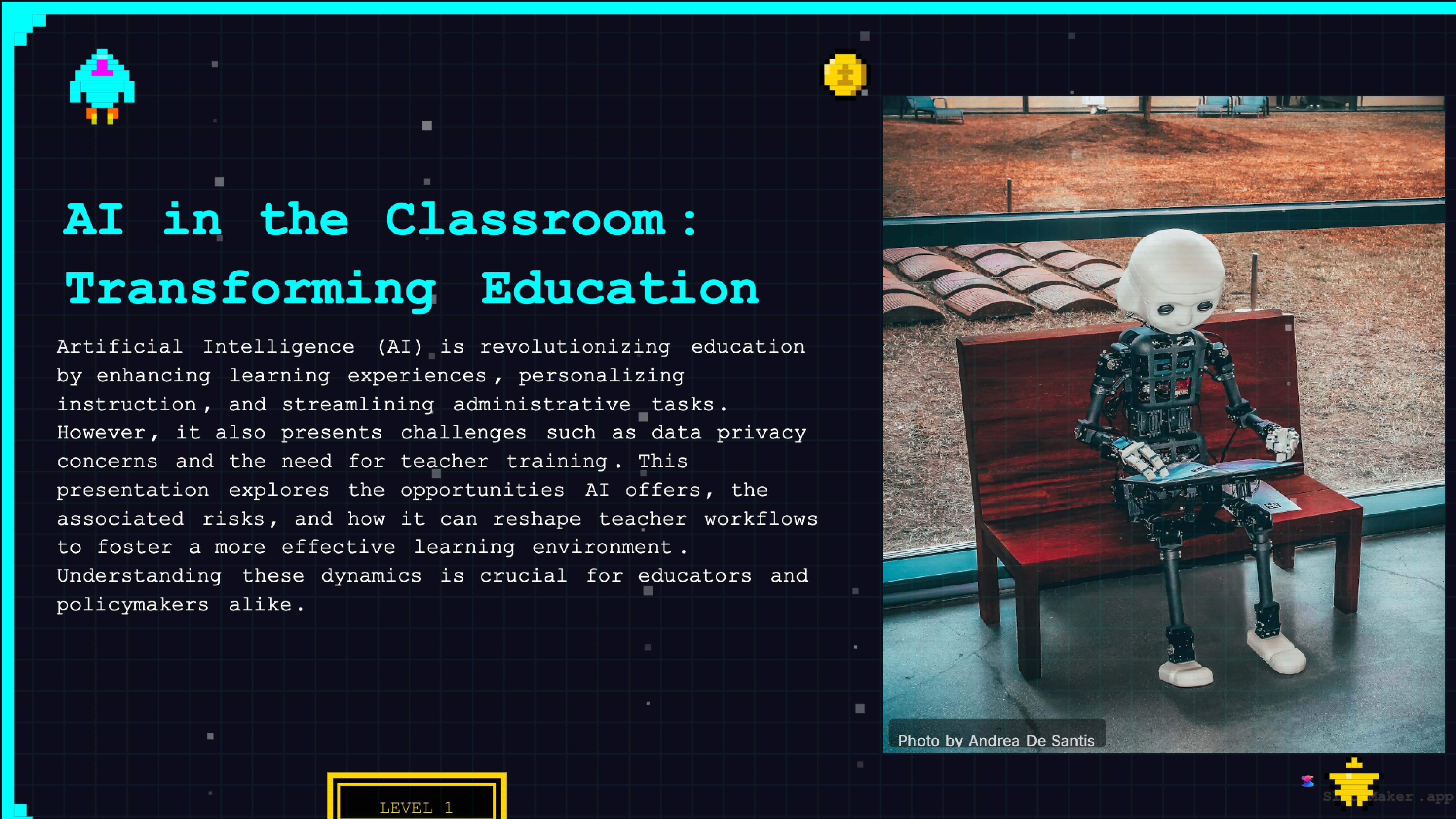
Retro 8-bit arcade gaming style. Fun and engaging for gaming, tech, and entertainment presentations.
Whether a student, teacher, executive, or freelancer, SlideMaker helps create presentations that look professional and save hours of work.
Create class presentations, thesis defenses, and group project decks in minutes instead of hours.
Build lecture slides, course material, and training content with AI-generated structure and visuals.
Prepare meetings, reviews, and project updates with polished, on-brand slides.
Design product overviews, demos, and team updates without hiring a designer.
Generate campaign presentations, content decks, and performance reports instantly.
The process takes under a minute. Open SlideMaker.app, type a topic in Spanish in the prompt field, and click Generate. The AI interprets the topic, builds a logical slide structure, writes Spanish-language content for each slide, selects relevant images, and applies a professional theme. The result is a complete presentation ready to edit, present, or export.
For more control over the output, paste detailed Spanish notes or an outline directly into the prompt. The AI adapts to the length and structure of what is provided, a short topic phrase produces a concise deck, while a detailed paragraph of context generates a more comprehensive presentation with more slides and richer content per section.
Users can also upload Spanish-language documents, PDFs, Word files (.docx), or plain text files, and convert them into slide decks automatically. The PDF to slides converter preserves the structure and content of the source document, translating headings and key points into a properly formatted Spanish presentation. Academic papers, business reports, and research summaries all work well as source material.
After generation, every slide is fully editable in the browser-based editor. Change any text, swap images, add or remove slides, adjust the layout, or switch between the 12+ available themes. The editor works in any language, Spanish text, special characters (accents, ñ, punctuation), and formatting are all handled correctly.
Spanish-speaking students use SlideMaker.app for class presentations, thesis defenses, science fair projects, and group assignments. Rather than spending hours building slides manually, students enter the topic and get a structured presentation in minutes. The free access matters particularly for students who cannot justify a $10-15/month subscription for a presentation tool they use occasionally.
Teachers and professors working in Spanish-language institutions create lecture slides, course materials, and training content in Spanish. The AI generates slides from lesson topics or pasted curriculum notes, saving substantial time each week. For educators teaching in bilingual environments, the ability to generate content in Spanish and English in the same tool is particularly useful.
University researchers writing in Spanish can convert thesis chapters, journal articles, and literature reviews into conference presentation slides. The AI structures academic content appropriately, introduction, methodology, results, discussion, conclusion, without requiring the researcher to rebuild the content flow manually for a different format.
Every Spanish presentation generated on SlideMaker.app exports to the same formats available for any other language: PowerPoint (.pptx), PDF, PNG images, and MP4 video with AI voiceover. The PPTX export produces a fully editable file that opens in Microsoft PowerPoint, Google Slides, Apple Keynote, and LibreOffice Impress. Spanish text, special characters, and formatting are preserved in the exported file.
The video export feature produces an MP4 file where each slide displays for a configurable duration, with transition animations and optional background music. The AI voiceover feature uses text-to-speech to narrate slide content, which works for Spanish text, useful for creating explainer videos, course content, or async presentations in Spanish.
Exported Spanish presentations can also be shared as live links, embedded on websites using the built-in embed feature, or exported as social media carousels for platforms like LinkedIn and Instagram. The sharing features are the same for all languages, no language-specific restrictions on how presentations are distributed or embedded.
Some tools offer multilingual presentation generation in theory but produce poor results in practice, awkward phrasing, missing accents, incorrect gender agreement, or a mix of English and Spanish content in the same deck. SlideMaker.app treats Spanish as a first-class language input. When a topic is entered in Spanish, the entire presentation is generated in Spanish, including headings, bullet points, speaker notes, and image captions.
For bilingual professionals who present in both languages, SlideMaker.app can generate separate decks from the same topic in each language, generate the Spanish version first, then generate the English version from the same prompt. Both versions use the same AI generation pipeline and the same professional templates. No separate tool or workflow is needed.
Businesses operating in Latin America or Spain, nonprofits communicating with Spanish-speaking communities, government agencies producing bilingual materials, and marketing teams creating content for Spanish-language markets all benefit from a free AI presentation tool that handles Spanish as well as English. SlideMaker.app eliminates the need for a separate Spanish-specific tool or a translation step after English generation.
Creating presentations in Spanish should not cost extra. SlideMaker.app provides the same free, unlimited AI presentation generation in Spanish that it provides for English and every other supported language. There is no "multilingual plan", no per-language credit system, and no premium tier required for non-English generation.
Generate a Spanish presentation from any topic, edit it in the browser editor, and export to PowerPoint, PDF, or video, all free, all without a subscription. The free presentation maker for Spanish is the same tool as the free presentation maker for English. No distinction, no extra cost, no language restrictions.
For Spanish-speaking users who need professional presentations, students, teachers, business professionals, researchers, nonprofit workers, and anyone who presents in Spanish, SlideMaker.app provides a fast, free, capable AI tool that works in their language without requiring a workaround.
No credit card, no trial limits, no watermark. Just enter a topic and get a professional presentation in seconds.
Create Presentation Free