SlideMaker logo
HomeAboutFeaturePresentations
Create Slides
Home / For business

AI presentation maker for business

SlideMaker.app is a free, non-commercial personal learning and research project created by Gourav Singla.

SlideMaker is an AI presentation maker for business decks you would otherwise build from a blank file: the quarterly review, the company overview, the proposal, the monthly update. Describe the meeting, and it drafts editable slides with a clear structure that you can change, present or download.

Free to use. You can try it before signing in; uploading a file to build from needs a free account.

Sample decks made with SlideMaker

These are real decks, generated from the prompt shown under each one and not edited afterwards. Open a sample to see every slide.

Quarterly B2B Software Business Review

10 slides, Educator Modern theme
View sample deck
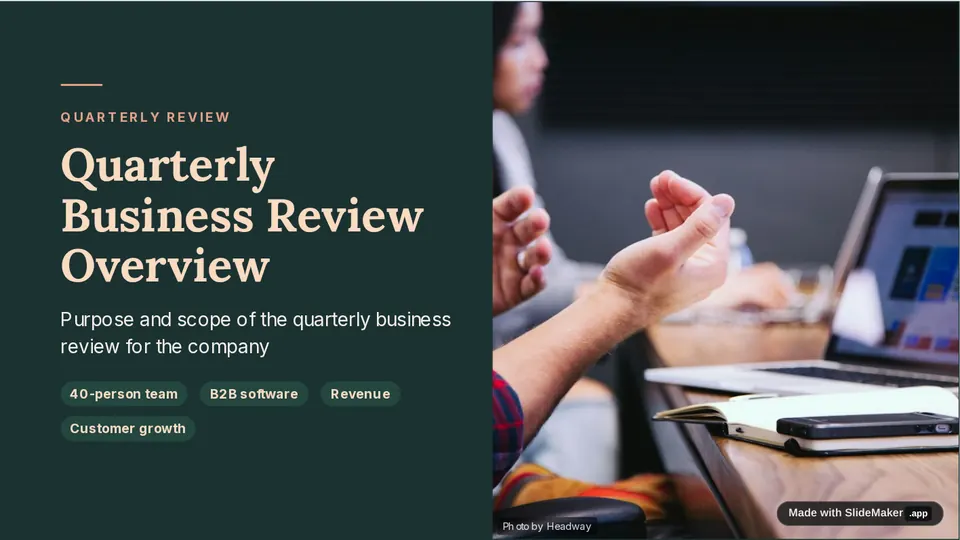
Slide 1 of the sample deck Quarterly B2B Software Business Review: Quarterly Business Review Overview
Slide 1: Quarterly Business Review Overview
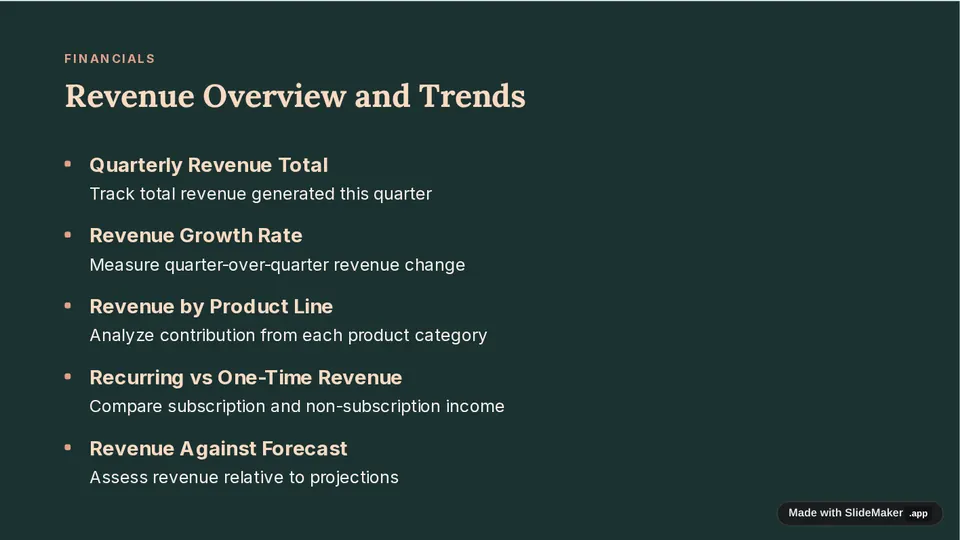
Slide 3 of the sample deck Quarterly B2B Software Business Review: Revenue Overview and Trends
Slide 3: Revenue Overview and Trends
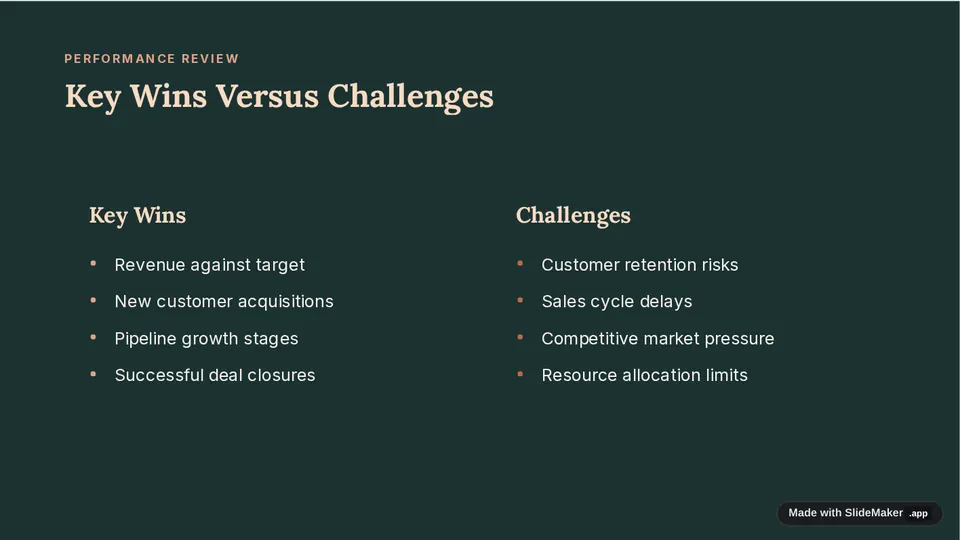
Slide 6 of the sample deck Quarterly B2B Software Business Review: Key Wins Versus Challenges
Slide 6: Key Wins Versus Challenges

Prompt: Quarterly business review for a 40-person B2B software company: revenue, customer growth, pipeline, key wins, risks and next-quarter priorities

Company Overview for New Partnership

10 slides, Educator Modern theme
View sample deck
Slide 1 of the sample deck Company Overview for New Partnership: cover slide of the company overview
Slide 1: cover slide of the company overview
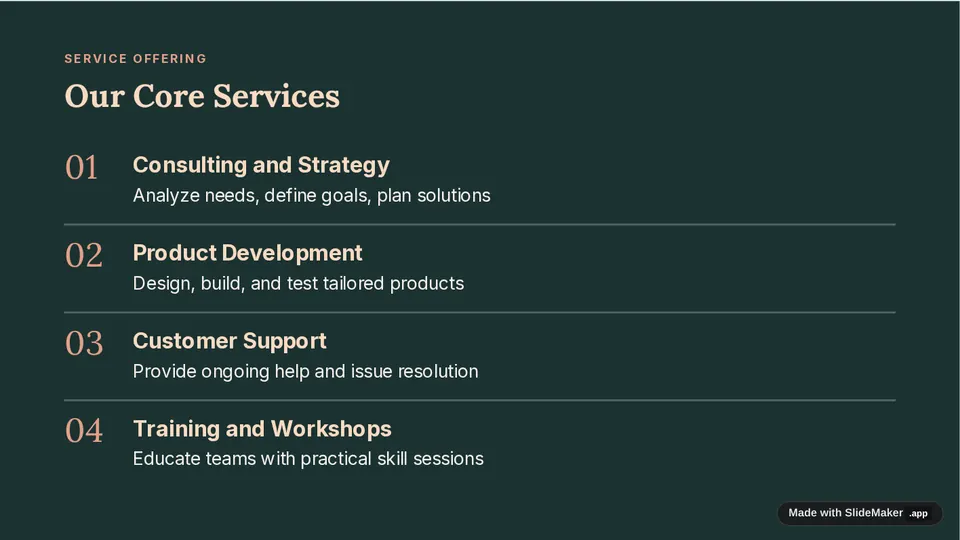
Slide 4 of the sample deck Company Overview for New Partnership: core services
Slide 4: core services
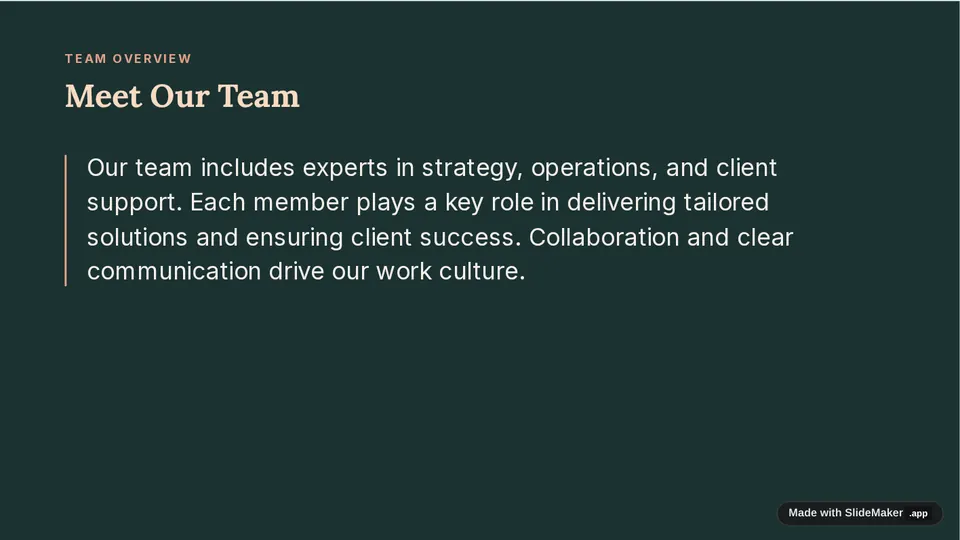
Slide 7 of the sample deck Company Overview for New Partnership: the team
Slide 7: the team

Prompt: Company overview presentation for a new partner: who the company serves, services, results for clients, team, and how a partnership would work

What it drafts for business

Quarterly and monthly reviews

Results against goals, what changed, risks and the priorities for the next period, in the order a leadership meeting reads them.

Company and team overviews

Who the company serves, what it offers, proof from client work and how a partnership or hire would work.

Proposals and business cases

The problem, the options, the recommendation, the cost and the decision you need from the room.

From your own material

Paste notes or an outline and the slides follow your content. With a free account you can also upload a PDF, Word or PowerPoint file to start from.

How it works

  1. Describe the meeting and who will be in the room, or paste your notes.
  2. Pick a theme. SlideMaker drafts the deck, usually about 10 slides.
  3. Edit any text, ask the AI to rewrite a slide, then present or download as PowerPoint or PDF.

For delivery tips once the slides are ready, see Microsoft's guide to creating and delivering an effective presentation.

Questions

Is SlideMaker free for business presentations?

Yes. SlideMaker is free to use, including for work decks. You can try it before signing in; uploading a file to build slides from needs a free account.

What kinds of business decks does it make?

Quarterly and monthly reviews, company overviews, proposals, project updates, onboarding decks and training sessions. Describe the meeting and the slides follow that structure.

Can I edit the slides after the AI drafts them?

Yes. Every slide is editable: change the text, reorder slides, switch the theme, or ask the AI to rewrite one slide.

Can I download the deck as PowerPoint?

Yes. Download as PowerPoint (.pptx) or PDF, or present straight from the browser and share a view link.

Who makes SlideMaker?

SlideMaker.app is a free, non-commercial personal learning and research project created by Gourav Singla.

Related pages

Business presentation templatesQuarterly business review templateMonthly business review templateCompany profile templateBusiness plan presentationConsulting presentations

Make your first draft

Describe the deck and edit the slides it drafts. Free to use.

Open the editor
SlideMaker logo

SlideMaker.app is a personal learning and research project created by Gourav Singla.

Tools
  • AI Slide Maker
  • AI PPT Generator
  • Free Slides
  • Online PPT Maker
  • AI Slideshow Maker
  • Google Slides Maker
  • PDF to PowerPoint
  • PDF to Google Slides
  • Text to Slides
  • Word to Slides
  • PPT Templates
  • Free Tools
Explore
  • About
  • Features
  • Feedback
  • FAQs
  • Presentations
  • Privacy Policy
  • Terms of Service

© 2026 SlideMaker.app · A personal learning project.