Customer Success Quarterly Business Review
10 slides, Educator Modern theme

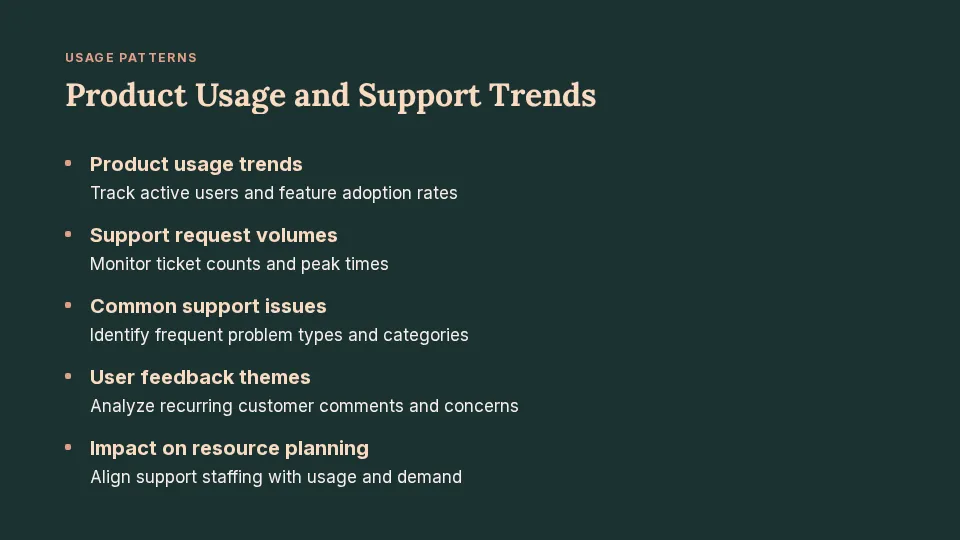
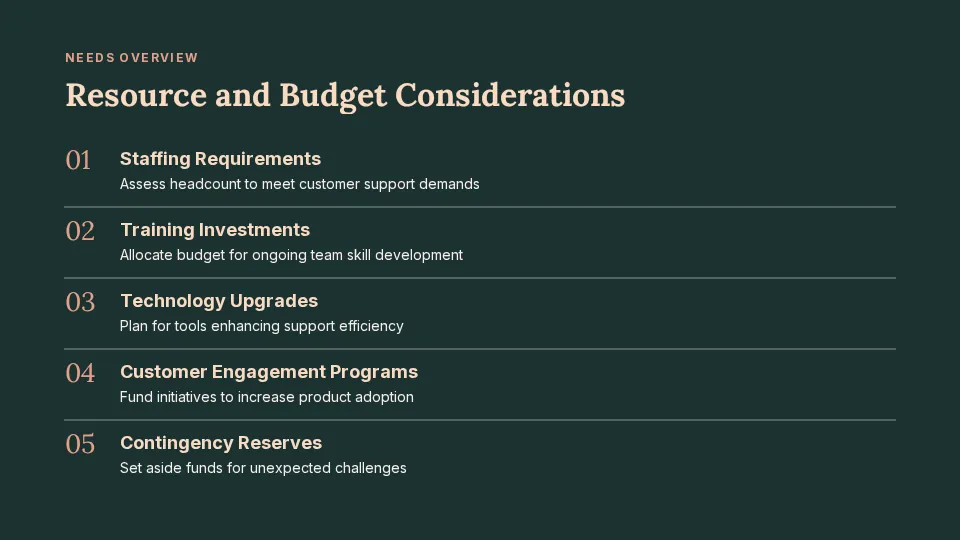
Prompt: Quarterly business review for a customer success team at a software company: Q3 results against goals, product usage, support trends, wins, risks and the Q4 plan
 Create Slides
SlideMaker.app is a free personal learning and research project by Gourav Singla.
Describe the business or the account and the quarter. SlideMaker drafts a quarterly business review (QBR) deck: results against goals, what went well, what did not, risks, and the plan for next quarter. It also makes monthly business review decks in the same shape.
These are real decks, generated from the prompt shown under each one and not edited afterwards. Open a sample to see every slide.
Prompt: Quarterly business review for a customer success team at a software company: Q3 results against goals, product usage, support trends, wins, risks and the Q4 plan
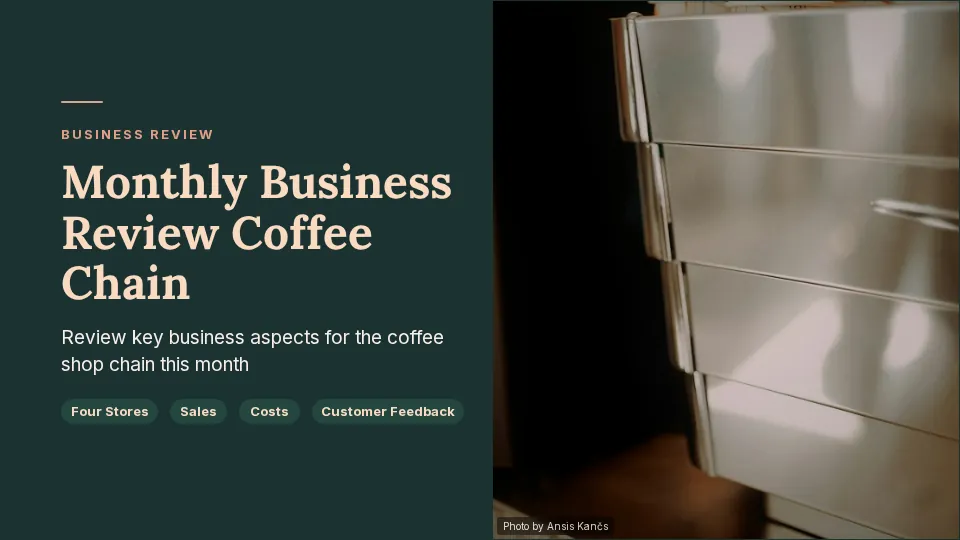
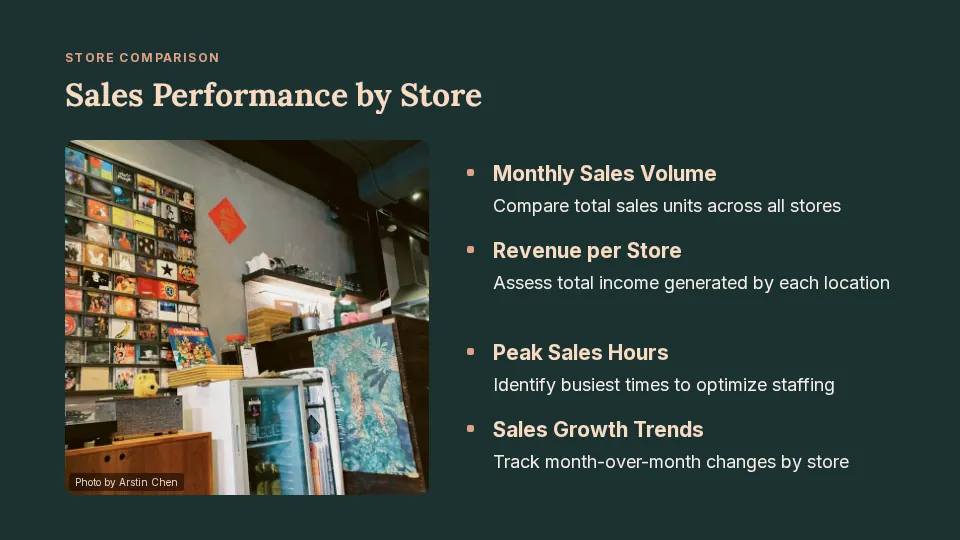
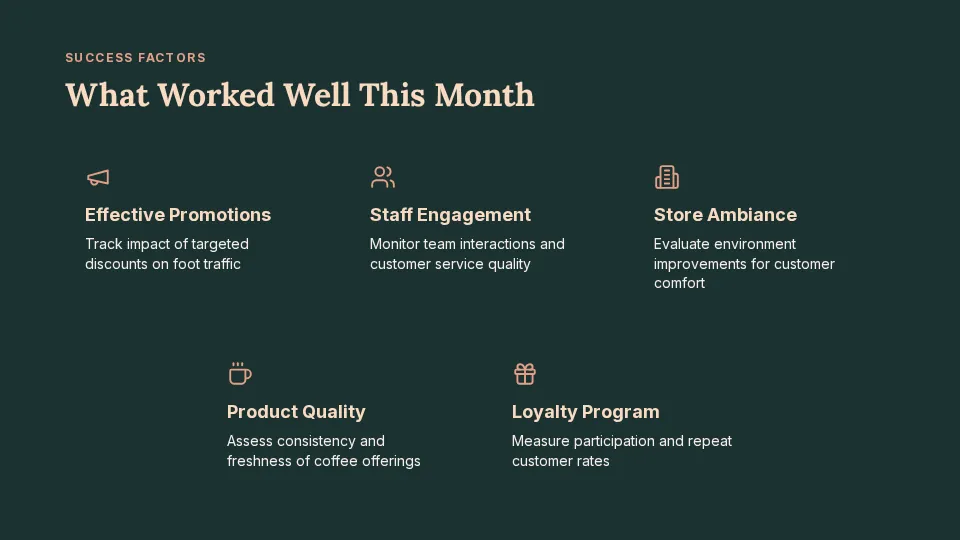
Prompt: Monthly business review for a coffee shop chain with four stores: sales by store, costs, customer feedback, what worked, and actions for next month
The targets set last quarter next to what happened, with the numbers that matter shown as charts and key figures.
What went well and why, what did not, and what the team will do differently.
The risks for the next quarter, each with an owner and an action.
Goals, priorities and the decisions or support needed from the people in the review.
To choose the right chart for each metric, see Microsoft's guide to charts and graphs in a presentation.
A QBR is a meeting every three months to look at results against goals, what went well, what did not, and the plan for the next quarter. The deck walks the room through those points in order.
Usually an agenda, a summary, results against goals, key metrics, wins, issues and lessons, risks, next quarter's goals and the decisions needed. SlideMaker drafts each of these.
Yes. Ask for a monthly business review and name the month. The deck follows the same structure for a shorter period.
Yes. Type or paste the figures into the box, or sign in for free and upload an Excel or CSV file so the charts use your data.
Yes. SlideMaker is free to use. You can try it before signing in; uploading a file to build from needs a free account.
SlideMaker.app is a free personal learning and research project by Gourav Singla.