SlideMaker logo
HomeAboutFeaturePresentations
Create Slides
Home / Training presentation

AI training presentation maker

SlideMaker.app is a free personal learning and research project by Gourav Singla.

Describe the training and who it is for. SlideMaker drafts an editable training presentation with learning objectives, the steps to follow, examples and a short recap quiz. It works for employee onboarding, safety training, product training and workshop sessions.

Free to use. You can try it before signing in; uploading a file to build from needs a free account.

Sample training presentations made with SlideMaker

These are real decks, generated from the prompt shown under each one and not edited afterwards. Open a sample to see every slide.

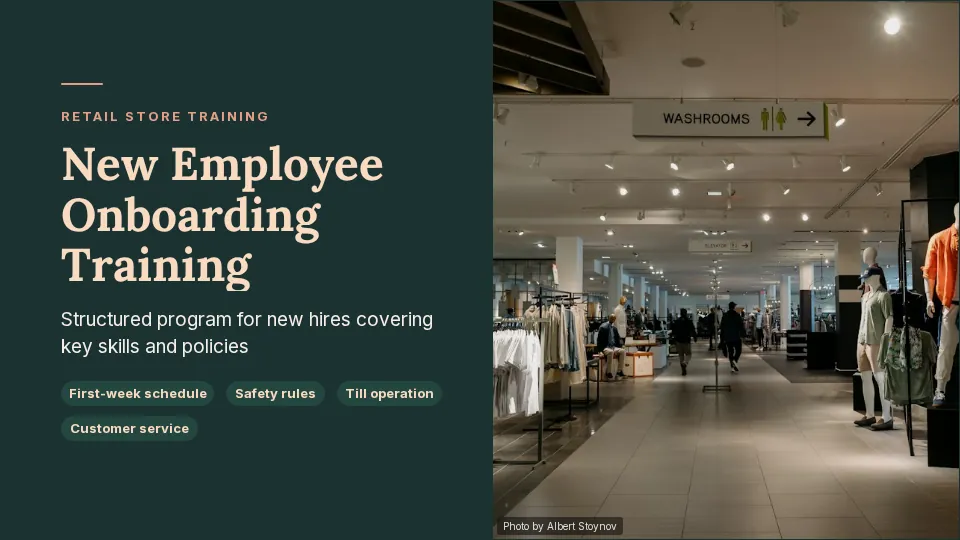
New Employee Onboarding Training

10 slides, Educator Modern theme
View sample deck
Slide 1 of the sample deck New Employee Onboarding Training: New Employee Onboarding Training
Slide 1: New Employee Onboarding Training
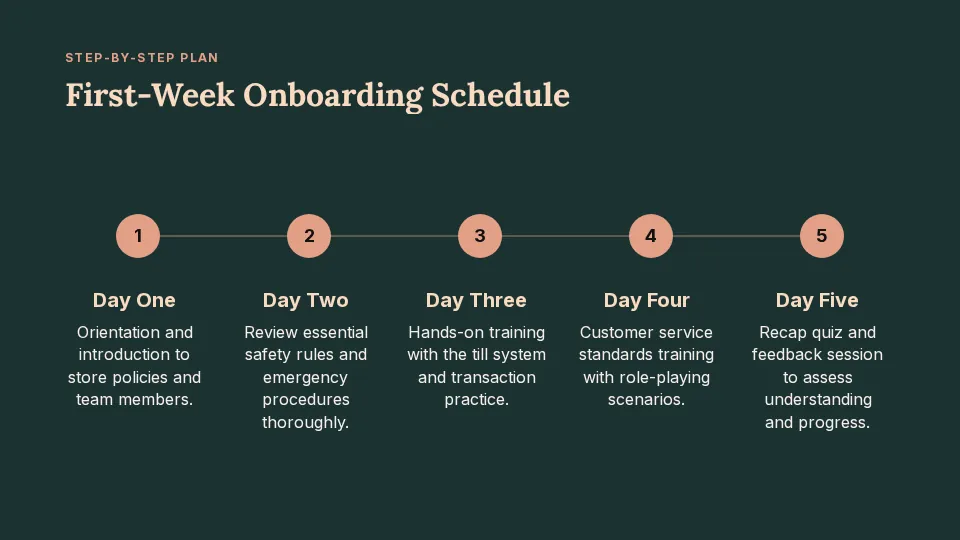
Slide 4 of the sample deck New Employee Onboarding Training: First-Week Onboarding Schedule
Slide 4: First-Week Onboarding Schedule
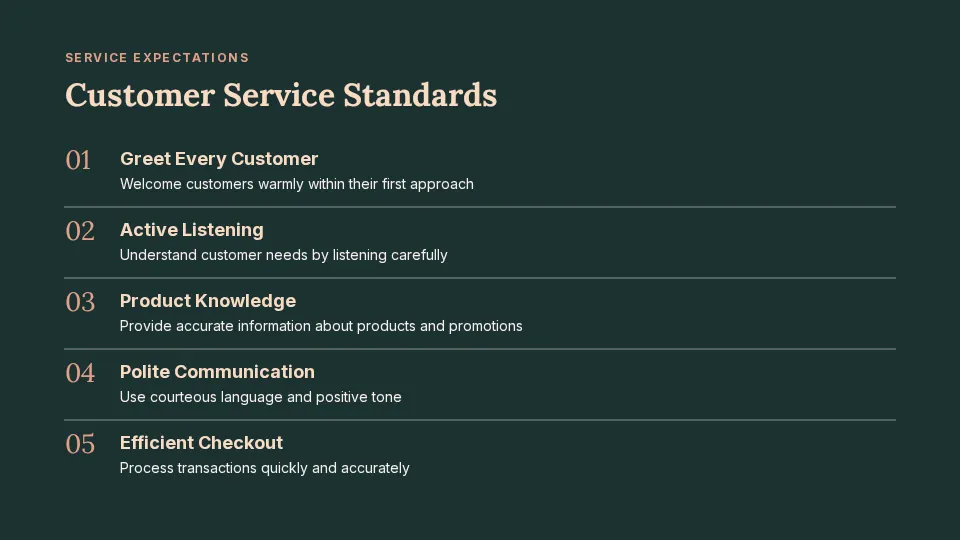
Slide 7 of the sample deck New Employee Onboarding Training: Customer Service Standards
Slide 7: Customer Service Standards

Prompt: New employee onboarding training for a retail store team: first-week schedule, safety rules, using the till, customer service standards and a short recap quiz

Fire Safety Training for Office Staff

10 slides, Educator Modern theme
View sample deck
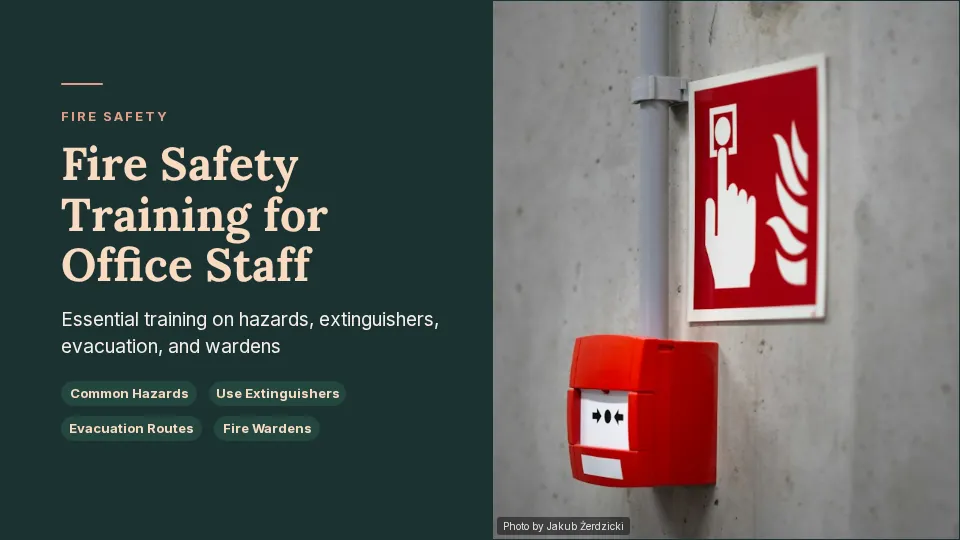
Slide 1 of the sample deck Fire Safety Training for Office Staff: Fire Safety Training for Office Staff
Slide 1: Fire Safety Training for Office Staff
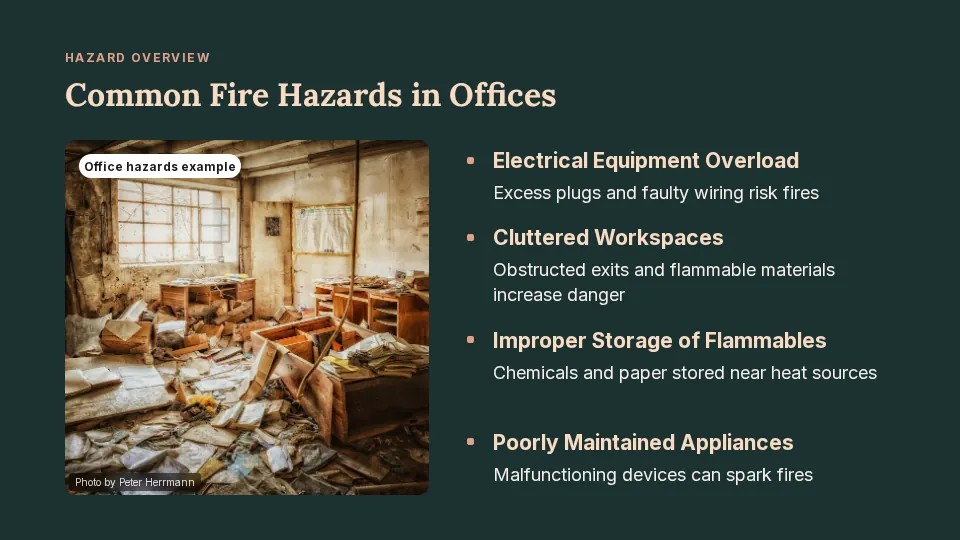
Slide 4 of the sample deck Fire Safety Training for Office Staff: Common Fire Hazards in Offices
Slide 4: Common Fire Hazards in Offices
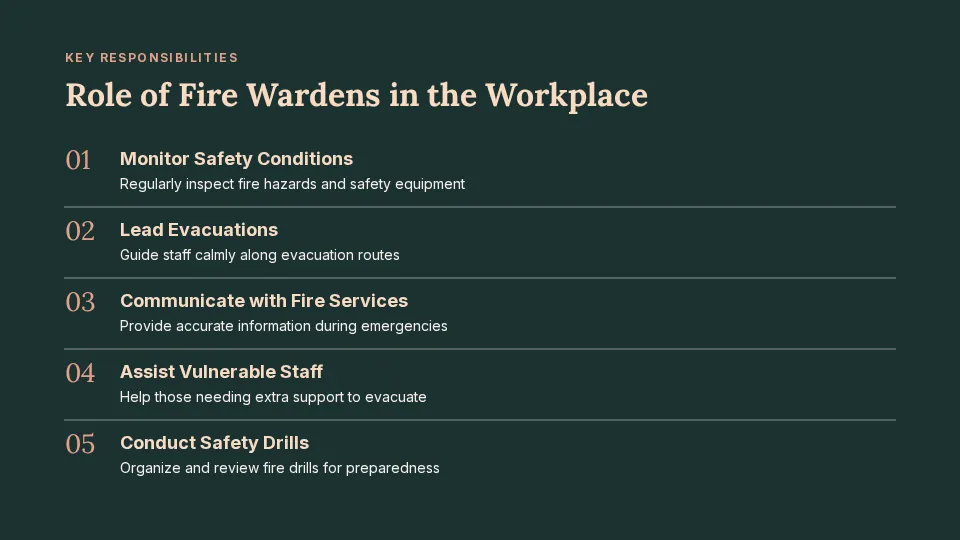
Slide 7 of the sample deck Fire Safety Training for Office Staff: Role of Fire Wardens in the Workplace
Slide 7: Role of Fire Wardens in the Workplace

Prompt: Fire safety training for office staff: common hazards, how to use an extinguisher, evacuation routes, the role of fire wardens and a recap quiz

What the training deck covers

Employee onboarding

A first-week plan, who to ask, the tools and rules new starters need, and what good work looks like in the role.

Safety and compliance training

The hazards, the rule for each one, what to do in an emergency and a recap quiz to check that the key points landed.

Workshops and skills sessions

A clear goal for the session, short teaching slides, practice activities and a closing slide with the next steps.

From your own material

Paste a policy, a procedure or your session notes and the slides follow your content. With a free account you can also upload a PDF, Word or PowerPoint file to start from.

How it works

  1. Describe the training, the audience and anything it must include, such as a quiz or a checklist.
  2. SlideMaker drafts the deck, usually about 10 slides, with a quiz at the end if you asked for one.
  3. Edit any slide, add your own photos and logo, then present it or download it as PowerPoint or PDF.

For guidance on planning workplace training, see the U.S. Office of Personnel Management page on training and development.

Questions

How do I make a training presentation with AI?

Describe the training, who it is for and what they must be able to do afterwards. SlideMaker drafts a training deck with objectives, the steps, examples and a recap quiz, and every slide stays editable.

Can it make an employee onboarding presentation?

Yes. Ask for an onboarding deck and name the role and the workplace. The draft covers the first-week plan, key contacts, tools, rules and what good work looks like.

Can I add a quiz to the training slides?

Yes. Ask for a recap quiz in your description and the deck ends with question slides that check the main points.

Is the training presentation maker free?

Yes. SlideMaker is free to use. You can try it before signing in; uploading a file to build from needs a free account.

Who makes SlideMaker?

SlideMaker.app is a free personal learning and research project by Gourav Singla.

Related pages

Presentations for businessProject status report presentationWord document to slidesCompany profile presentation

Make your first draft

Describe the deck and edit the slides it drafts. Free to use.

Open the editor
SlideMaker logo

SlideMaker.app is a personal learning and research project created by Gourav Singla.

Tools
  • AI Slide Maker
  • AI PPT Generator
  • Free Slides
  • Online PPT Maker
  • AI Slideshow Maker
  • Google Slides Maker
  • PDF to PowerPoint
  • PDF to Google Slides
  • Text to Slides
  • Word to Slides
  • PPT Templates
  • Free Tools
Explore
  • About
  • Features
  • Feedback
  • FAQs
  • Presentations
  • Privacy Policy
  • Terms of Service

© 2026 SlideMaker.app · A personal learning project.