SlideMaker logo
HomeAboutFeaturePresentations
Create Slides
Home / Project status report

Project status report presentation maker

SlideMaker.app is a free personal learning and research project by Gourav Singla.

Describe the project and where it stands. SlideMaker drafts a project status report presentation for the weekly team update: overall status, progress since the last report, milestones, budget, risks and issues with owners, and the plan for next week.

Free to use. You can try it before signing in; uploading a file to build from needs a free account.

Sample status report decks made with SlideMaker

These are real decks, generated from the prompt shown under each one and not edited afterwards. Open a sample to see every slide.

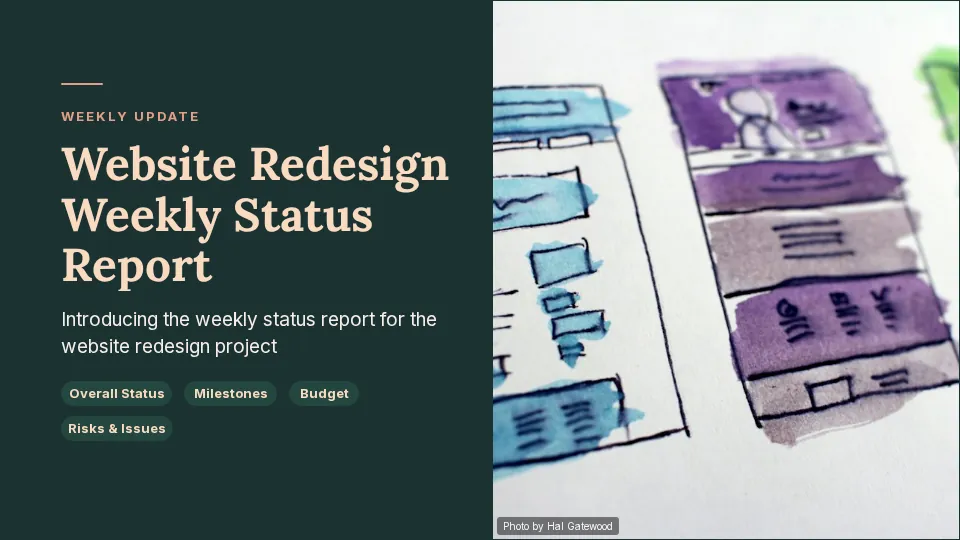
Website Redesign Weekly Status Report

10 slides, Educator Modern theme
View sample deck
Slide 1 of the sample deck Website Redesign Weekly Status Report: Website Redesign Weekly Status Report
Slide 1: Website Redesign Weekly Status Report
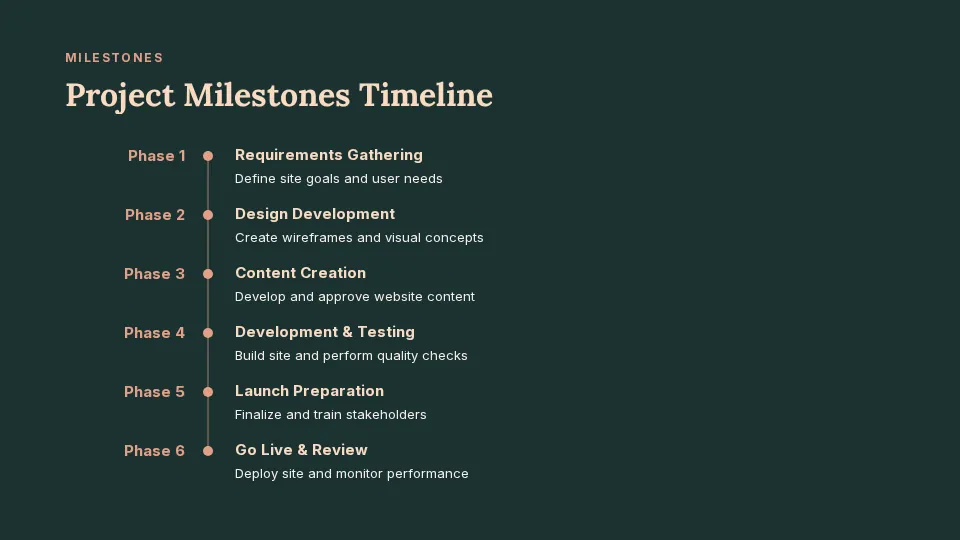
Slide 4 of the sample deck Website Redesign Weekly Status Report: Project Milestones Timeline
Slide 4: Project Milestones Timeline
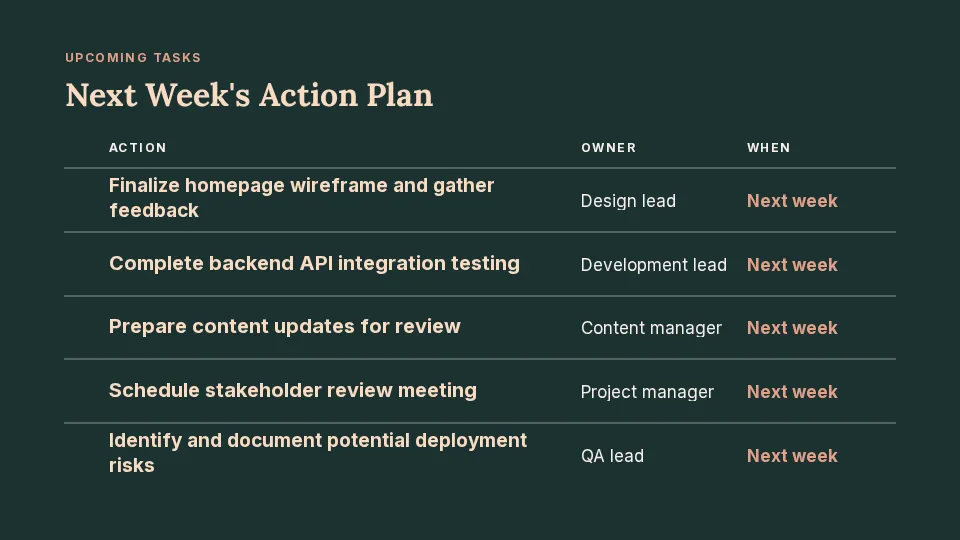
Slide 7 of the sample deck Website Redesign Weekly Status Report: Next Week's Action Plan
Slide 7: Next Week's Action Plan

Prompt: Weekly project status report for a website redesign: overall status, work done this week, milestones, budget, risks and issues with owners, and next week's plan

Warehouse Software Rollout Update

10 slides, Educator Modern theme
View sample deck
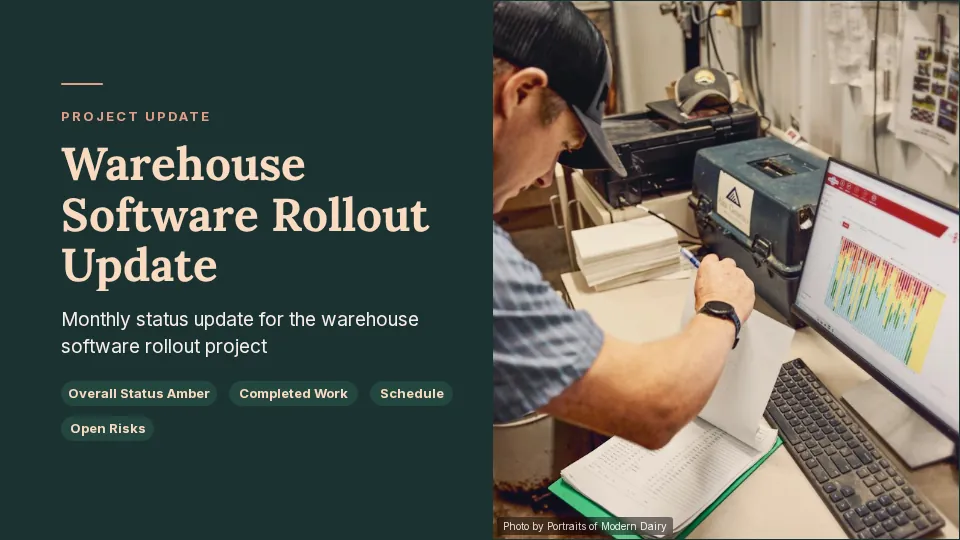
Slide 1 of the sample deck Warehouse Software Rollout Update: Warehouse Software Rollout Update
Slide 1: Warehouse Software Rollout Update
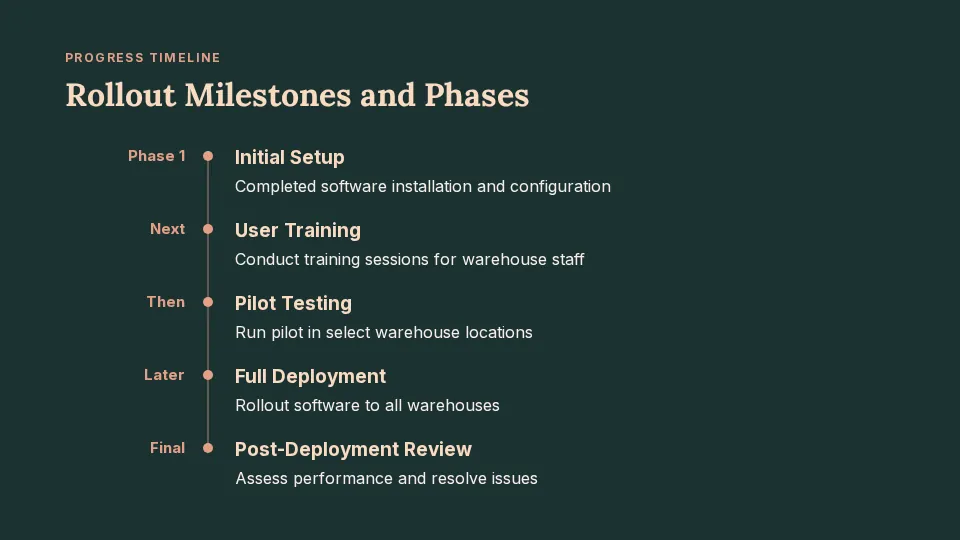
Slide 4 of the sample deck Warehouse Software Rollout Update: Rollout Milestones and Phases
Slide 4: Rollout Milestones and Phases
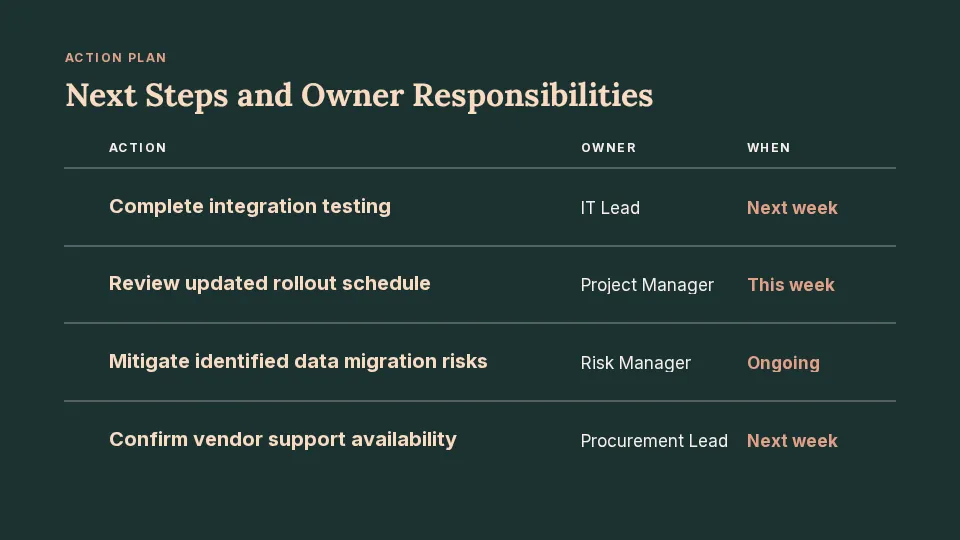
Slide 7 of the sample deck Warehouse Software Rollout Update: Next Steps and Owner Responsibilities
Slide 7: Next Steps and Owner Responsibilities

Prompt: Monthly status update for a warehouse software rollout: overall status amber, completed work, schedule, open risks with owners and decisions needed

What the status report covers

Overall status at a glance

A red, amber or green summary with the one or two reasons behind it, so the room knows where the project stands in the first minute.

Progress and milestones

What was finished since the last report, what is in progress, and the milestones ahead with their dates.

Risks, issues and decisions

Each risk or issue with an owner and the next action, plus the decisions you need from the people in the meeting.

Next period's plan

The work planned for next week or next month, so the following report has something clear to measure against.

How it works

  1. Describe the project, the reporting period and the status, or paste this week's notes.
  2. SlideMaker drafts the status report deck, usually 8 to 10 slides, in the order a team update runs.
  3. Change the numbers and names, then present it in the meeting or download it as PowerPoint or PDF.

For tips on presenting the update once it is ready, see Microsoft's guide to creating and delivering an effective presentation.

Questions

What should a project status report presentation include?

The overall status, progress since the last report, milestones and dates, budget, risks and issues with owners, decisions needed and the plan for the next period. SlideMaker drafts slides for each of these.

Can I use it for a weekly status report?

Yes. Describe this week's progress and blockers and it drafts a weekly status report deck. Next week, describe the new week and make the next one in the same shape.

Can I paste my own notes?

Yes. Paste meeting notes or a task list into the box and the slides follow your content instead of inventing it.

Is it free?

Yes. SlideMaker is free to use. You can try it before signing in; uploading a file to build from needs a free account.

Who makes SlideMaker?

SlideMaker.app is a free personal learning and research project by Gourav Singla.

Related pages

Project status report templateQuarterly business review presentationNotes to slidesPresentations for business

Make your first draft

Describe the deck and edit the slides it drafts. Free to use.

Open the editor
SlideMaker logo

SlideMaker.app is a personal learning and research project created by Gourav Singla.

Tools
  • AI Slide Maker
  • AI PPT Generator
  • Free Slides
  • Online PPT Maker
  • AI Slideshow Maker
  • Google Slides Maker
  • PDF to PowerPoint
  • PDF to Google Slides
  • Text to Slides
  • Word to Slides
  • PPT Templates
  • Free Tools
Explore
  • About
  • Features
  • Feedback
  • FAQs
  • Presentations
  • Privacy Policy
  • Terms of Service

© 2026 SlideMaker.app · A personal learning project.