SlideMaker logo
HomeAboutFeaturePresentations
Create Slides
Home / For finance

Financial presentation AI

SlideMaker.app is a free, non-commercial personal learning and research project created by Gourav Singla.

SlideMaker is a financial presentation AI for the decks finance teams repeat every month and every budget season: the monthly report, the budget proposal, the results review. Describe the period and the numbers that matter, and it drafts editable slides for P&L, cash flow, budget against actual and the outlook.

Free to use. You can try it before signing in; uploading a file to build from needs a free account.

Sample decks made with SlideMaker

These are real decks, generated from the prompt shown under each one and not edited afterwards. Open a sample to see every slide.

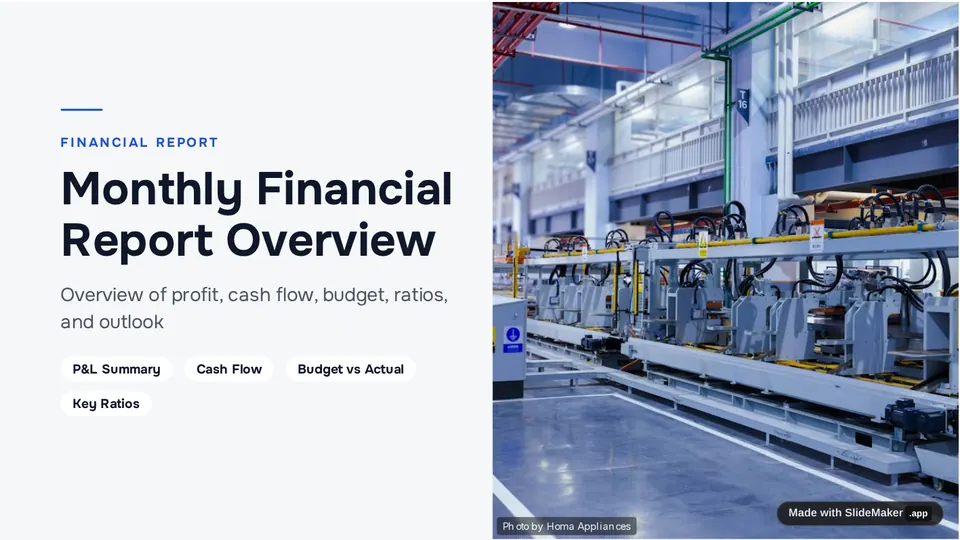
Monthly Financial Report Overview

10 slides, Quarterly theme
View sample deck
Slide 1 of the sample deck Monthly Financial Report Overview: Monthly Financial Report Overview
Slide 1: Monthly Financial Report Overview
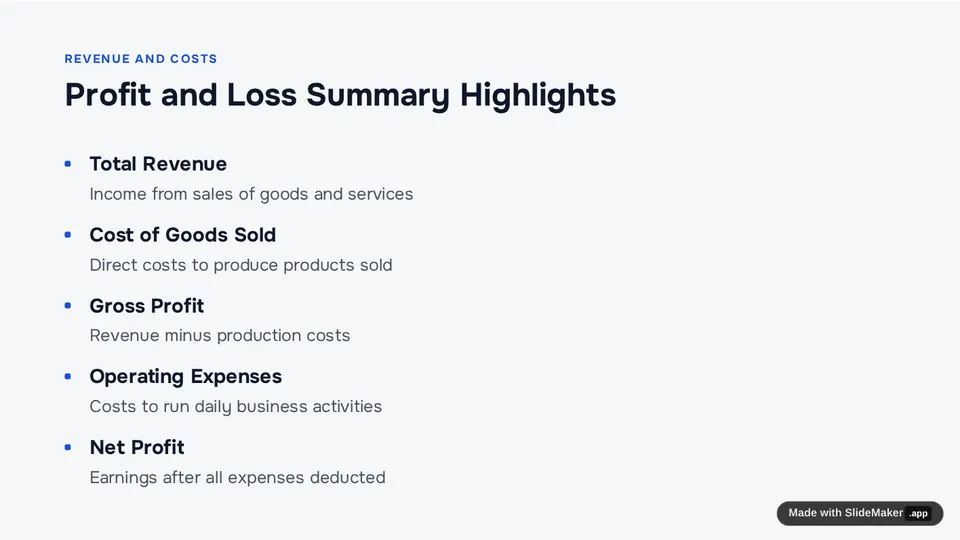
Slide 3 of the sample deck Monthly Financial Report Overview: Profit and Loss Summary Highlights
Slide 3: Profit and Loss Summary Highlights
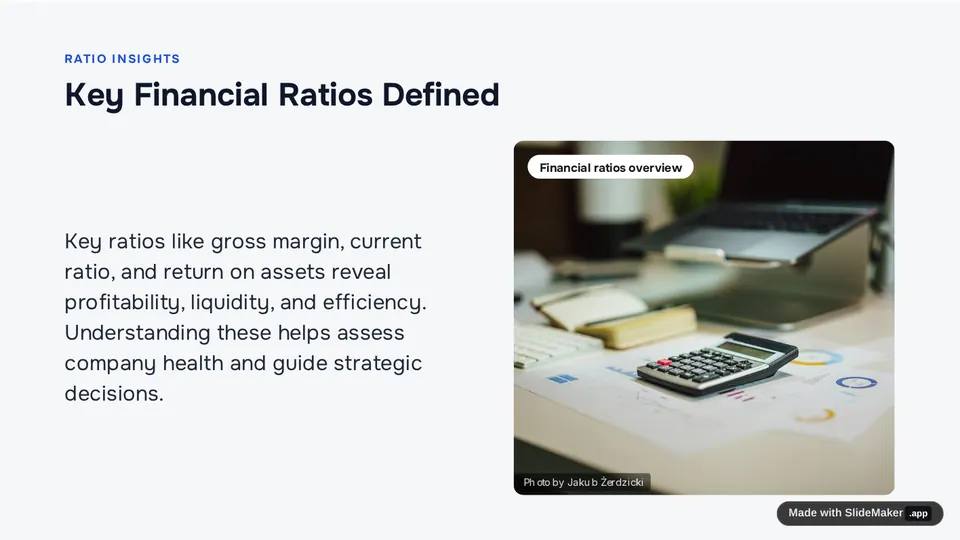
Slide 6 of the sample deck Monthly Financial Report Overview: Key Financial Ratios Defined
Slide 6: Key Financial Ratios Defined

Prompt: Monthly financial report for a small manufacturing company: P&L summary, cash flow, budget vs actual, key ratios and outlook

Marketing Department Annual Budget Proposal

10 slides, Modern Blue theme
View sample deck
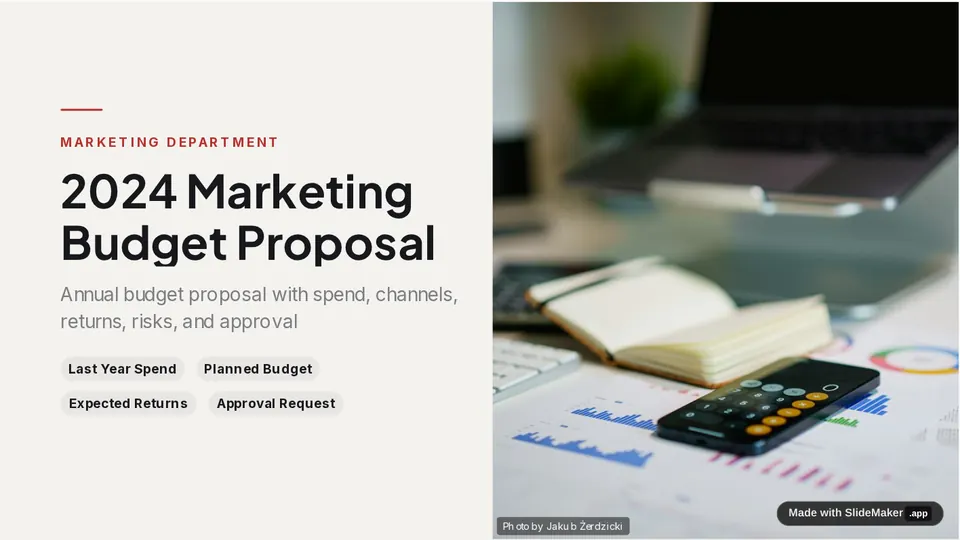
Slide 1 of the sample deck Marketing Department Annual Budget Proposal: 2024 Marketing Budget Proposal
Slide 1: 2024 Marketing Budget Proposal
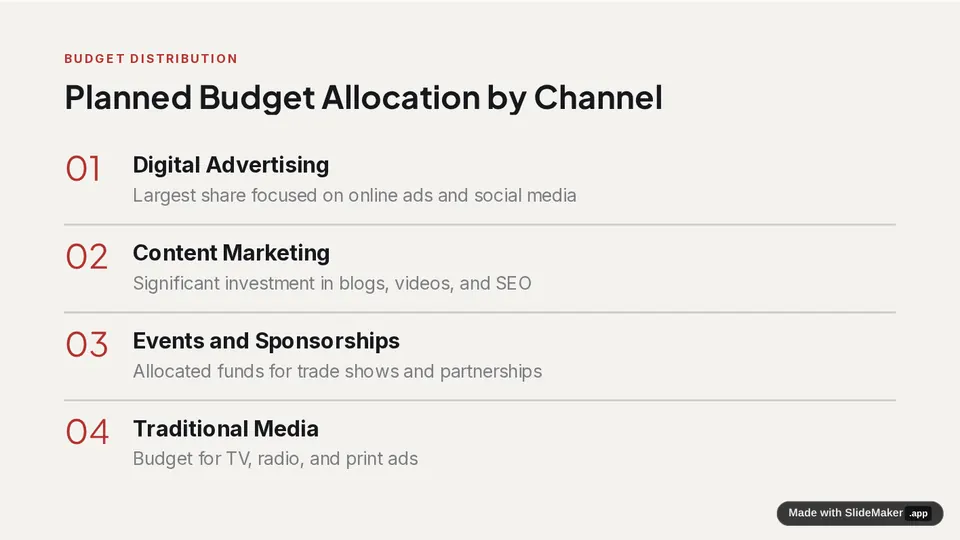
Slide 4 of the sample deck Marketing Department Annual Budget Proposal: Planned Budget Allocation by Channel
Slide 4: Planned Budget Allocation by Channel
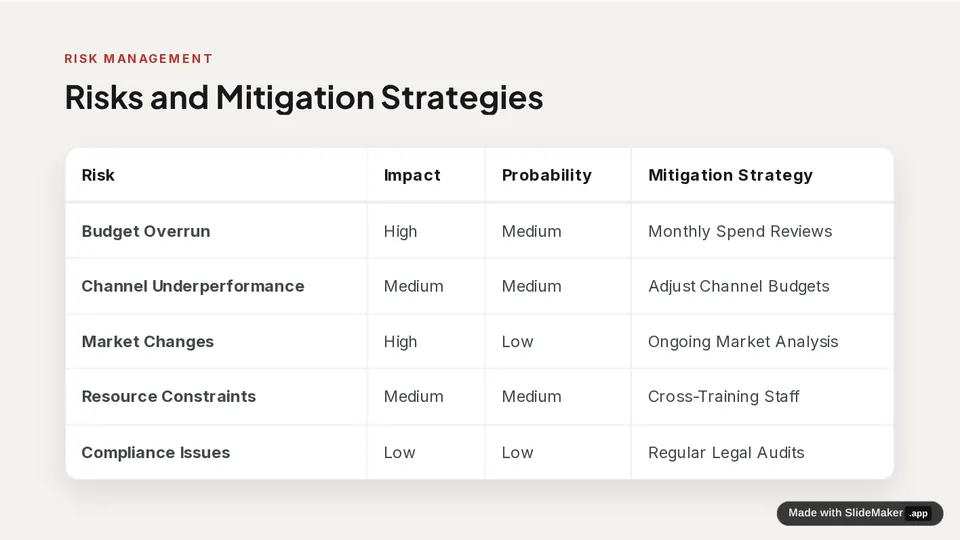
Slide 7 of the sample deck Marketing Department Annual Budget Proposal: Risks and Mitigation Strategies
Slide 7: Risks and Mitigation Strategies

Prompt: Annual budget proposal for a marketing department: last year spend, planned budget by channel, expected returns, risks and approval request

What it drafts for finance

Monthly and quarterly reports

P&L summary, cash flow, budget against actual and key ratios, followed by what changed and the outlook.

Budget proposals

Last year, the proposed budget by line, expected returns, risks and the approval you are asking for.

Your numbers, your words

Paste the figures or a short summary and the slides use them. Always check every number before you present: the AI drafts the deck, it does not audit it.

Ready for the meeting

Present from the browser, share a view link, or download as PowerPoint or PDF to add your own charts.

How it works

  1. Describe the report and paste the key figures, or start from the topic alone.
  2. Pick a theme. SlideMaker drafts the deck, usually about 10 slides.
  3. Check every figure, edit the slides, then present or download.

For a refresher on the statements behind these slides, see financial statements on Wikipedia.

Questions

Can AI make a financial presentation?

Yes, as a first draft. SlideMaker builds the structure (P&L, cash flow, budget against actual, outlook) and writes the slides from the figures you give it. Check every number before presenting.

Is SlideMaker free for finance decks?

Yes. It is free to use. You can try it before signing in; uploading a file such as a PDF report needs a free account.

Will it invent numbers?

If you only give a topic, sample slides can contain example figures. Paste your real numbers to have the slides use them, and review every figure before the deck is shared.

Can I download the deck as PowerPoint?

Yes. Download as PowerPoint (.pptx) or PDF.

Who makes SlideMaker?

SlideMaker.app is a free, non-commercial personal learning and research project created by Gourav Singla.

Related pages

Monthly financial report templateFinance presentation templatesAnnual report templateInvestor update templateKPI report templateBusiness presentations

Make your first draft

Describe the deck and edit the slides it drafts. Free to use.

Open the editor
SlideMaker logo

SlideMaker.app is a personal learning and research project created by Gourav Singla.

Tools
  • AI Slide Maker
  • AI PPT Generator
  • Free Slides
  • Online PPT Maker
  • AI Slideshow Maker
  • Google Slides Maker
  • PDF to PowerPoint
  • PDF to Google Slides
  • Text to Slides
  • Word to Slides
  • PPT Templates
  • Free Tools
Explore
  • About
  • Features
  • Feedback
  • FAQs
  • Presentations
  • Privacy Policy
  • Terms of Service

© 2026 SlideMaker.app · A personal learning project.