SlideMaker logo
HomeAboutFeaturePresentations
Create Slides
Home / For realtors

AI real estate listing presentation maker

SlideMaker.app is a free, non-commercial personal learning and research project created by Gourav Singla.

Walk into the listing appointment with a deck made for that home. SlideMaker drafts an AI real estate listing presentation from a short description of the property and the market: your agent bio, a comparative market analysis, the pricing strategy, the marketing plan and the steps to list.

Free to use. You can try it before signing in; uploading a file to build from needs a free account.

Sample decks made with SlideMaker

These are real decks, generated from the prompt shown under each one and not edited afterwards. Open a sample to see every slide.

3-Bedroom Family Home Listing

10 slides, Organic Modern theme
View sample deck
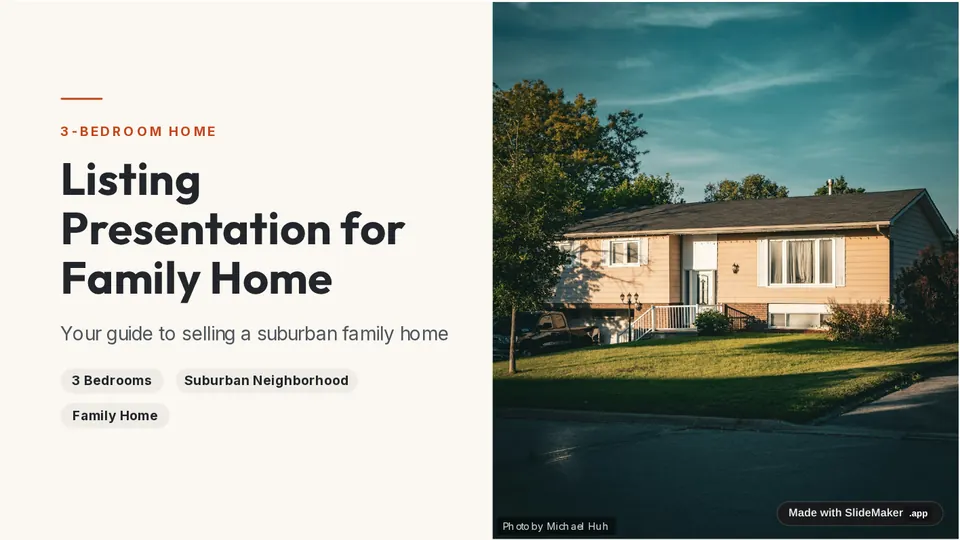
Slide 1 of the sample deck 3-Bedroom Family Home Listing: Listing Presentation for Family Home
Slide 1: Listing Presentation for Family Home
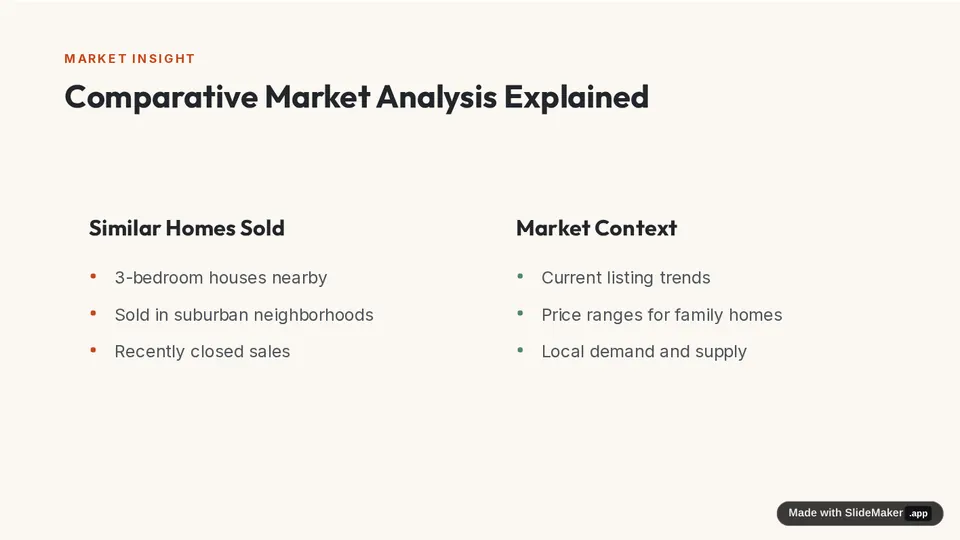
Slide 4 of the sample deck 3-Bedroom Family Home Listing: Comparative Market Analysis Explained
Slide 4: Comparative Market Analysis Explained
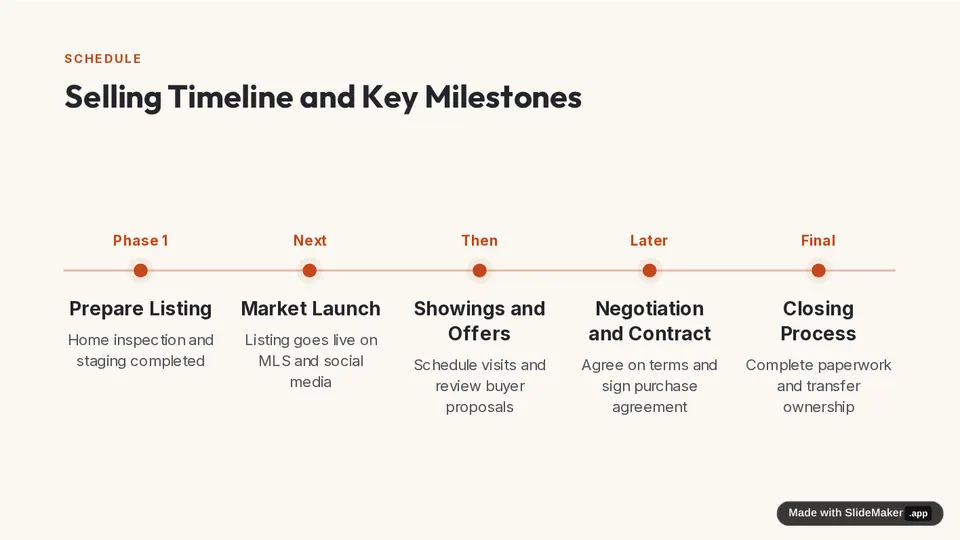
Slide 7 of the sample deck 3-Bedroom Family Home Listing: Selling Timeline and Key Milestones
Slide 7: Selling Timeline and Key Milestones

Prompt: Real estate listing presentation for a 3-bedroom family home in a suburban neighborhood: agent bio, comparative market analysis, pricing strategy, marketing plan, timeline and next steps

Downtown Two-Bedroom Condo Listing

10 slides, Saffron Glow theme
View sample deck
Slide 1 of the sample deck Downtown Two-Bedroom Condo Listing: Listing Presentation Downtown Condo
Slide 1: Listing Presentation Downtown Condo
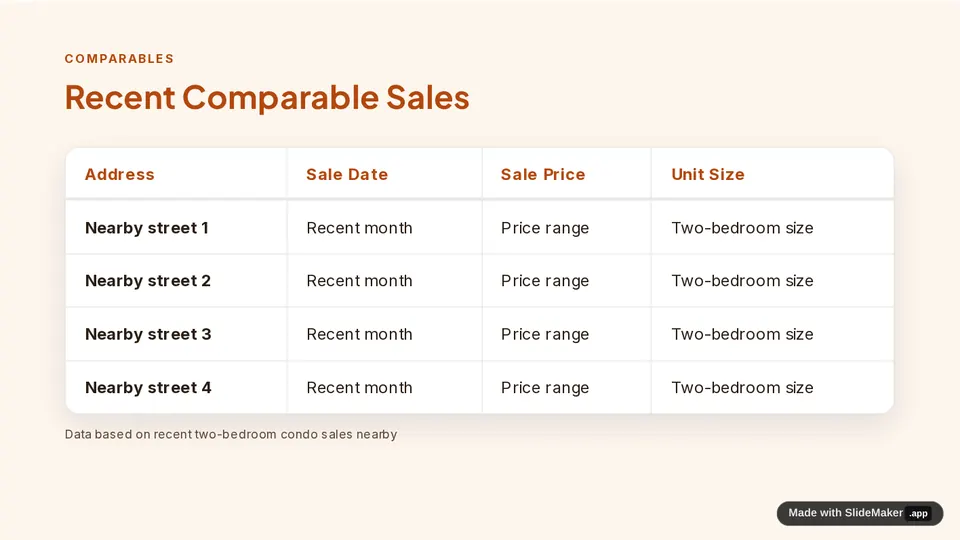
Slide 4 of the sample deck Downtown Two-Bedroom Condo Listing: Recent Comparable Sales
Slide 4: Recent Comparable Sales
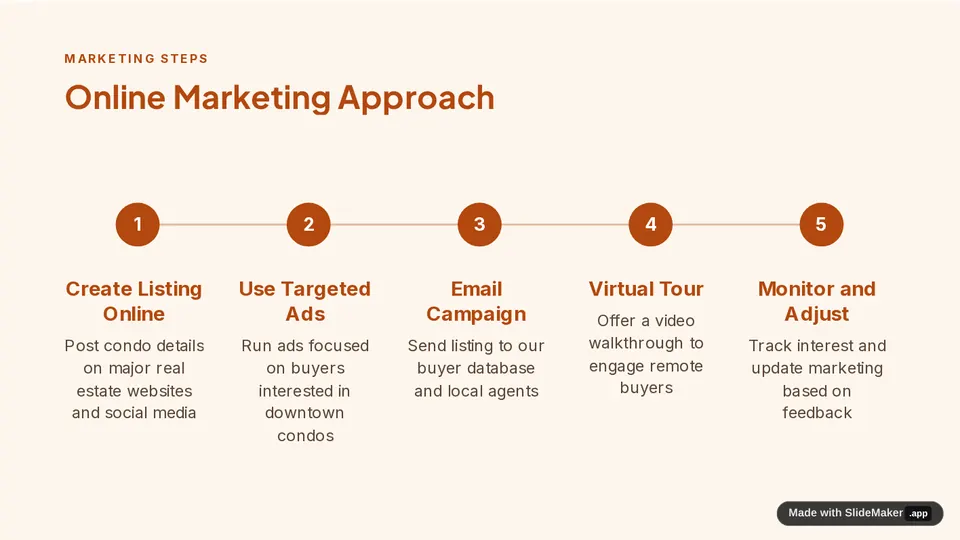
Slide 7 of the sample deck Downtown Two-Bedroom Condo Listing: Online Marketing Approach
Slide 7: Online Marketing Approach

Prompt: Listing presentation for a downtown two-bedroom condo: market snapshot, recent comparable sales, suggested list price, staging and photo plan, online marketing, and agent track record

What it drafts for realtors

Agent bio and track record

Who you are, the area you know and recent results, so the seller sees why you should list the home.

Comparative market analysis

Recent comparable sales and active listings, laid out as slides you fill with the real figures from your MLS search.

Pricing strategy

A suggested list price range and the reasoning behind it, plus what happens at different price points.

Marketing plan and next steps

Staging, photos, online listing, open houses, the timeline to list and what the seller needs to do next.

How it works

  1. Describe the home, the neighborhood and the seller, or paste your notes.
  2. Pick a theme. SlideMaker drafts the listing presentation, usually about 10 slides.
  3. Add your real comparables, photos and figures, then present or download as PowerPoint or PDF.

For background on the method behind the CMA slides, see comparative market analysis on Wikipedia.

Questions

What goes in a listing presentation?

Usually an agent bio, a comparative market analysis (CMA), a pricing strategy, a marketing plan for the home, the timeline to list and the next steps for the seller. SlideMaker drafts all of these sections.

Can I see listing presentation examples?

Yes. The two sample decks on this page are real listing presentations made with SlideMaker. Open them to see every slide.

Does it pull real comparable sales?

No. It does not connect to an MLS. Comparable sales and prices in a draft are placeholders: replace them with the figures from your own market search before the appointment.

Is it free for realtors?

Yes. SlideMaker is free to use. You can try it before signing in; uploading a file needs a free account.

Who makes SlideMaker?

SlideMaker.app is a free, non-commercial personal learning and research project created by Gourav Singla.

Related pages

Sales presentation templatesCompany profile templatePortfolio templateSales deck makerBusiness presentations

Make your first draft

Describe the deck and edit the slides it drafts. Free to use.

Open the editor
SlideMaker logo

SlideMaker.app is a personal learning and research project created by Gourav Singla.

Tools
  • AI Slide Maker
  • AI PPT Generator
  • Free Slides
  • Online PPT Maker
  • AI Slideshow Maker
  • Google Slides Maker
  • PDF to PowerPoint
  • PDF to Google Slides
  • Text to Slides
  • Word to Slides
  • PPT Templates
  • Free Tools
Explore
  • About
  • Features
  • Feedback
  • FAQs
  • Presentations
  • Privacy Policy
  • Terms of Service

© 2026 SlideMaker.app · A personal learning project.