
Getting the best from Slidemaker, a business pitch AI slide creator.

The competition for gaining, retaining, and satisfying clients and customers is becoming fierce daily. Interestingly, businesses that win this fierce battle are those who build a lasting impression.
And it starts with presenting quality pitches to customers, investors, and stakeholders. This not only enhances the presenter’s clarity and confidence but also ensures you pass the right and understandable message to your audience.
The bottleneck, however, is that many businesses find slide creation to be a difficult, stressful, and time-consuming task. But here is the catch: You can use a business pitch AI slide creator. It’s crucial to know that these AI tools are invaluable allies that help us create stunning, professional presentations without spending much time on designs.
When professionals, startups, and business moguls are given pitching ideas or presentations, the use of a high-quality AI presentation maker like Slidemaker.com will drastically reduce stress and save time, while also delivering exceptional results, which is very important.
The Transformative Power of Business Pitch AI Slide Creator
Getting a persuasive slide deck often feels hard. Even simple tasks, like selecting the right fonts, organizing your content, or generating engaging charts can feel overwhelming.
But ai business pitch deck generator free, like Slidemaker, is available, and it helps in several ways, including:
Getting intuitive layout suggestions
Access to free business pitch templates
Clear and effective structuring of your ideas
Seamless incorporation of visuals, charts, and graphics
Making your pitch polished and professional is very important.
This makes you concentrate on what’s important, which helps your audience to get your message clearly.
Important Features to Look for in Business Pitch AI Slide Creator
All AI software for pitch presentations isn’t the same, although they may seem to have the same function. But at least they should have these features to help in your presentation.
1. Business-Driven Templates
For a presentation to be successful it needs to follow a logical structure which surpasses just the problem statement, market evaluation, traction, business model, team dynamics, financial overview, and call to action.
Most AI tools have pre-designed templates that align with this format which helps to save your invaluable time and effort.
2. On-Demand Content Generation
With lots of Ideas, you might not know how to present them, but with a good AI tool, it can help transform your thoughts into well-organized slides, allowing your ideas to shine.
3. Effortless Design
The features like auto-layouts, intelligent font selection, and harmonized visuals ensure your presentation stands out professionally and it doesn’t need you to be a professional designer.
4. Brand Cohesion
It’s vital for AI software for pitch presentations to have consistency in colors, fonts, and logos which helps to present a good brand image. With a good business pitch AI slide creator, it will help upload your brand assets once, automatically applying them throughout your entire presentation.
5. Enhanced Team Collaboration
Most AI tools do have robust collaborative features which help to streamline the editing and feedback process, ensuring everyone’s input is considered.
6. Powerful Data Visualization
Complex Information can be grasped by the audience swiftly when engaging charts, graphs, and visual metrics are used.
7. Flexible Export Capabilities
With the right tools, your deck can be easily presented or distributed, whether in a Polished PDF form, a link, or even a PowerPoint.
Essential Elements of a Compelling Pitch Deck
The foundation of a powerful narrative in a deck cannot be overemphasized even with a sophisticated business pitch AI slide creator we need some critical components like:
- The Problem Statement
- The Innovative Solution
- Unique Value Proposition
- Market Size and Opportunities
- Business Model Overview
- Traction and Key Milestones
- Competitive Analysis
- Team Overview
- Financial Projections
- Call to Action (CTA).
AI slide makers help blend all these components into a cohesive and visually appealing slide deck that helps convince and captivate during your presentation. One slidemaker that can assist you achieve many of the listed parameters is Slidemaker.
What is Slidemaker?
This app was developed with a single purpose, which is to simplify the process of creating presentations by not spending hours on formatting. You can input a few lines of text or upload your thoughts, and the platform will generate the professional slides immediately. It helps to organize your materials, create charts and incorporate visuals that are clear to understand and logical.
How is Slidemaker a Unique Business pitch AI slide creator
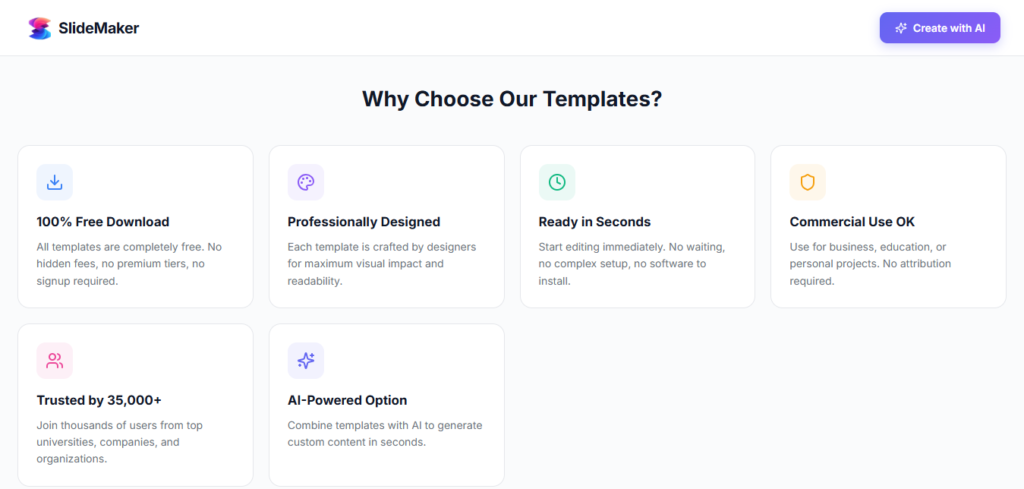
- It has Rapid AI PPT Creation: So, it can transform a few lines of text into a complete presentation in seconds.
- Edit with Your Preferred Applications: Easily export your presentation to PowerPoint or Google Slides.
- Intelligent Content Arrangement: It organizes the slide, which ensures a seamless narrative.
- Top-Notch Charts and Visuals: With good charts and visuals, your data will be presented clearly without stress.
- Royalty-Free Images: No more searching online for visuals.
- User-Friendly Interface: It is good for both beginners and Professionals since it has no learning curve or hassle required.
- Flexible Export Choices: Available in PDF, PPTX, or as shareable links.
- Safe and Private: No registration required.
SlideMaker is ideal for business professionals who need quick results with less stress. The best part? It’s completely free, with no hidden restrictions or fees.
Summary
AI software for pitch presentations have helped professionals create unique and good pitch decks slidemaker.app/ like many others helped to save time, maintain brand consistency, and even craft impressive presentations. It combines speed, ease of use, and professional design. It can be used by anyone who wants to focus on making their audience get a clear message rather than getting caught up in slide adjustments. It's a great tool to use.
FAQ:
Q. How to make a business pitch PowerPoint
A. Structure your slides logically, add charts and visuals, and keep text concise. Slidemaker can automate design and content, saving time and ensuring a polished look.
Q. Is Slidemaker an AI presentation tool for startups?
A. Yes. Startups can use Slidemaker to create investor-ready pitch decks easily and efficiently.
Q. Why are business pitches important?
A. A strong pitch conveys your idea, vision, and personality clearly, helping attract investors, partners, and support.