

These days, with everything being digital, there’s a big push for presentations that are quick, precise, and visually appealing in schools, workplaces, and businesses. As people keep writing detailed reports, research papers, proposals, and business grants, knowing how to turn these written document to presentation is more crucial than ever.
Learning to use AI for this task has turned into a pretty handy skill that speeds things up and makes communication smoother. AI makes it easy to convert lengthy text into slick slides that are not just easy to present, but also straightforward and nice to look at. Many folks are opting for AI tools because they take away the hassle of designing slides from scratch, letting them put their energy into making things clear and engaging.
Tools like Slide maker offer reliable ways to convert pdf to slides, or from other formats to slides while keeping everything accurate and looking professional.
Preparing Your Document Before Using AI

AI tools can handle raw text, but to really get good results, the original document needs to be well-organized. Before you convert document to presentation with AI, it’s a good idea to make sure it has clear headings, a logical flow, and distinct sections. AI works best with structured and coherent text that’s free from too much repetition. Taking the time to prepare the document like this really affects how it convert the document into presentation.
When documents are well organized, presentations tend to come out smoother, clearer, and more effective. There are various AI platforms out there, each with its own level of sophistication. Some just take long text and make bullet points, while others can analyze themes, sort out ideas, and create visually appealing slides.
Slidemaker, for instance, is a great option for those wanting a straightforward way to generate quality slides. It focuses on clarity, clean formatting, and a smooth process from uploading to exporting the final presentation. This can be particularly useful for anyone who often needs to put together reports or academic presentations.
Upload and Convert Your Document to Presentation
Once the document is ready and the desired AI platform has been selected, the next stage involves uploading or pasting the content. AI systems generally support various formats, including to convert PDF to slides, DOCX to slides, and plain text to slides. The tool scans the content, identifies key arguments, extracts meaningful sections, and transforms them into slide components.
This is the essential stage where you experience firsthand how to convert document to presentation using AI, as the system reconstructs the material into slide-ready structures. Many platforms, including Slidemaker, accomplish this within seconds, providing an efficient alternative to manual slide creation.
Choosing a Presentation Layout and Visual Style
AI-generated slides are most effective when paired with a coherent theme. Users are often given options for color palettes, fonts, layout structures, and slide designs. Choosing a consistent style ensures that the final presentation appears polished and professional.
Clean, minimalistic design templates are ideal for communicating key points without distracting visuals. Examples include simple text boxes, gentle color tones, and structured slide transitions. This stage allows users to personalize the output while maintaining the clarity provided by AI.
Even with advanced AI capabilities, human judgment remains an essential part of the process. After generating the slides, users should review the material to confirm accuracy, ensure the correct emphasis, and determine whether additional visual elements are needed. Adjustments may include:
- Rewriting slide titles
- Adding examples or data
- Removing less relevant text
- Incorporating charts or images
- Rearranging slides for better flow
Slidemaker provides an intuitive editing interface, making these refinements easy to implement. A few well-considered edits can significantly improve the overall quality and impact of the presentation.
Enhancing the Presentation with Visual Aids After Convert Document to Presentation
After understanding how to turn a document into a presentation using AI, the next step involves enriching the slides with supportive visuals. These may include:
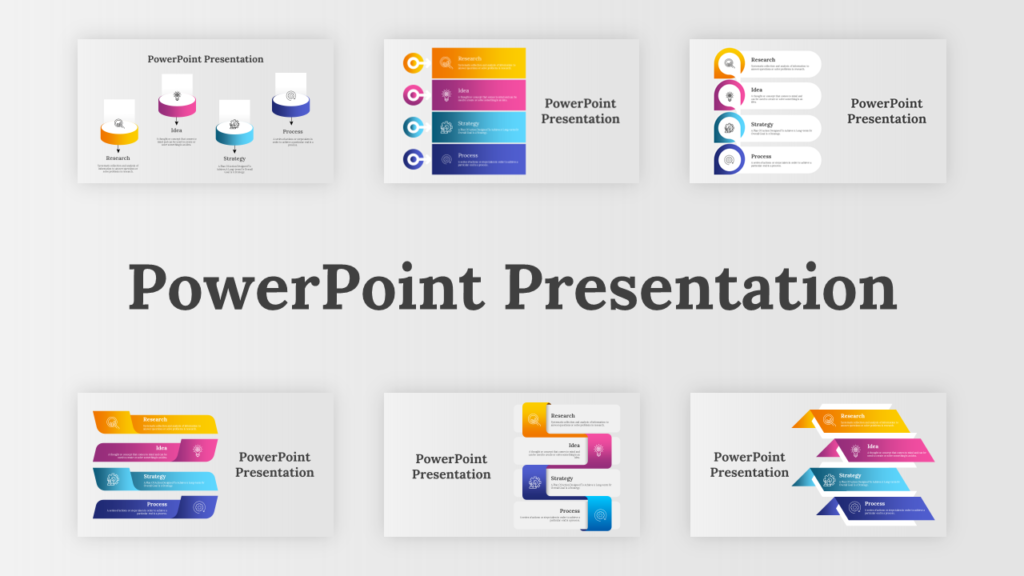
- Diagrams
- Graphs and charts
- Illustrative images
- Icons
- Infographics
Visuals make the content more memorable and improve audience engagement, especially when presenting complex data or multi-layered arguments. For additional guidance , you check our blog.
Why Converting Document to Presentation with AI Matters
The challenge with traditional pdf or document to presentation creation lies in how time-consuming and repetitive the process can be. A lengthy document requires summarizing, organizing, breaking into sections, designing slide layouts, and ensuring visual consistency. Learning how to turn a document into a presentation using AI directly addresses these challenges by offering:
Automatic extraction of key ideas
Rapid transformation of large content
Balanced slide structure
Clean visual formatting
Reduction in human error
For students preparing academic reviews, professionals delivering strategic presentations, or organizations conducting briefings, the ability to convert text to slides within minutes is a powerful advantage.
Conclusion
Learning to convert documents into presentations with AI is a smart way to streamline your work, especially if you’ve got a lot of text to handle. It can really save you time and give you a clear and organized result that might be hard to pull off by hand. Tools like Slidemaker are great for this, offering solid designs, user-friendly interfaces, and quick conversion options, so you can create professional-looking slides that are well-structured and communicate your message clearly.
Frequently Asked Questions
- Can AI summarize complex documents accurately when you convert pdf to slides?
A: Yes. Modern AI tools identify central arguments, extract relevant points, and summarize them into slide-ready content. - Will the AI create visuals automatically?
A: Some tools generate icons or diagrams, while others allow users to upload their own images or choose from internal libraries. - Can I still edit the slides manually?
A: Absolutely. AI generates the foundation, and users refine and personalize the content afterward. - Slidemaker Can the final presentation be exported to PowerPoint or PDF?
A: Most AI systems, including Slide maker, support both formats for easy sharing and offline use.
One Response