
TL;DR — An AI PPT maker is a tool that automatically creates PowerPoint presentations from a text prompt, idea, or document. In 2026, the leading free AI PPT makers are SlideMaker (no signup, unlimited generations), Gamma (web-first decks), and Canva Magic Studio (template-driven). The workflow is: enter a topic or upload a document, the AI generates 5-15 slides with text, layout, and images, then you customize and download as .pptx. Most modern AI PPT makers run in your browser with no installation.
| AI PPT Maker | Input Type | Output | Free Plan |
|---|---|---|---|
| SlideMaker | Topic prompt, PDF, DOCX | .pptx + editable web deck | Yes — unlimited, no signup |
| Gamma | Topic prompt | Web deck, .pptx export | 400 free credits |
| Canva Magic Studio | Topic prompt, template | .pptx, .pdf, web link | Limited AI uses |
| Microsoft Copilot | Topic prompt (inside PowerPoint) | Native .pptx | Microsoft 365 subscription required |

What an AI PPT Maker Actually Does (and Doesn’t Do)
An AI PPT maker takes a text prompt, a document, or a rough outline and turns it into a slide deck. The best ones handle layout, copy, and visual hierarchy in a single pass. The worst ones spit out five bullet points per slide and call it done.
The core value proposition is speed. A task that takes 45 minutes to two hours — researching structure, writing slide copy, picking layouts, finding images — gets compressed into under two minutes. For anyone producing weekly reports, client proposals, or classroom lectures, that time savings compounds fast.
But an AI PPT maker is not a presentation strategist. It cannot know the politics of the boardroom, the specific objection a prospect raised last Tuesday, or the punchline that makes a training session memorable. Treating it as a “done for you” button produces forgettable slides. Treating it as a first-draft engine that handles the mechanical work — that is where the leverage sits.
The Generic Slide Problem: Why Most AI Decks Look the Same
Every AI presentation tool trains on — or templates from — the same pool of “what professional slides look like.” The result is an averaging effect: safe color palettes, predictable title-plus-bullets layouts, and stock imagery that communicates nothing specific. Run the same prompt through five different AI PPT makers and the outputs are disturbingly similar.
This happens for three reasons:
- Template libraries converge. Most tools draw from the same design conventions. Blue gradients, white backgrounds, sans-serif fonts. Safe, forgettable, interchangeable.
- AI optimizes for “average good.” Language models generate text that is statistically likely to be appropriate. That is the opposite of memorable. Slide copy ends up reading like a Wikipedia summary instead of a sharp argument.
- No brand context. Unless a tool ingests brand guidelines, logos, and color codes, the output will look like it belongs to a generic SaaS company — not yours.
The generic slide problem is not a reason to avoid AI PPT makers. It is a reason to pick the right one and use it with a specific workflow. More on that below.
What to Look for in an AI PPT Maker
After evaluating dozens of AI presentation tools available in 2026, a few differentiators matter more than feature count:
Input Flexibility
The best AI PPT makers accept more than a one-line prompt. Pasting in a full document, a meeting transcript, or a detailed outline should produce meaningfully different (and better) results than typing “make a deck about Q1 sales.” Tools that support converting documents directly into presentations save an entire step in the workflow and tend to produce more accurate, content-rich slides.
Editable Output Formats
An AI PPT maker that locks slides into a proprietary editor is a trap. The output should export to PowerPoint (.pptx) or Google Slides so it can be refined in the tools teams already use. Any deck that cannot be handed off, edited by a colleague, or dropped into an existing template is a deck with a shelf life of one meeting.
Content Quality Over Slide Quantity
Some tools default to 15-20 slides for a simple topic, padding each one with a single sentence and a stock photo. Fewer, denser slides almost always communicate better. The AI PPT maker should prioritize substance per slide rather than inflating the count.
Design That Stays Out of the Way
Fancy animations, 3D graphics, and heavy visual effects look impressive in a product demo. In an actual Tuesday morning team meeting, they are distracting. Look for clean layouts, readable typography, and logical visual hierarchy — the same things that make a slide deck effective without AI.
How to Use an AI PPT Maker Without Producing Mediocre Slides
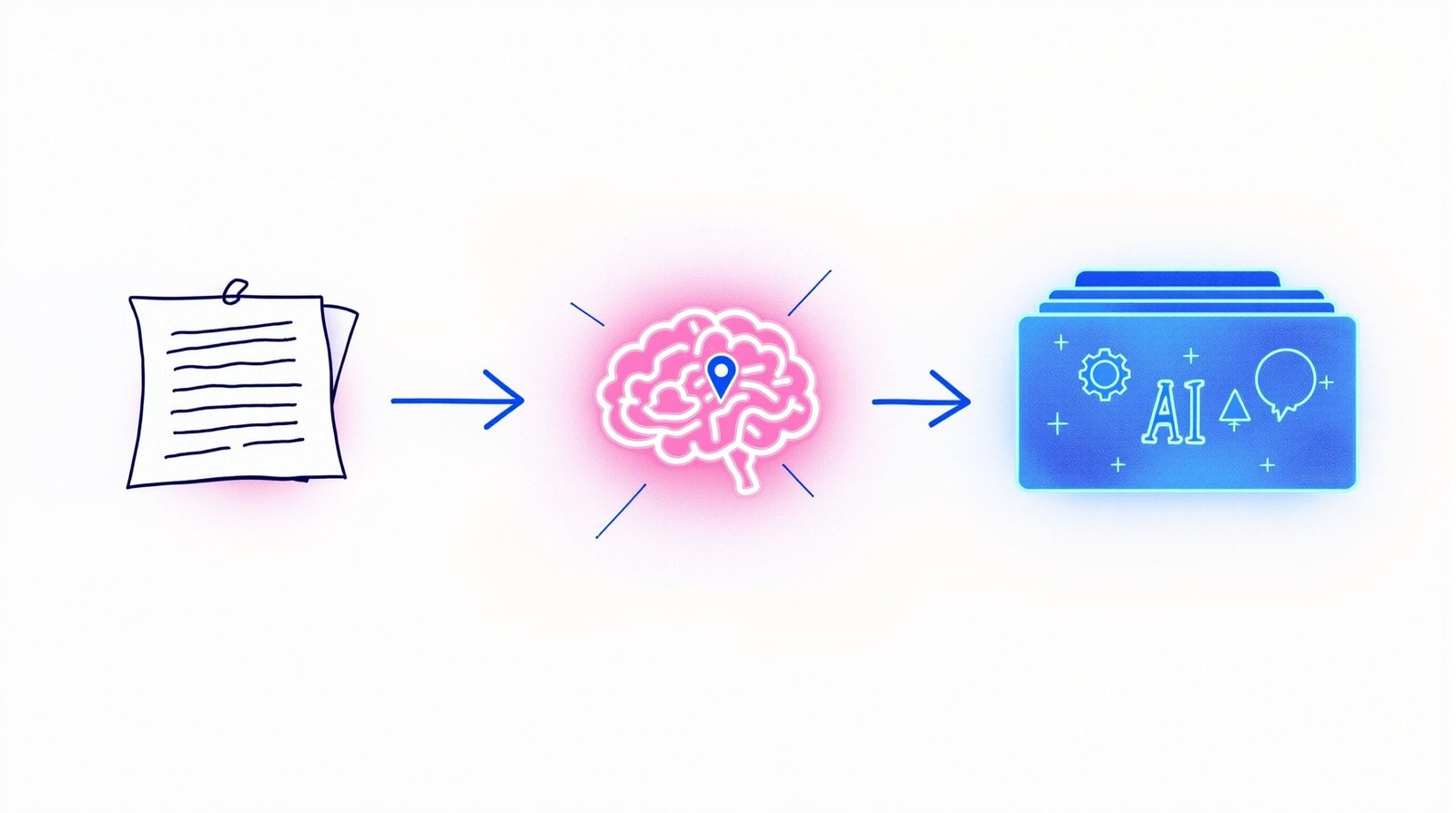
The difference between a generic AI deck and a useful one is almost entirely in how the tool gets used. A three-step framework keeps the output sharp:
Step 1: Give It Real Content, Not a Topic
The single biggest mistake is prompting with a topic instead of content. “Create a presentation about product-market fit” will produce textbook definitions. Pasting in actual notes, data points, or a rough written draft gives the AI something specific to structure. The more context the input contains, the less the AI has to guess — and guessing is where generic content comes from.
Step 2: Edit the Narrative, Not Just the Typos
After generation, most people fix spelling errors and move on. The higher-value edit is structural: Does the deck tell a story? Does slide 3 logically follow slide 2? Is there a clear takeaway on the final slide? AI handles layout; humans handle argument. Splitting the work this way plays to each side’s strengths.
Step 3: Strip What Doesn’t Earn Its Place
AI tends to over-generate. If a slide exists only because the tool wanted to hit a certain count, delete it. If a bullet point restates the slide title, cut it. The final deck should be shorter and sharper than what the AI produced. Starting with an AI presentation maker and then trimming aggressively is faster than building from scratch and more effective than accepting the default output.
When an AI PPT Maker Saves Real Time (and When It Doesn’t)
AI PPT makers are not universally faster. The time savings depends on the type of presentation:
High time savings:
- Weekly or monthly reports — structured, data-driven, and repetitive. AI handles the formatting while the user updates the numbers.
- Internal team updates — low-stakes decks where speed matters more than pixel-perfect design.
- Educational lectures — turning written material into slide format is mechanical work that AI does well.
- First-draft pitch decks — getting from zero to a reviewable draft in minutes instead of hours.
Low time savings:
- Brand-critical keynotes — these require custom design, precise messaging, and rehearsal. AI gives a starting point at best.
- Highly regulated industries — compliance-sensitive content needs human review so thorough that the AI draft barely speeds things up.
- Decks with complex data visualization — AI-generated charts are often inaccurate or misleading. Manual charting remains necessary.
Knowing where an AI PPT maker fits into the workflow — and where it does not — prevents the common mistake of forcing the tool into every use case and being disappointed when the output needs heavy rework.
Making the First Slide
SlideMaker was built with a specific philosophy: an AI PPT maker should produce a deck that is genuinely usable after generation, not a rough sketch that needs an hour of cleanup. The focus is on content density, clean design, and output formats that work in real professional environments.
The fastest way to test whether an AI PPT maker actually delivers on its promise is to use it once with real content — not a demo prompt, but an actual document or outline for an upcoming presentation. That single test reveals more than any feature comparison or review article.
Try building a presentation with SlideMaker and see whether the output is something that can be presented as-is or with minimal edits. That is the only benchmark that matters.