
Students are constantly under pressure to complete their school projects or assignments. But even after completing the project, the need to create a PowerPoint slide that will assist in presenting or defending the project well and clearly arises. With AI tools available now, the burden gets lighter and slides are created faster. You might be wondering which free AI presentation maker for students project help me achieve that? Well in the post, we present Slidemaker as a great option.
We will also discuss the growing important of AI tools like AI presentation makers, their benefits, how it enhances and assignment and project outcomes and how to utilize AI presentation makers among other aspects.
Let’s dive in!
The Growing Importance of AI Presentation Tools for Students

When students consider starting a school project, they frequently feel daunted by the time investment in the concepts, the arrangement of slides or the placement of diagrams. However, with AI presentation tools, many of these obstacles can be eliminated if they provide any of the following:
- Ready-made slide structures
- Instant layout suggestions
- Easy content arrangement
- School-appropriate visuals
- Clean, professional designs
- Zero design stress
AI presentation tools for students assist by allowing students to concentrate more on grasping their subject while the tool handles the tasks. Projects you can use it for is not limited to, science experiments, class seminars, group assignments, research reports, and social science topics.
Functionality of Free AI presentation maker for students
Think of a free AI presentation maker as a blender for your ideas. You can add your notes, subject or text, like ingredients. The tool immediately blends all of it. It will also organize it tidily, assist with adding visuals and produce a slide deck. The tool effortlessly transforms your concepts into a finished presentation.
Key Attributes in Choosing AI Presentation Tools for Students Projects
Students should not use any random presentation tool. They need tools that support learning. The best AI presentation tools offer:
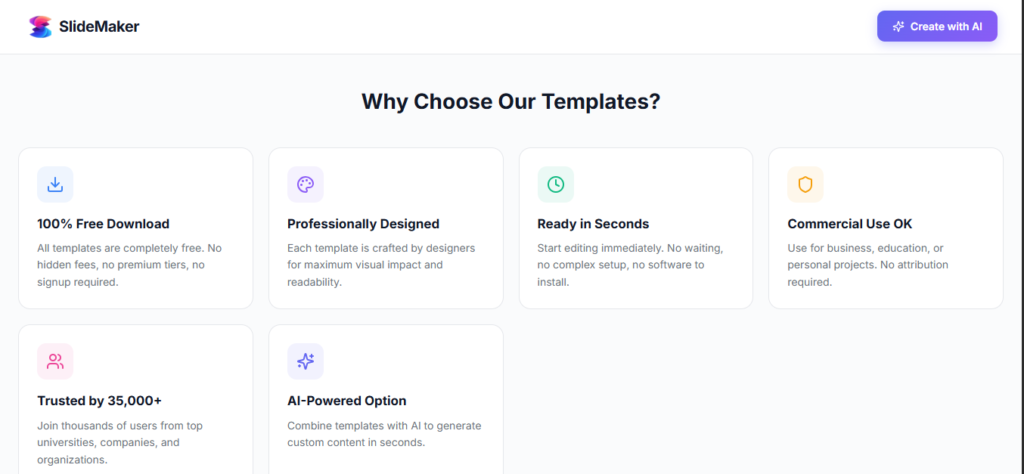
1. School Friendly Templates
Templates that can match classroom needs make presentations easier for students.
2. Instant Content Organization
A good free AI presentation maker should be able to arrange ideas into clear bullet points or sections.
3. Effortless Design
The AI presentation tool helps with auto layouts, balanced spacing, and clean visuals without stress.
4. Academic Consistency
It should be able to provide uniform fonts, colors, and slide flow for the presentation.
5. Team Collaboration
Free AI presentation maker for students is useful for group assignments and class projects which will help the students more.
6. Strong Data Visualization
The charts, timelines, diagrams, and infographics help with a clearer understanding while studying and presenting.
7. Flexible Export Options
With Options like PDF, PPT, or shareable links the slides can easily be submitted.
How to Use Free AI Presentation Maker for Students Projects
Below is a tutorial, on how to utilize a free AI presentation creator:
1. Enter your project topic or paste your notes.
2. Choose a school-friendly template.
3. Allow the AI to create your slides.
4. Add images, charts, or examples.
5. Edit and proofread the presentation for accuracy.
6. Export as PDF or PPT.
7. Practice your presentation.
These procedures assist learners in creating arranged slides within minutes.
What Makes a Good School Project Presentation?
When trying to deliver an excellent presentation, students should include:
1. The title and topic
2. A good Introduction
3. Main points
4. Good charts or images that are related.
5. Relatable examples or explanations
6. Conclusion or Summary should be added.
7. References if required
Free AI presentation maker for students helps present these components clearly and professionally.
Key Benefits of Using AI Tools for Student Presentations
Students can benefit from perks by utilizing effective AI presentation software like:
Cleaner slides with balanced layouts
Better communication of ideas
Faster completion time
Improved group collaboration
Reduced presentation anxiety
How Free AI Slide Makers Improve School Project Results
Free AI slide tools help students improve their projects because they:
- Help save time
- Keep everything organized
- It also improves clarity
- It helps produce neat, academic-quality designs
Instead of spending hours adjusting fonts and shapes, students will be able to spend more time understanding their assignment, so they can present it very well.
With the AI tool being used and the students presenting very well the teachers will be able to appreciate neat, structured slides that are easy to grade.
Typical Presentation Errors Students Should Avoid
Despite AI’s assistance students ought to refrain from:
Too much text on the slide
Low-quality images
Too many colors
Disorganized points
Missing examples
No conclusion
Fixing these errors enables students to distinguish themselves.
Ways Free AI Presentation Tools for Students Enhance School Project Outcomes
Complimentary AI presentation tools assist students in enhancing their assignments since they:
- Help save time
- Keep everything organized
- It additionally enhances clarity
- It contributes to creating scholarly-grade designs
Then dedicating hours to tweaking fonts and shapes students can allocate more time to comprehending their assignment enabling them to deliver an excellent presentation.
Utilizing the AI Presentation Tools for Students and with students delivering presentations teachers will find it easier to value clear organized slides that simplify grading.
The Future of School Projects with AI Presentation Tools for Students
With advancements in technology students utilizing AI Presentation Tools for Students will consistently possess an edge over their peers who do not employ AI tools for their presentations.
These presentation applications consistently simplify content structuring, imaginative expression and the process of delivering presentations for students.
Thanks, to their quickness, precision and ease students are able to concentrate on studying and worry less about formatting.
In the end, they can be able to confidently stand out and deliver presentations that truly make an impact.
FAQ
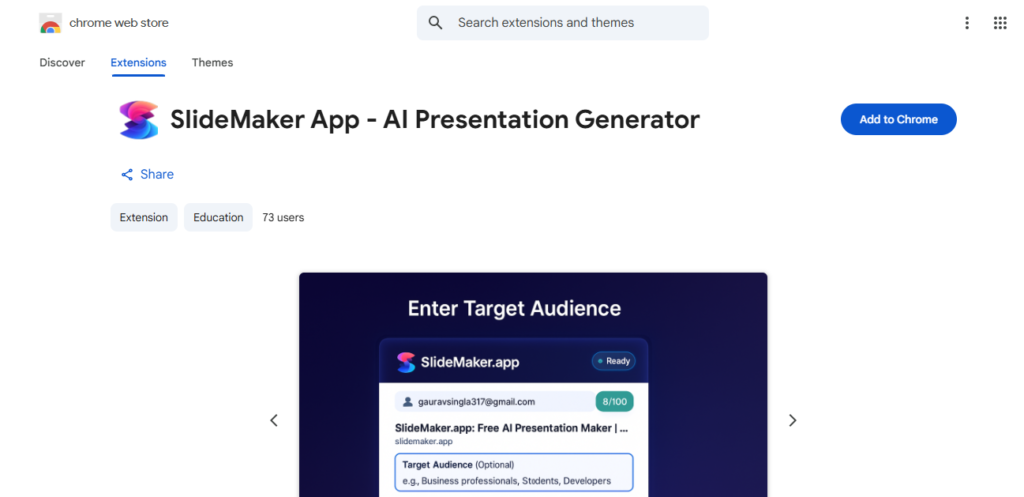
Q: Does Slidemaker have a Chrome extension?
A: Yes. This is to ensure have a seamless process designing your slides. Click here for the extension.
Q: Does Slidemaker support citations or academic references?
A: Yes. Students can insert references, bibliographies, and quotes manually within slides, and Slidemaker formats text to keep it readable.
Q: Can Slidemaker generate presenter notes for speeches?
A: Yes. Students can add speaker notes beneath each slide, helping them explain points during presentations.
Q: Are Slidemaker presentations editable after download?
A: Absolutely. After downloading as PPT or PDF, you can update fonts, colors, and content traditionally like any other presentation.
Q: Does Slidemaker work on phones or tablets?
A: Yes. Slidemaker is responsive and works on mobile browsers, letting students create presentations on smartphones and tablets.
Q: Can teachers use Slidemaker for classroom lessons?
A: Yes. Teachers can use it to build lesson notes, tutorial slides, or visual teaching materials for students.
Q. Does Slidemaker allow image and media upload?
A; You can insert your own images to personalize slides or illustrate project content.
Q: How does Slidemaker help shy students during presentations?
A: Because it structures slides clearly, students spend less time memorizing and more time explaining, hence boosting confidence.
Q: What file formats does Slidemaker support for exporting?
A: Slidemaker supports PPT and PDF exports, which work across many devices and platforms.
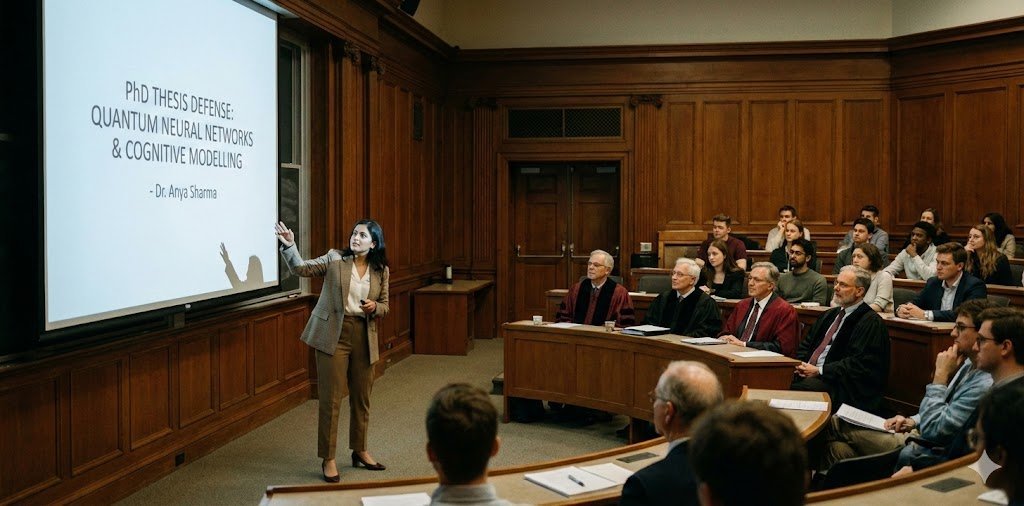
Q: Is Slidemaker recommended for final-year research defense presentations?
A: Yes. Its clean layouts and structured output make it suitable for thesis/defense presentations where clarity is essential.